
Seedream 5.0 Pro CAD Generator
Seedream 5.0 Pro holds up when a drawing gets busy. It keeps many components legible in one sheet, handles section hatching and leader lines without smearing them together, accepts up to 10 reference images, and costs 8 credits per generation.
Utdata: CAD -format PNG · Inte redigerbar CAD -fil
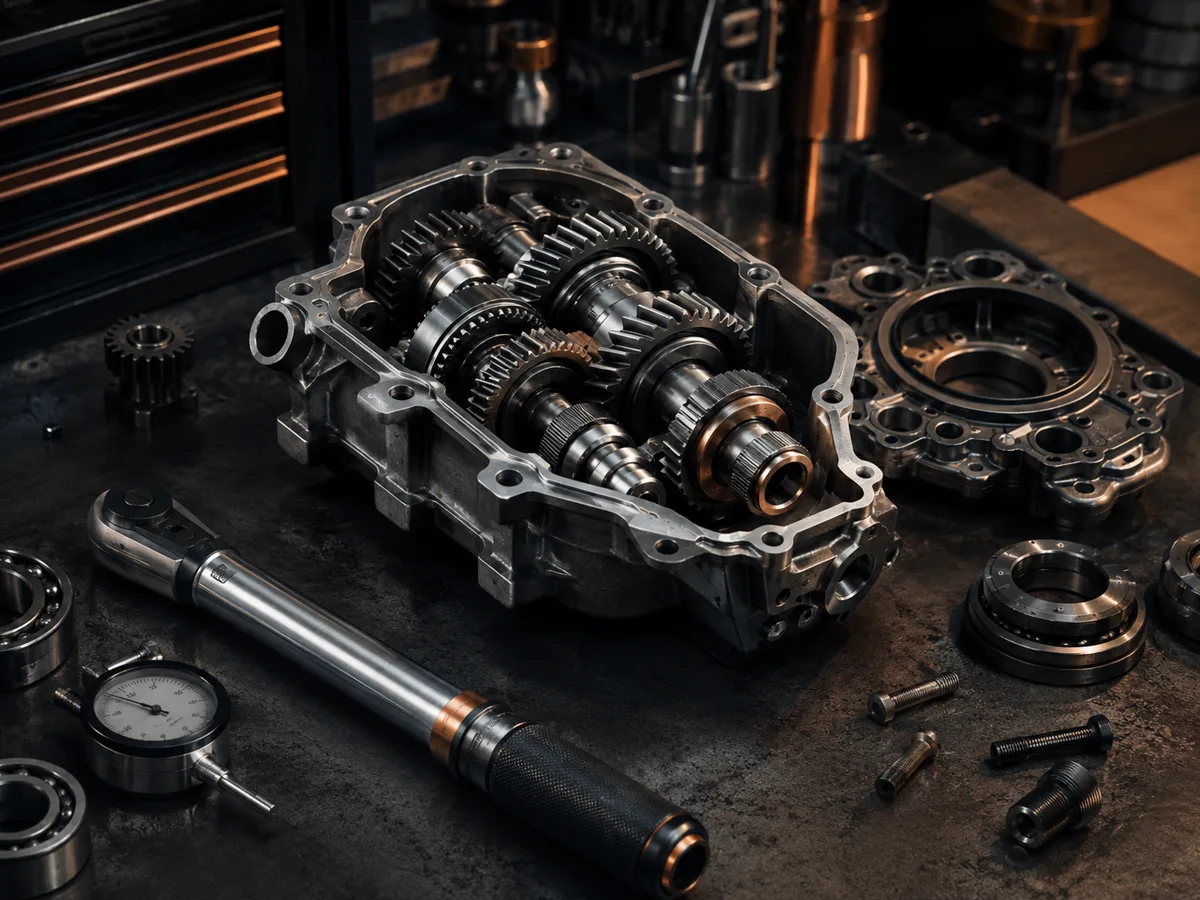
Best uses
Prompts that play to Seedream 5.0 Pro
Give it more to draw. Seedream 5.0 Pro is at its best on sectioned assemblies, exploded views, and sheets carrying several components at once.
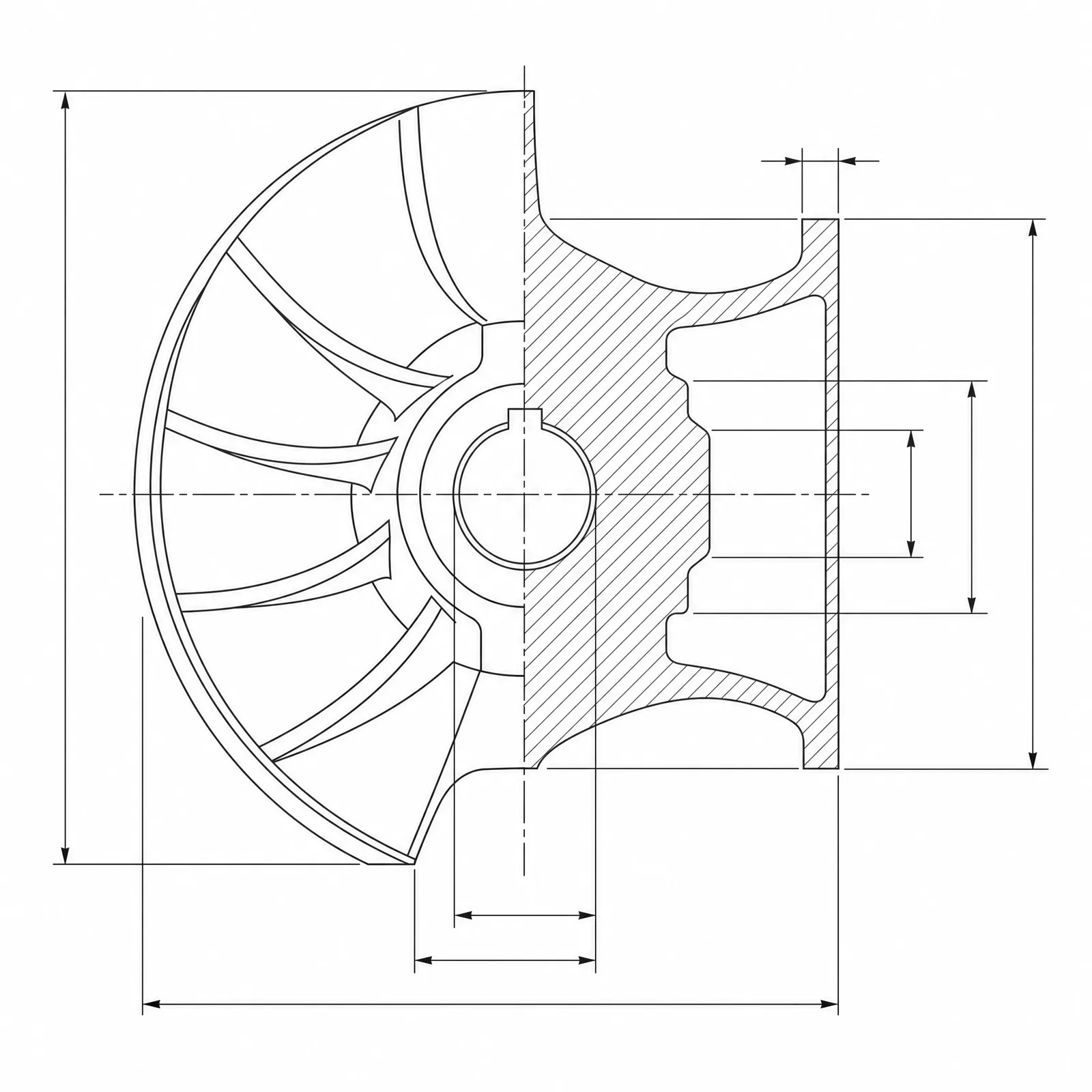
A centrifugal impeller shown as a half section through the hub with hatched cut faces, blade roots, shroud thickness, and a keyed shaft bore, densely dimensioned
Modellens kapacitet
Följande funktioner läser direkt in den modellkonfiguration som generatorn för närvarande använder.

Seedream 5.0 Pro
1K- Poäng per bild
- 8
- Beräknad tid
- 15-40s
- Inmatningsläge
- Textkonvertering CAD + Skiss omvandlad till CAD
- Antal referensbilder
- 10
- Maximalt antal tecken i sökordet
- Ej angivet
Seedream 5.0 Pro assembly kit
Assemble a busy drawing brief — components, presentation, and section treatment — for Seedream 5.0 Pro.
More parameters
Genererad prompt
Create a detailed CAD assembly drawing that keeps every component legible. a multi-part linear actuator. shown as a half section with hatched cut faces. Components: leadscrew, bearings, motor mount, and fasteners. dense dimension lines and leader lines throughout. clean technical drawing with precise linework. wide 16:9 composition.
Seedream 5.0 Pro output ideas
Vanliga frågor
How many credits does Seedream 5.0 Pro use?
Each Seedream 5.0 Pro generation uses 8 credits, reflecting its higher upstream cost than Flux 2 Pro or GPT Image 2.
When should I pick Seedream 5.0 Pro over GPT Image 2?
Pick Seedream 5.0 Pro when the drawing is crowded: multi-part assemblies, exploded views, or sheets with several views and heavy dimensioning.
How many reference images does it accept?
Up to 10, which is useful when several existing parts need to appear together in one assembly drawing.
Does Seedream 5.0 Pro output editable CAD files?
No. It produces CAD-style images for concepts, documentation, and presentations, not STEP, STL, or DWG files.
Behöver du fler genereringar?
Efter uppgraderingen får du fler poäng, högre upplösning och möjlighet att exportera utan vattenstämpel.