
AI Education CAD Generator
Create approachable technical visuals for lessons, assignments, and demonstrations. Generate examples of orthographic projection, section views, assemblies, and mechanical concepts without building every diagram from scratch.
Výstup: CAD styl PNG · není to upravitelný soubor CAD
Designed for education
Generate a classroom CAD example
Use these prompts as lesson starters, then adapt complexity, views, and geometry to match your learning objective.
Choose one learning objective, such as projection, sections, dimensioning, or assembly order.
Use these prompts as lesson starters, then adapt complexity, views, and geometry to match your learning objective.
Create a CAD learning diagram
Match the learning level, diagram type, annotation strategy, and lesson objective to a clear engineering-graphics teaching visual.
Vygenerovaný podnět
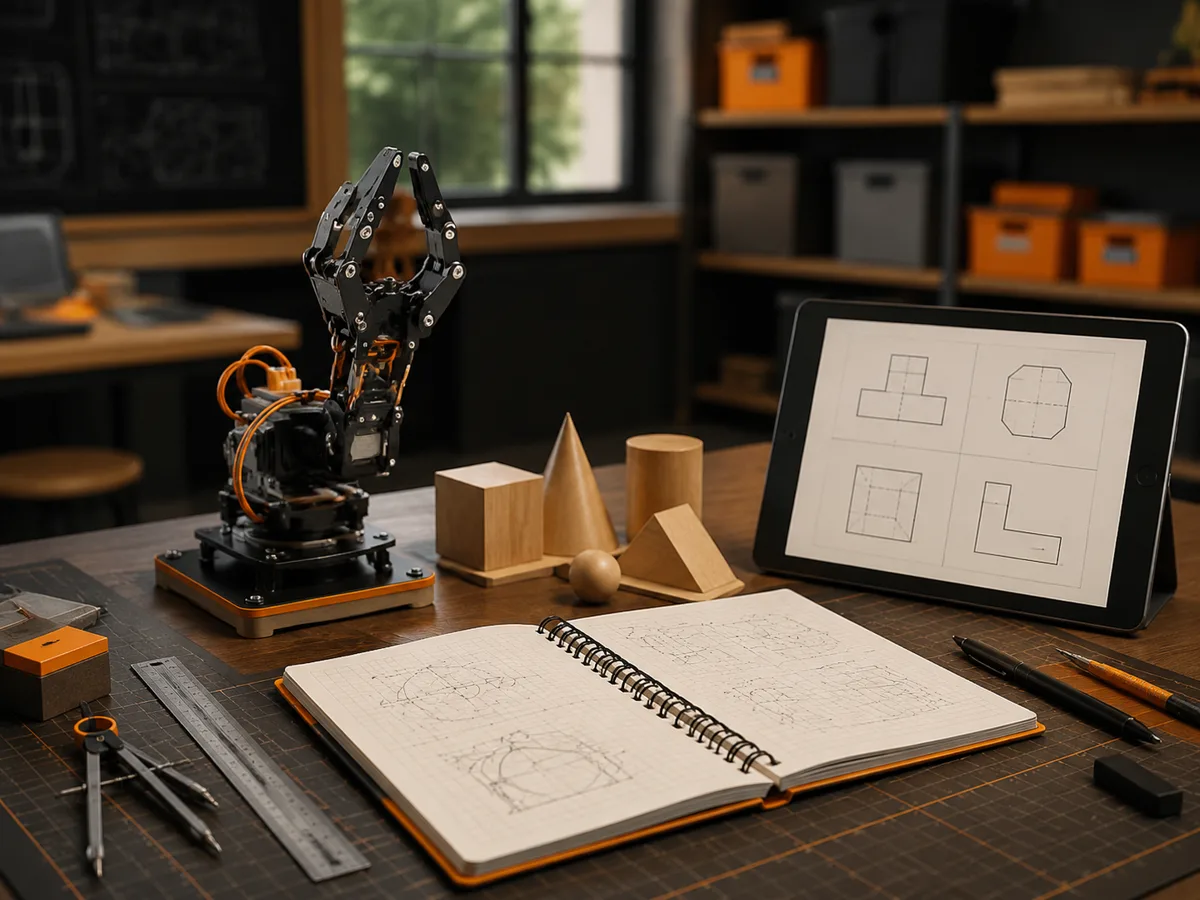
Create an educational CAD-style diagram with accurate visual relationships, an uncluttered teaching layout, and annotations appropriate to the learner level and stated objective. for beginners using simple geometry and plain-language labels. an orthographic projection lesson with aligned front, top, and side views. numbered callouts, short explanations, and restrained color highlights. teach learners to recognize views, line types, and drafting conventions.
Educational CAD drawing examples
Často kladené otázky
Can teachers use generated images in course materials?
Yes, subject to the usage rights of your DrawCAD plan. Review every image for technical accuracy before publishing or assigning it.
Does DrawCAD teach students how to use CAD software?
No. It creates visual examples for engineering graphics and design discussion. Hands-on CAD instruction still requires dedicated modeling software and exercises.
Why should I add labels after generation?
Image models may produce unreliable text. Generate the geometry and leader layout first, then add correct terminology in slides, worksheets, or document software.
Potřebujete více generování?
Po aktualizaci získáte více bodů, vyšší rozlišení a možnost exportu bez vodoznaku.