
Nano Banana CAD Generator
Use Nano Banana models inside DrawCAD for fast style changes, reference-guided revisions, and CAD presentation images. This page defaults to Nano Banana 2. DrawCAD is independent and is not an official Google product or endorsed by Google.
Output: CAD -format PNG · Ikke redigerbare CAD -filer
Best uses
CAD transformations with Nano Banana
Try prompts that preserve product geometry while changing the drawing treatment, presentation style, or supporting reference direction.
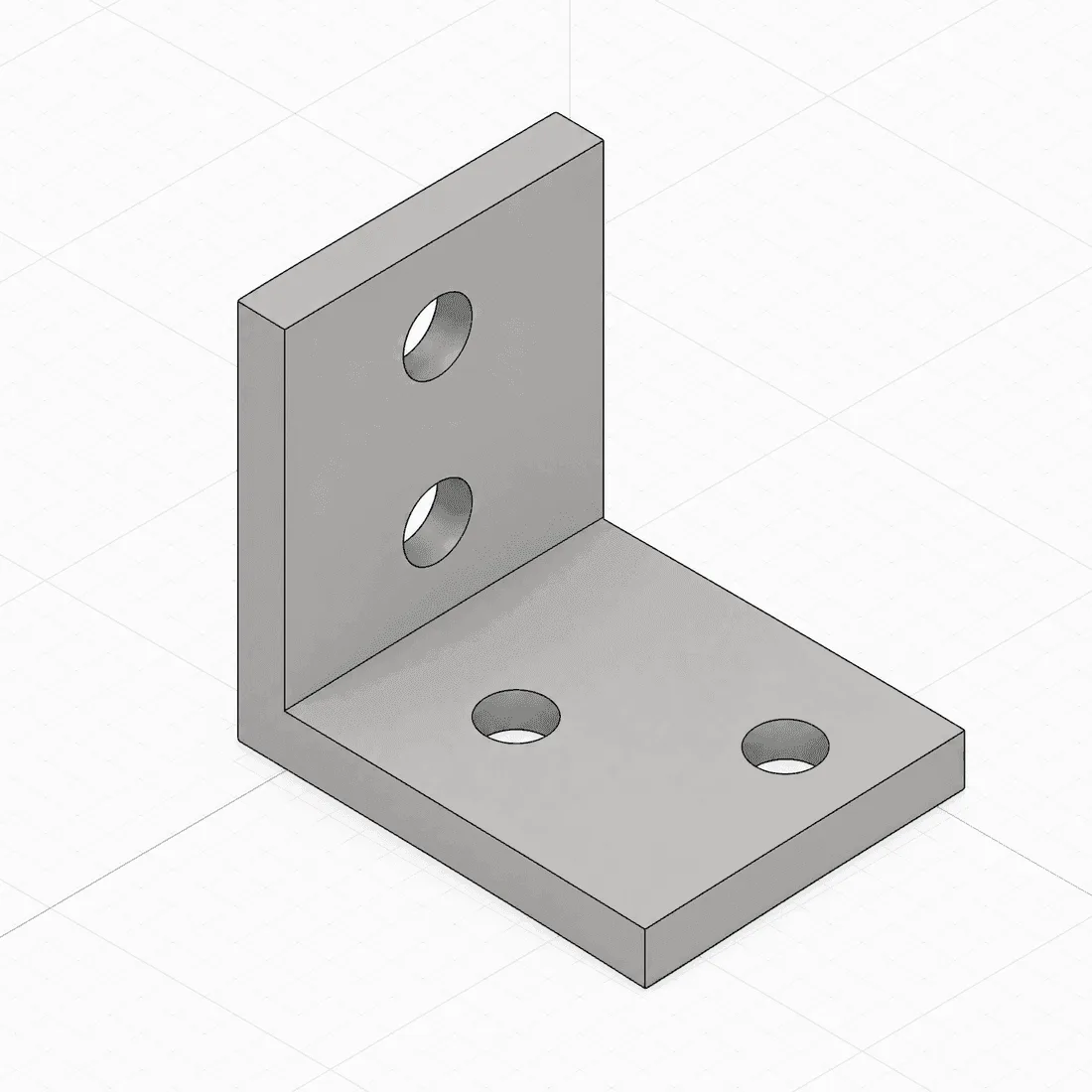
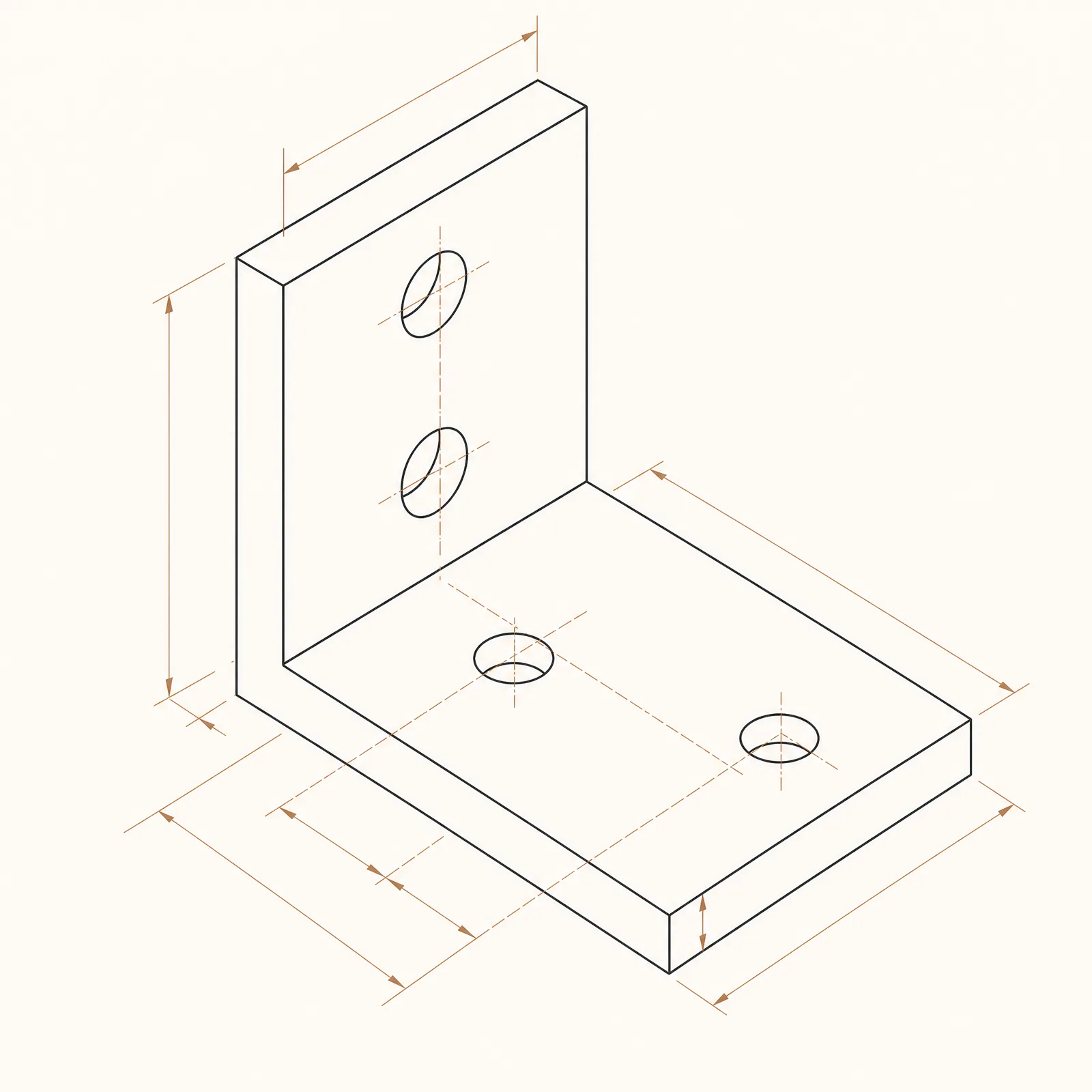
A balanced reference-guided conversion with detailed blueprint treatment.
Modelkapacitet
Følgende funktioner læser direkte den modelkonfiguration, som generatoren aktuelt bruger.

Nano Banana 2
4K- Point pr. billede
- 15
- Anslået varighed
- 15-30s
- Indtastningsmetode
- Tekst til CAD + Skitser til CAD
- Antal referencetegninger
- 14
- Maksimalt antal tegn i søgeordet
- 20,000
Nano Banana Pro
4K- Point pr. billede
- 45
- Anslået varighed
- 15-30s
- Indtastningsmetode
- Tekst til CAD + Skitser til CAD
- Antal referencetegninger
- 8
- Maksimalt antal tegn i søgeordet
- 10,000
Nano Banana
1K- Point pr. billede
- 9
- Anslået varighed
- 15-30s
- Indtastningsmetode
- Tekst til CAD
- Antal referencetegninger
- Understøttes ikke
- Maksimalt antal tegn i søgeordet
- 5,000
Nano Banana model workflow kit in DrawCAD
Prepare CAD-style transformations and route each template to Nano Banana 2, Nano Banana Pro, or the text-only Nano Banana option. DrawCAD is independent and is not affiliated with or endorsed by Google.
More parameters
Genereret prompt
Create a CAD-style visual transformation while preserving the requested product geometry. Subject: compact finned aluminum heatsink. create a consistent CAD presentation style study. Preserve exactly: fin count, base thickness, mounting holes, and overall proportions. three consistent views with matching scale. softly shaded CAD product render. landscape 4:3 composition.
Nano Banana CAD-style examples
Ofte stillede spørgsmål
Is DrawCAD an official Google product?
No. DrawCAD is an independent product that makes supported image models available in a CAD-focused workflow. It is not affiliated with or endorsed by Google.
Which Nano Banana model is selected by default?
Nano Banana 2 is the default because it supports both text and sketch modes, up to 14 reference images, and resolution controls up to 4K.
What are the three Nano Banana options?
Nano Banana is a 9-credit text-only option; Nano Banana 2 is a 15-credit balanced text-and-sketch option; Nano Banana Pro is a 45-credit premium text-and-sketch option.
Har du brug for flere genereringer?
Efter opgraderingen får du flere point, højere opløsning og eksport uden vandmærke.