
AI Sketch to CAD Generator
Upload a hand sketch, whiteboard photo, or rough concept image, then describe what should be cleaned up. DrawCAD follows the reference and renders a polished CAD-style drawing.
Ausgabe: CAD -Stil PNG · Keine bearbeitbaren CAD -Dateien
Best for
Try sketch-to-CAD references
These examples preload a rough sketch reference and a prompt so you can test the image-to-CAD workflow quickly.
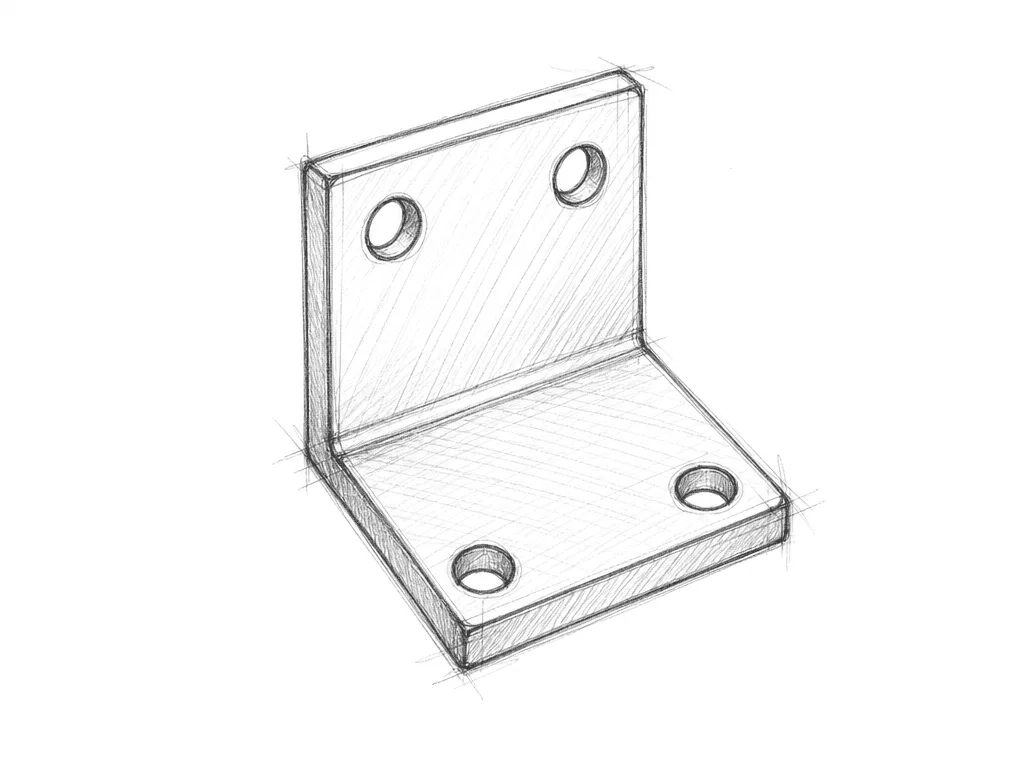
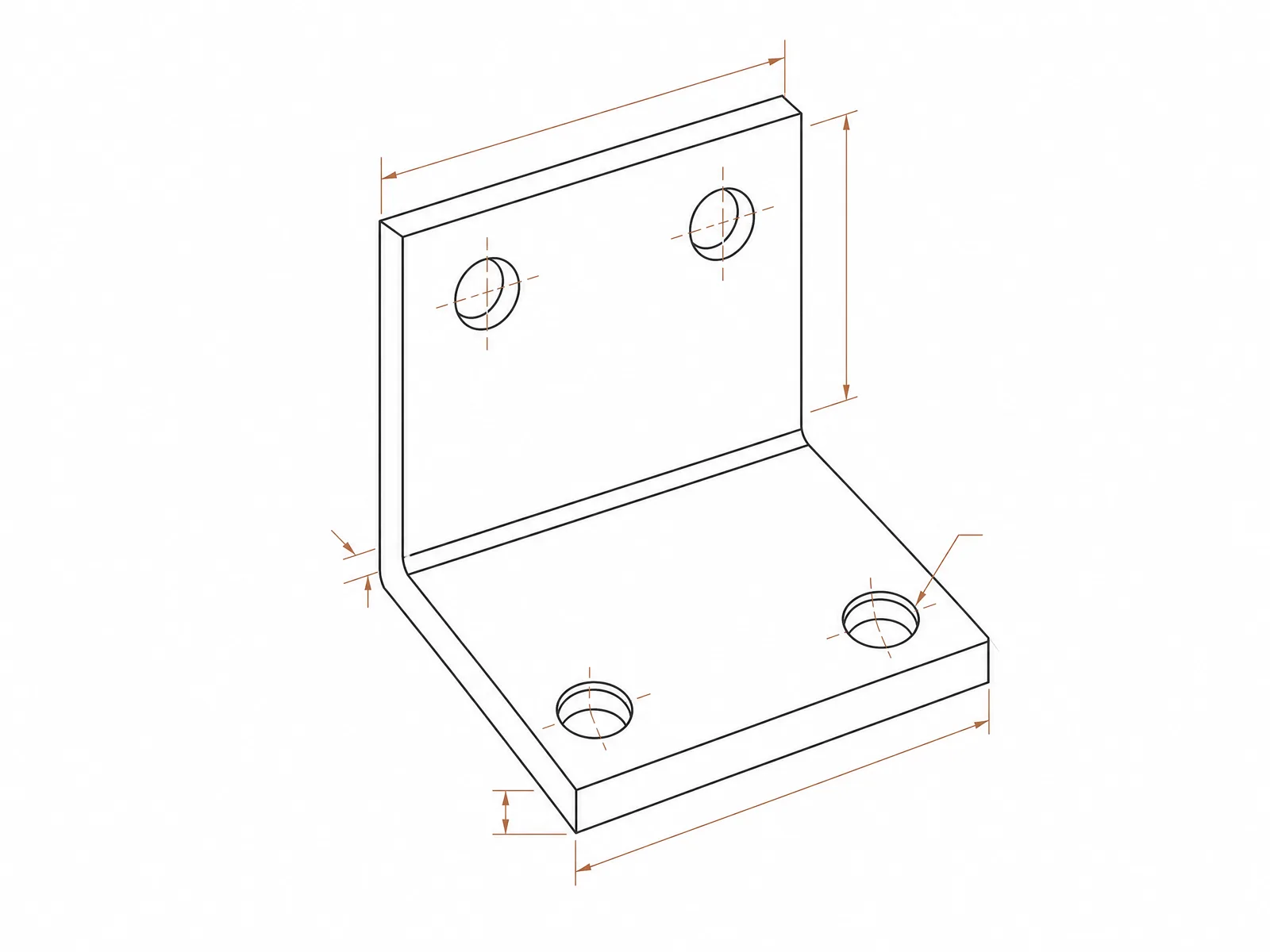
Bracket sketch
Clean this rough bracket sketch into a precise CAD-style technical drawing with mounting holes and dimensions
Plan a sketch cleanup
Tell DrawCAD what geometry to preserve, what ambiguity to resolve, and how the cleaned result should be presented.
More parameters
Generierte Prompt-Worte
Convert the uploaded sketch into a clean CAD-style drawing while following this cleanup brief. preserve the original silhouette and feature placement. Features to preserve: hole positions, hinge axis, outer proportions. reconstruct as a consistent isometric view. add restrained critical dimensions and centerlines. use precise technical linework.
Sketch-to-CAD output examples
Häufig gestellte Fragen
Do I need to upload an image?
Yes. This page is for Sketch to CAD, so a reference sketch is required before generation.
What kind of sketches work best?
Simple line sketches, scanned pencil drawings, whiteboard concepts, and photos of rough product ideas work best.
Can I edit the result?
After generation you can use the result as a new reference and describe the change you want.
Möchten Sie weitere Generierungen?
Nach dem Upgrade erhalten Sie mehr Punkte, eine höhere Auflösung und die Möglichkeit, Dateien ohne Wasserzeichen zu exportieren.