
DrawCAD 2.0
DrawCAD 2.0 is the higher-detail model for text prompts, rough sketches, and reference-guided CAD visuals. It supports up to 16 reference images and resolution controls up to 4K where the selected aspect ratio allows it.
Sortie : CAD style PNG · Fichier non modifiable CAD
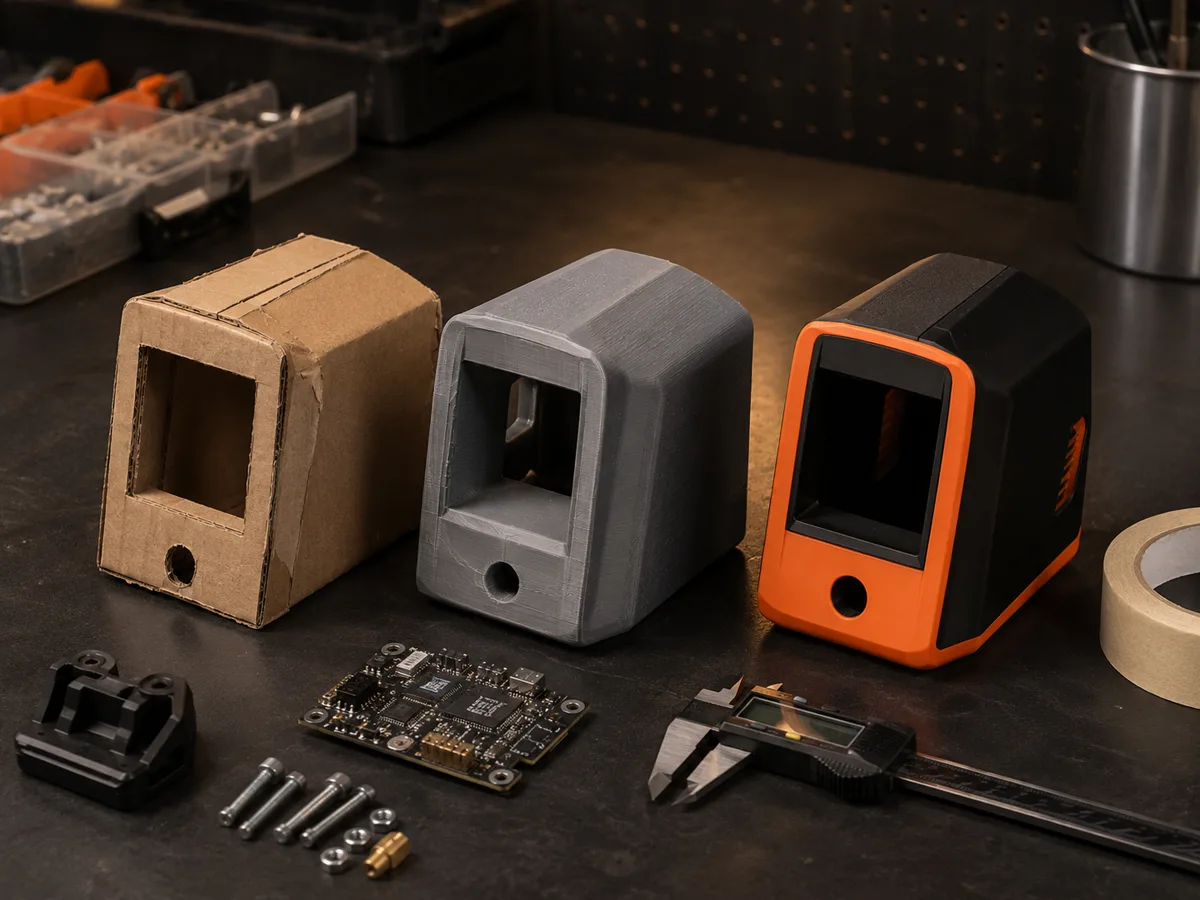
Best uses
Detailed DrawCAD 2.0 workflows
Use a prompt alone or upload a sketch, drawing, or product reference to preserve important geometry while improving the presentation.
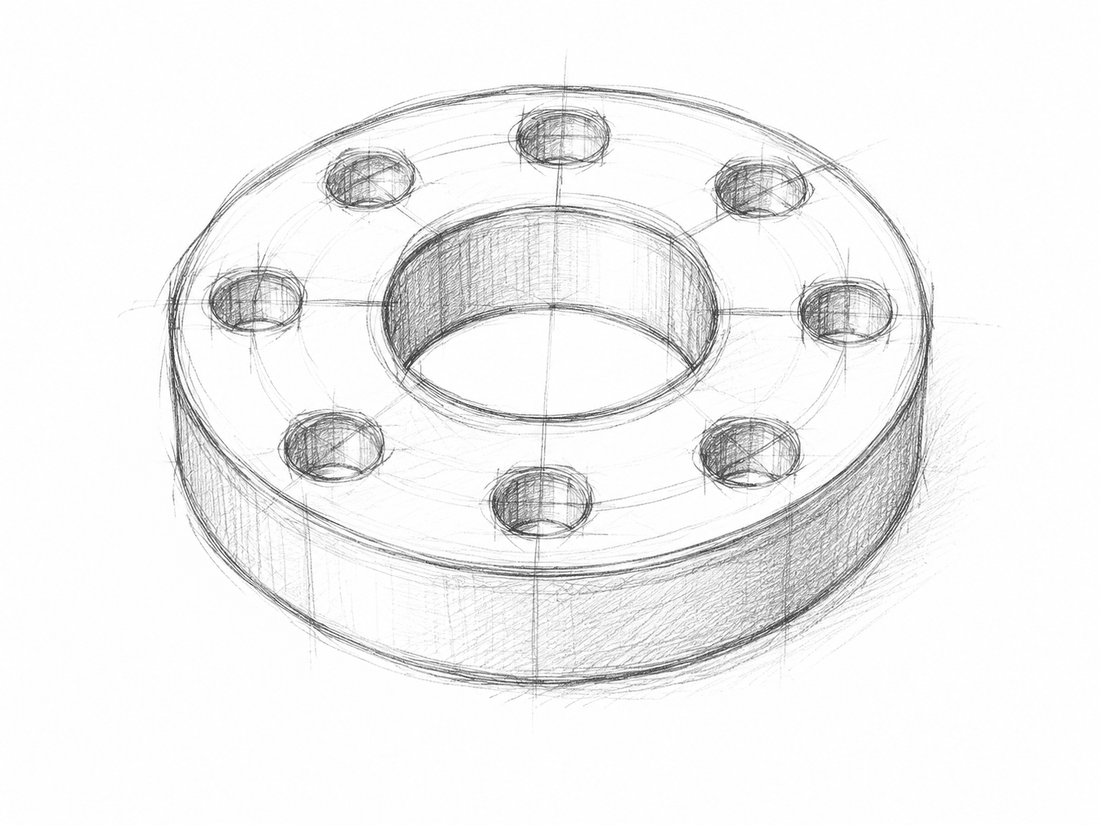
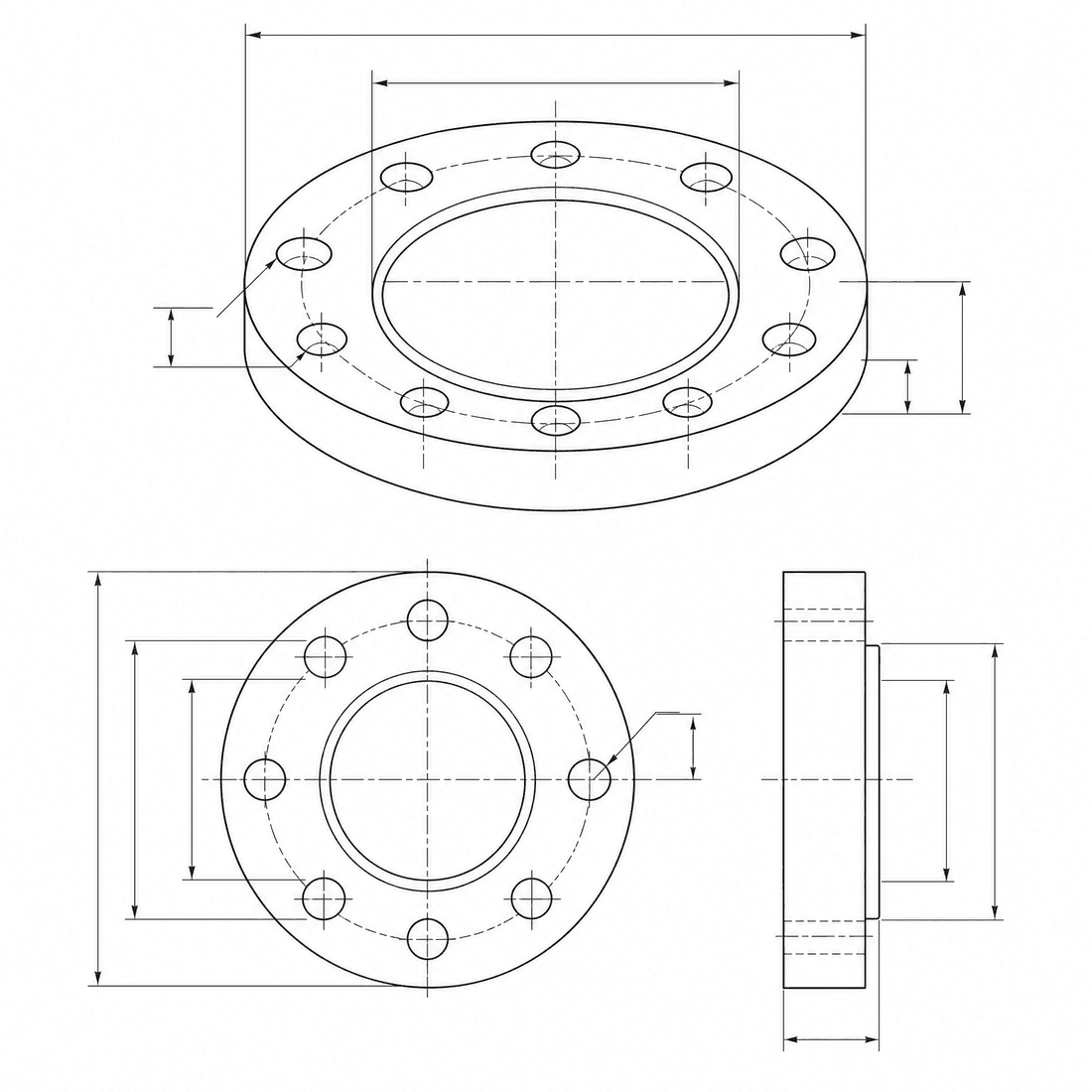
Dimensioned pipe flange
Refine the flange concept into a precise engineering drawing with a six-hole bolt circle, center bore, dimension lines, and section detail
Capacités du modèle
Les capacités suivantes permettent de lire directement la configuration du modèle actuellement utilisée par le générateur.

DrawCAD 2.0
4K- Points par image
- 6
- Durée estimée
- 15-90s
- Mode de saisie
- Conversion de texte CAD + Conversion d'esquisse : CAD
- Nombre d'illustrations de référence
- 16
- Nombre maximal de caractères pour la phrase d'invite
- 20,000
DrawCAD 2.0 sketch refinement kit
Turn a written brief or rough sketch into a detailed CAD presentation with reference guidance and compatible output up to 4K.
More parameters
Prompt généré
Create a detailed CAD presentation that preserves the specified geometry. Object: six-hole pipe flange. Preserve: center bore, six-hole bolt circle, stepped rim, and symmetric proportions. orthographic views with concise dimension lines. clean technical drawing with precise linework. landscape 4:3 composition. 2K detailed output.
High-detail DrawCAD 2.0 examples
Foire aux questions
Does DrawCAD 2.0 support Sketch to CAD?
Yes. DrawCAD 2.0 supports text and sketch modes, including up to 16 reference images for image-guided generation.
Can every DrawCAD 2.0 image be generated at 4K?
No. 4K depends on the selected workflow and aspect ratio. Square 1:1 cannot output 4K, Auto is limited to 1K, and some wide or tall ratios have additional limits.
How many credits and how much time does it use?
DrawCAD 2.0 uses 6 credits per generation and typically takes 15-90 seconds depending on mode and output settings.
Vous avez besoin de plus de générations ?
La mise à niveau vous permettra d'obtenir davantage de points, une meilleure résolution et des exportations sans filigrane.