
GPT Image 2 CAD Generator
Use GPT Image 2 inside DrawCAD for long, structured prompts, multi-reference composition, and detailed CAD-style presentation. DrawCAD is an independent product and is not an official OpenAI product or endorsed by OpenAI.
Kimenet: CAD stílusú PNG · nem szerkeszthető CAD fájl
Best uses
Complex prompts for GPT Image 2
Build structured prompts that define the object, views, annotations, materials, and layout, or add references to guide the composition.
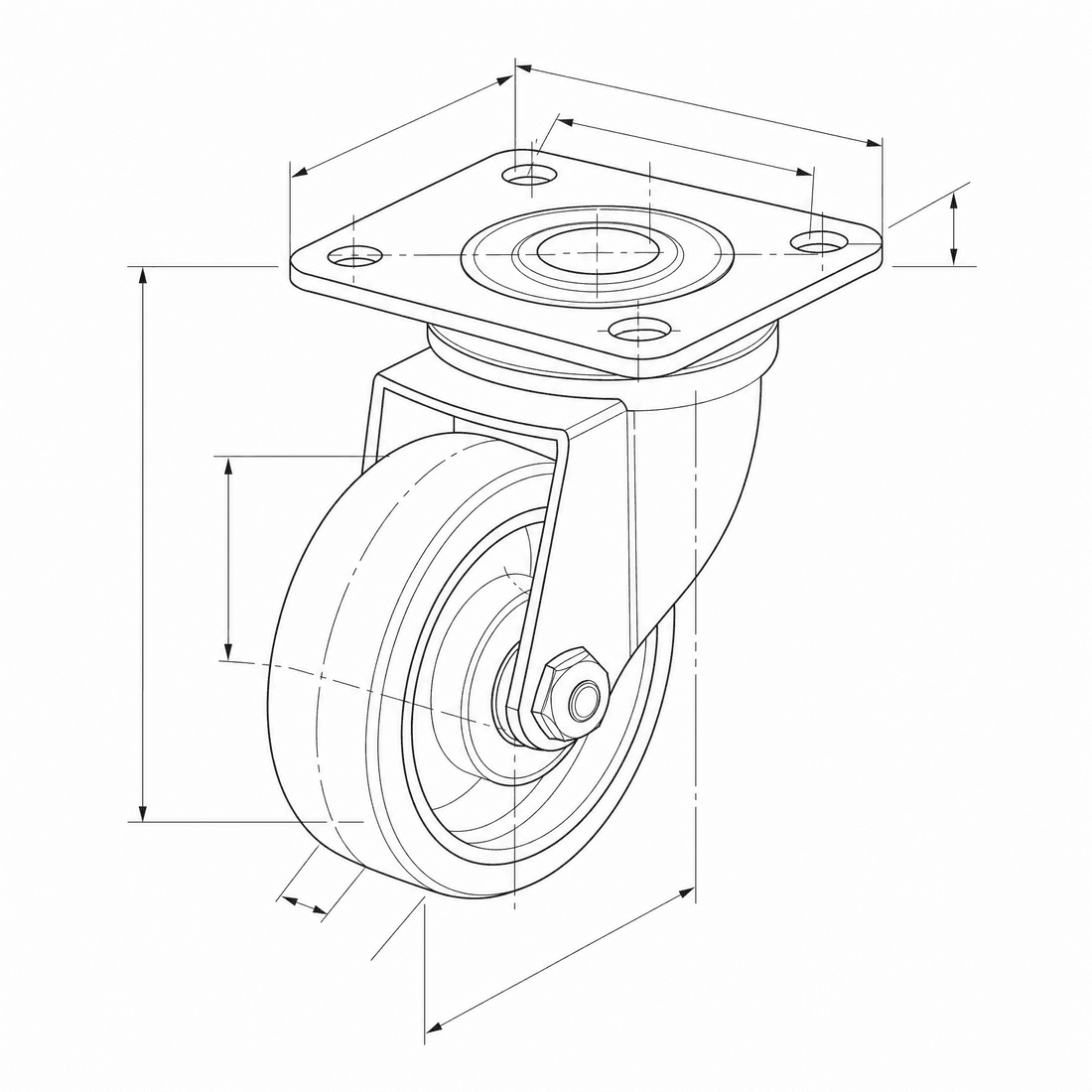
Create an exploded CAD-style assembly drawing of a swivel caster showing the mounting plate, bearing race, fork, axle, wheel, fasteners, and aligned assembly guides
A modell képességei
Az alábbi funkciók közvetlenül olvassák be a generátor által jelenleg használt modellkonfigurációt.

GPT Image 2
4K- Pontok száma képenként
- 6
- Becsült időtartam
- 15-90s
- Beviteli mód
- Szöveg átalakítása CAD + Vázlat átalakítása: CAD
- A hivatkozott ábrák száma
- 16
- A kulcsszó maximális karakter száma
- 20,000
GPT Image 1.5
1K- Pontok száma képenként
- 7
- Becsült időtartam
- 15-60s
- Beviteli mód
- Szöveg átalakítása CAD + Vázlat átalakítása: CAD
- A hivatkozott ábrák száma
- 16
- A kulcsszó maximális karakter száma
- Nincs megadva
GPT Image 2 structured CAD brief in DrawCAD
Compose a long, structured design brief for complex assemblies, multi-view layouts, reference-guided revisions, and compatible output up to 4K. DrawCAD is independent and is not affiliated with or endorsed by OpenAI.
More parameters
Létrehozott prompt
Create a presentation-ready CAD design sheet from this structured brief. Object and component hierarchy: swivel caster assembly with mounting plate, bearing race, fork, axle, wheel, and fasteners. one large exploded isometric view plus two mechanism detail insets. Annotations: part labels, assembly guide lines, critical dimensions, and material callouts. clean isometric CAD presentation. wide 16:9 composition. 2K detailed output.
GPT Image 2 CAD-style examples
Gyakran feltett kérdések
Is DrawCAD an official OpenAI product?
No. DrawCAD is an independent product that provides access to supported image models in a CAD-focused workflow. It is not affiliated with or endorsed by OpenAI.
Does this page support reference images?
Yes. GPT Image 2 supports text and sketch modes in DrawCAD, with up to 16 reference images and prompts up to 20,000 characters.
How is GPT Image 2 different from GPT Image 1.5 in DrawCAD?
GPT Image 2 adds resolution controls up to 4K and uses 6 credits. GPT Image 1.5 is a separate 1K option that uses 7 credits.
Több generálásra van szükség?
A frissítés után több pontot, nagyobb felbontást és vízjel nélküli exportálási lehetőséget kapsz.