
Nano Banana CAD Generator
Use Nano Banana models inside DrawCAD for fast style changes, reference-guided revisions, and CAD presentation images. This page defaults to Nano Banana 2. DrawCAD is independent and is not an official Google product or endorsed by Google.
Output: CAD in stile PNG · File non modificabile CAD
Best uses
CAD transformations with Nano Banana
Try prompts that preserve product geometry while changing the drawing treatment, presentation style, or supporting reference direction.
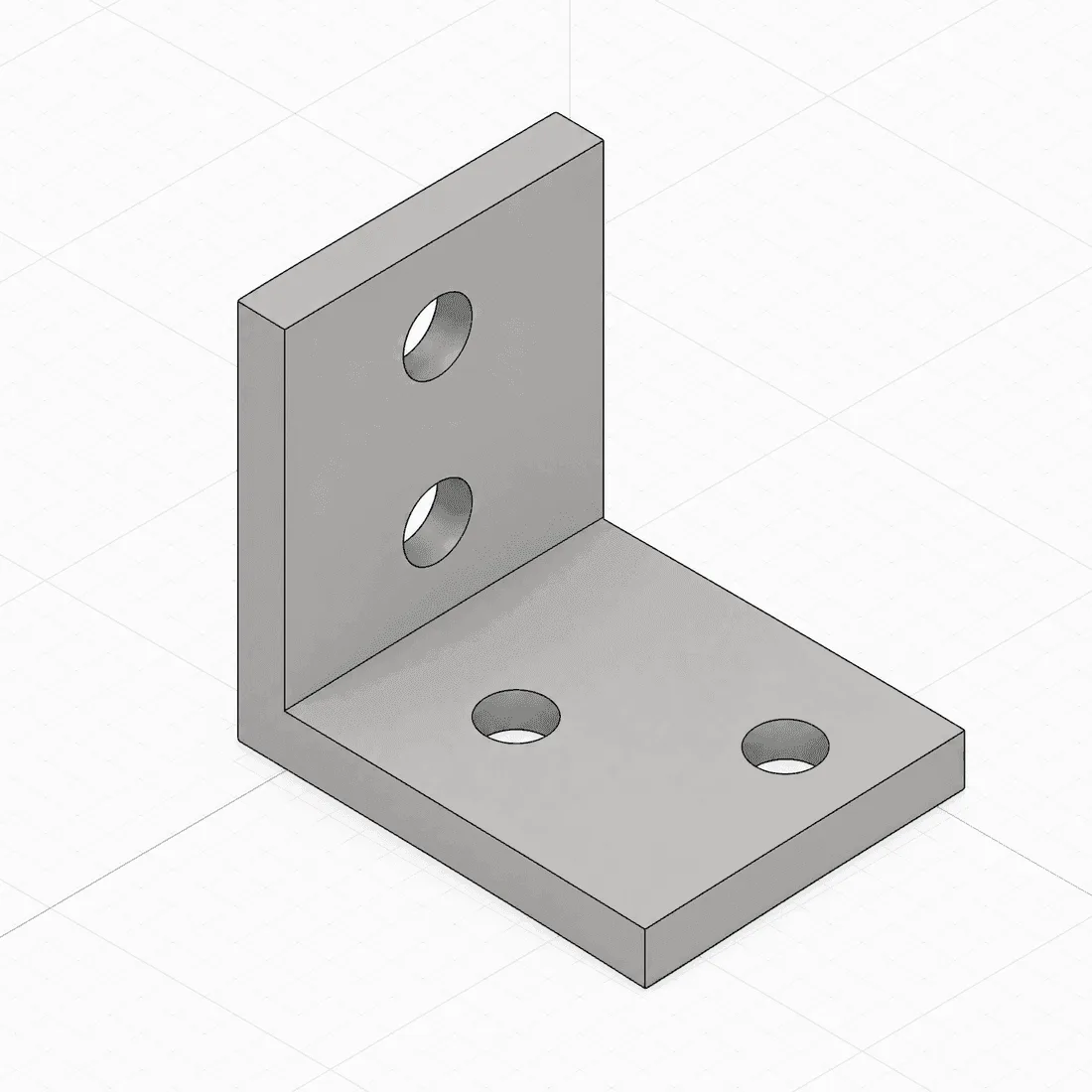
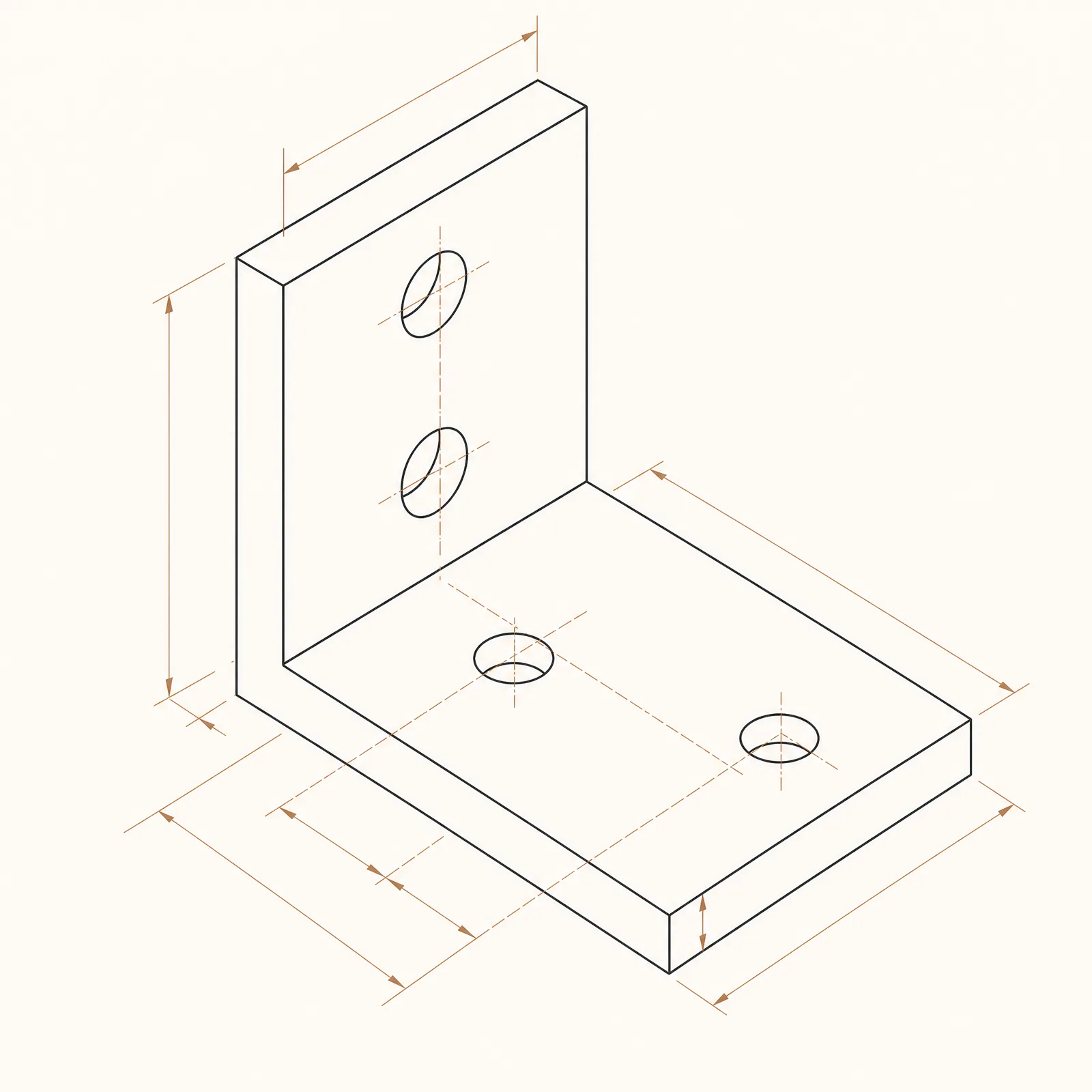
A balanced reference-guided conversion with detailed blueprint treatment.
Capacità del modello
Le seguenti funzionalità leggono direttamente la configurazione del modello attualmente utilizzata dal generatore.

Nano Banana 2
4K- Punti per ogni immagine
- 15
- Tempo previsto
- 15-30s
- Modalità di immissione
- Conversione del testo in CAD + Trasformazione da schizzo a CAD
- Numero di immagini di riferimento
- 14
- Numero massimo di caratteri per la parola chiave
- 20,000
Nano Banana Pro
4K- Punti per ogni immagine
- 45
- Tempo previsto
- 15-30s
- Modalità di immissione
- Conversione del testo in CAD + Trasformazione da schizzo a CAD
- Numero di immagini di riferimento
- 8
- Numero massimo di caratteri per la parola chiave
- 10,000
Nano Banana
1K- Punti per ogni immagine
- 9
- Tempo previsto
- 15-30s
- Modalità di immissione
- Conversione del testo in CAD
- Numero di immagini di riferimento
- Non supportato
- Numero massimo di caratteri per la parola chiave
- 5,000
Nano Banana model workflow kit in DrawCAD
Prepare CAD-style transformations and route each template to Nano Banana 2, Nano Banana Pro, or the text-only Nano Banana option. DrawCAD is independent and is not affiliated with or endorsed by Google.
More parameters
Prompt generato
Create a CAD-style visual transformation while preserving the requested product geometry. Subject: compact finned aluminum heatsink. create a consistent CAD presentation style study. Preserve exactly: fin count, base thickness, mounting holes, and overall proportions. three consistent views with matching scale. softly shaded CAD product render. landscape 4:3 composition.
Nano Banana CAD-style examples
Domande frequenti
Is DrawCAD an official Google product?
No. DrawCAD is an independent product that makes supported image models available in a CAD-focused workflow. It is not affiliated with or endorsed by Google.
Which Nano Banana model is selected by default?
Nano Banana 2 is the default because it supports both text and sketch modes, up to 14 reference images, and resolution controls up to 4K.
What are the three Nano Banana options?
Nano Banana is a 9-credit text-only option; Nano Banana 2 is a 15-credit balanced text-and-sketch option; Nano Banana Pro is a 45-credit premium text-and-sketch option.
Hai bisogno di un numero maggiore di generazioni?
Dopo l'aggiornamento potrai ottenere più punti, una risoluzione più alta e l'esportazione senza filigrana.