
AI Sketch to CAD Generator
Upload a hand sketch, whiteboard photo, or rough concept image, then describe what should be cleaned up. DrawCAD follows the reference and renders a polished CAD-style drawing.
Uitvoer: CAD -stijl PNG · Niet-bewerkbaar CAD -bestand
Best for
Try sketch-to-CAD references
These examples preload a rough sketch reference and a prompt so you can test the image-to-CAD workflow quickly.
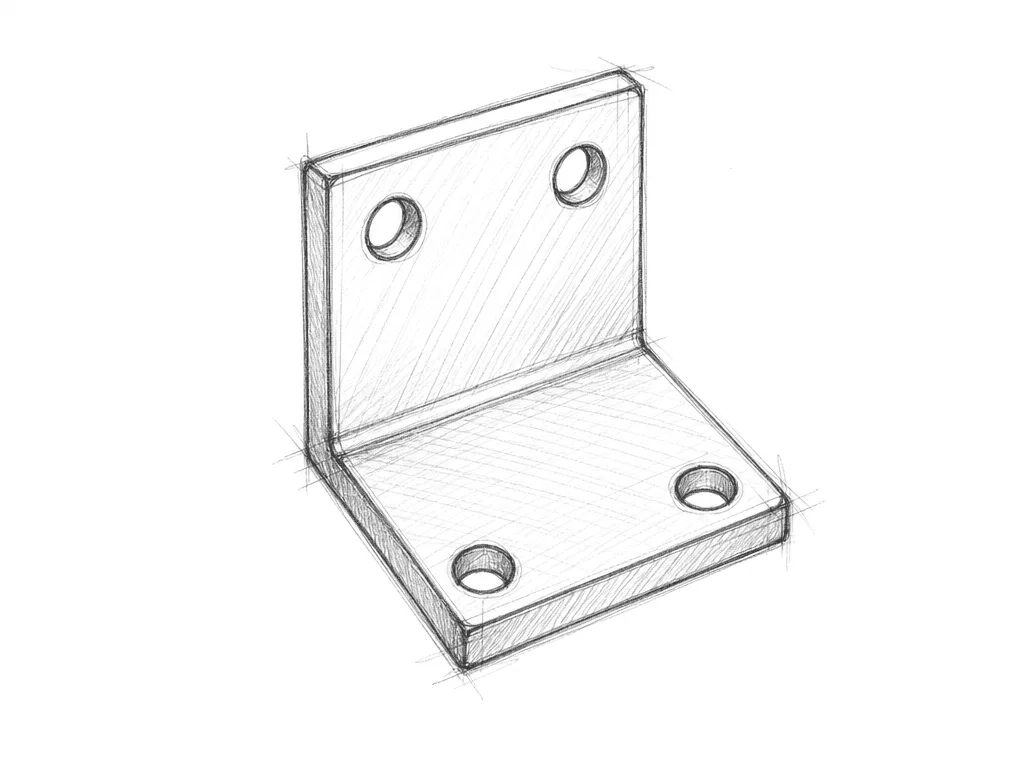
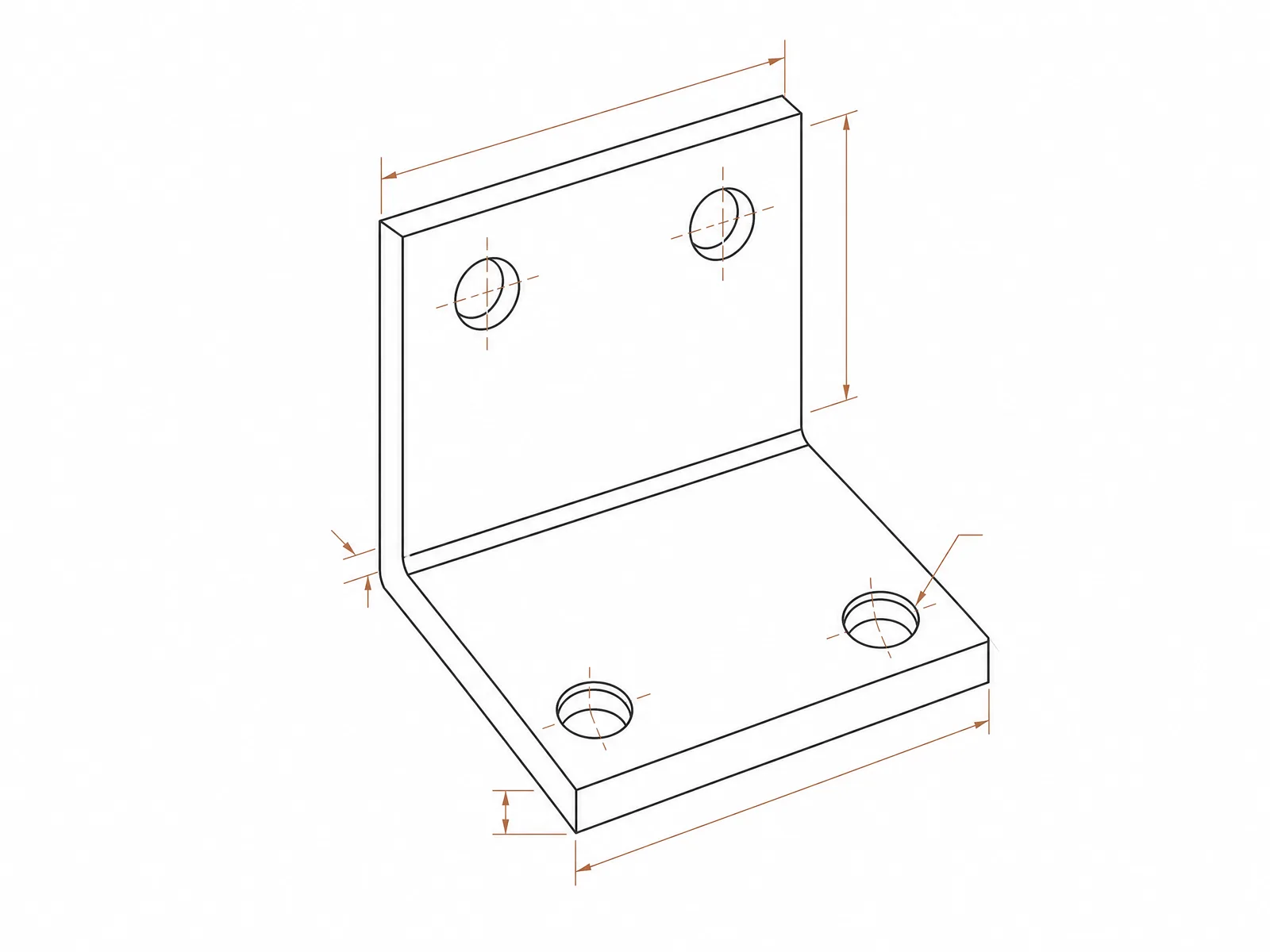
Bracket sketch
Clean this rough bracket sketch into a precise CAD-style technical drawing with mounting holes and dimensions
Plan a sketch cleanup
Tell DrawCAD what geometry to preserve, what ambiguity to resolve, and how the cleaned result should be presented.
More parameters
Gegenereerde prompt
Convert the uploaded sketch into a clean CAD-style drawing while following this cleanup brief. preserve the original silhouette and feature placement. Features to preserve: hole positions, hinge axis, outer proportions. reconstruct as a consistent isometric view. add restrained critical dimensions and centerlines. use precise technical linework.
Sketch-to-CAD output examples
Veelgestelde vragen
Do I need to upload an image?
Yes. This page is for Sketch to CAD, so a reference sketch is required before generation.
What kind of sketches work best?
Simple line sketches, scanned pencil drawings, whiteboard concepts, and photos of rough product ideas work best.
Can I edit the result?
After generation you can use the result as a new reference and describe the change you want.
Wil je meer generaties?
Na de upgrade krijg je meer punten, een hogere resolutie en de mogelijkheid om bestanden zonder watermerk te exporteren.