
DrawCAD 2.0
DrawCAD 2.0 is the higher-detail model for text prompts, rough sketches, and reference-guided CAD visuals. It supports up to 16 reference images and resolution controls up to 4K where the selected aspect ratio allows it.
Wynik: Plik w formacie CAD PNG · Nie jest to plik edytowalny CAD
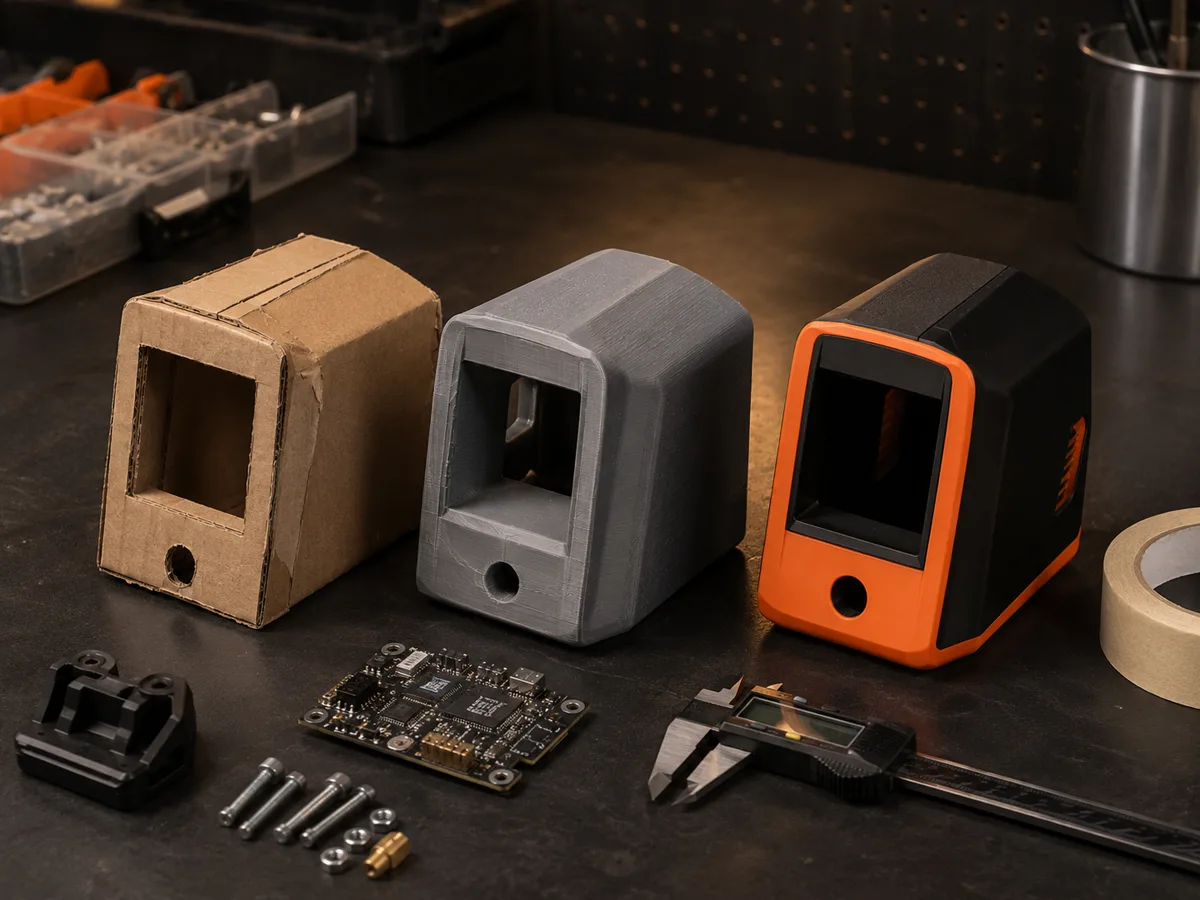
Best uses
Detailed DrawCAD 2.0 workflows
Use a prompt alone or upload a sketch, drawing, or product reference to preserve important geometry while improving the presentation.
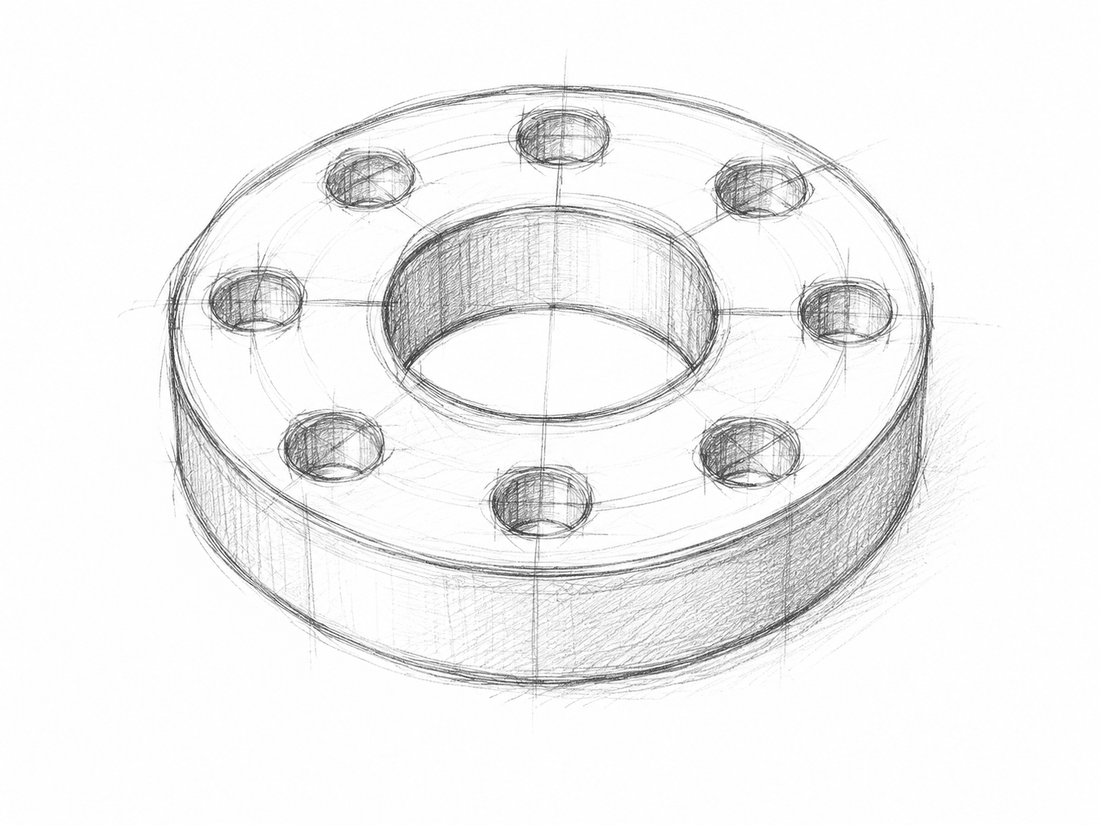
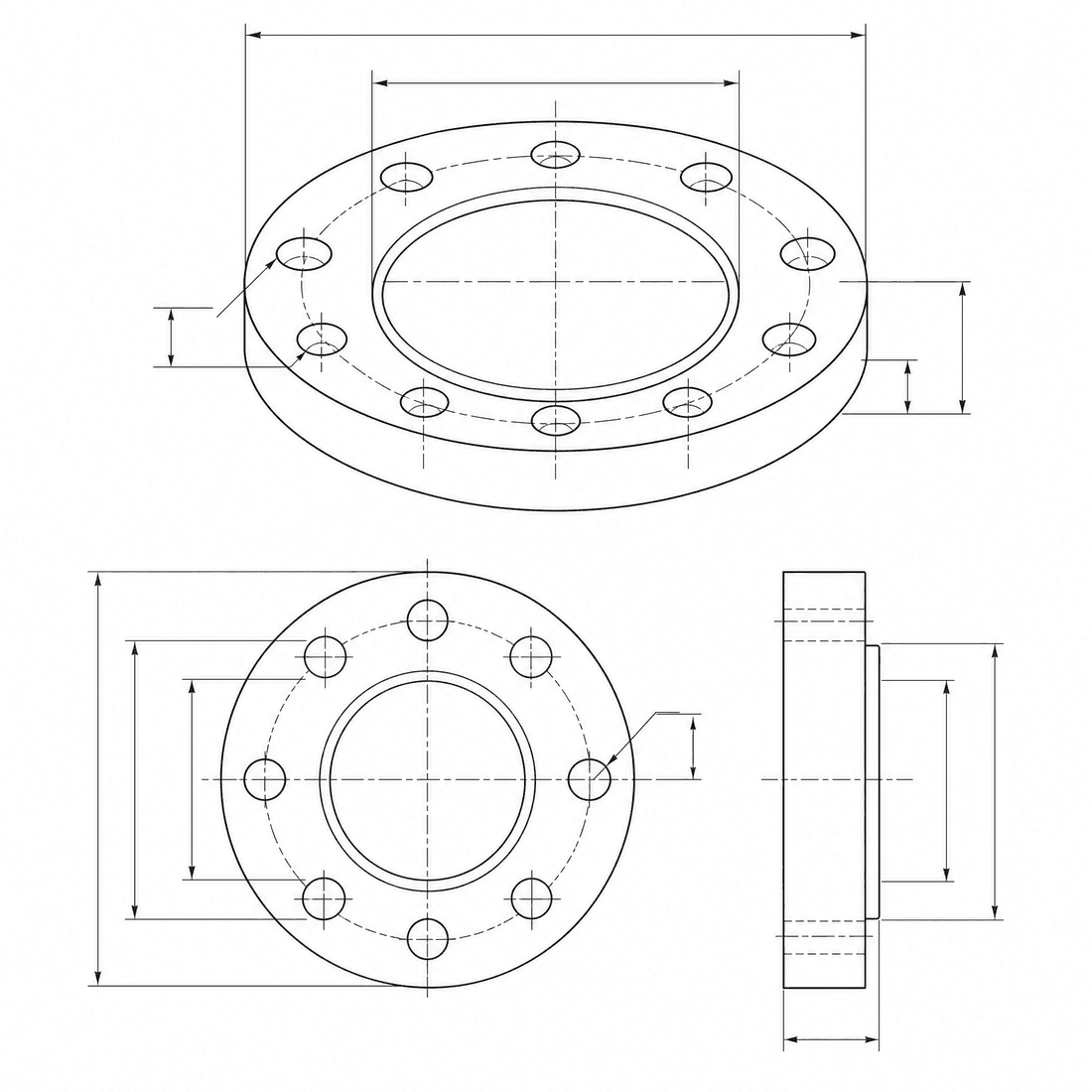
Dimensioned pipe flange
Refine the flange concept into a precise engineering drawing with a six-hole bolt circle, center bore, dimension lines, and section detail
Możliwości modelu
Poniższe funkcje umożliwiają bezpośredni odczyt aktualnie używanej konfiguracji modelu przez generator.
DrawCAD 2.0
4K- Punkty za każdy rysunek
- 6
- Przewidywany czas trwania
- 15-90s
- Tryb wprowadzania danych
- Konwersja tekstu CAD + Przekształcenie szkicu CAD
- Liczba rysunków referencyjnych
- 16
- Maksymalna liczba znaków w słowie-kluczu
- 20,000
DrawCAD 2.0 sketch refinement kit
Turn a written brief or rough sketch into a detailed CAD presentation with reference guidance and compatible output up to 4K.
More parameters
Wygenerowana fraza podpowiedzi
Create a detailed CAD presentation that preserves the specified geometry. Object: six-hole pipe flange. Preserve: center bore, six-hole bolt circle, stepped rim, and symmetric proportions. orthographic views with concise dimension lines. clean technical drawing with precise linework. landscape 4:3 composition. 2K detailed output.
High-detail DrawCAD 2.0 examples
Najczęściej zadawane pytania
Does DrawCAD 2.0 support Sketch to CAD?
Yes. DrawCAD 2.0 supports text and sketch modes, including up to 16 reference images for image-guided generation.
Can every DrawCAD 2.0 image be generated at 4K?
No. 4K depends on the selected workflow and aspect ratio. Square 1:1 cannot output 4K, Auto is limited to 1K, and some wide or tall ratios have additional limits.
How many credits and how much time does it use?
DrawCAD 2.0 uses 6 credits per generation and typically takes 15-90 seconds depending on mode and output settings.
Potrzebujesz większej liczby generowań?
Po aktualizacji uzyskasz więcej punktów, wyższą rozdzielczość oraz możliwość eksportowania plików bez znaku wodnego.