
Gear CAD Drawing Generator
Turn tooth count, pitch, bore, hub, keyway, and gear-family details into CAD-style gear images for mechanism concepts, teaching materials, and technical presentations.
Çıktı: CAD tarzında PNG · Düzenlenemez CAD dosyası
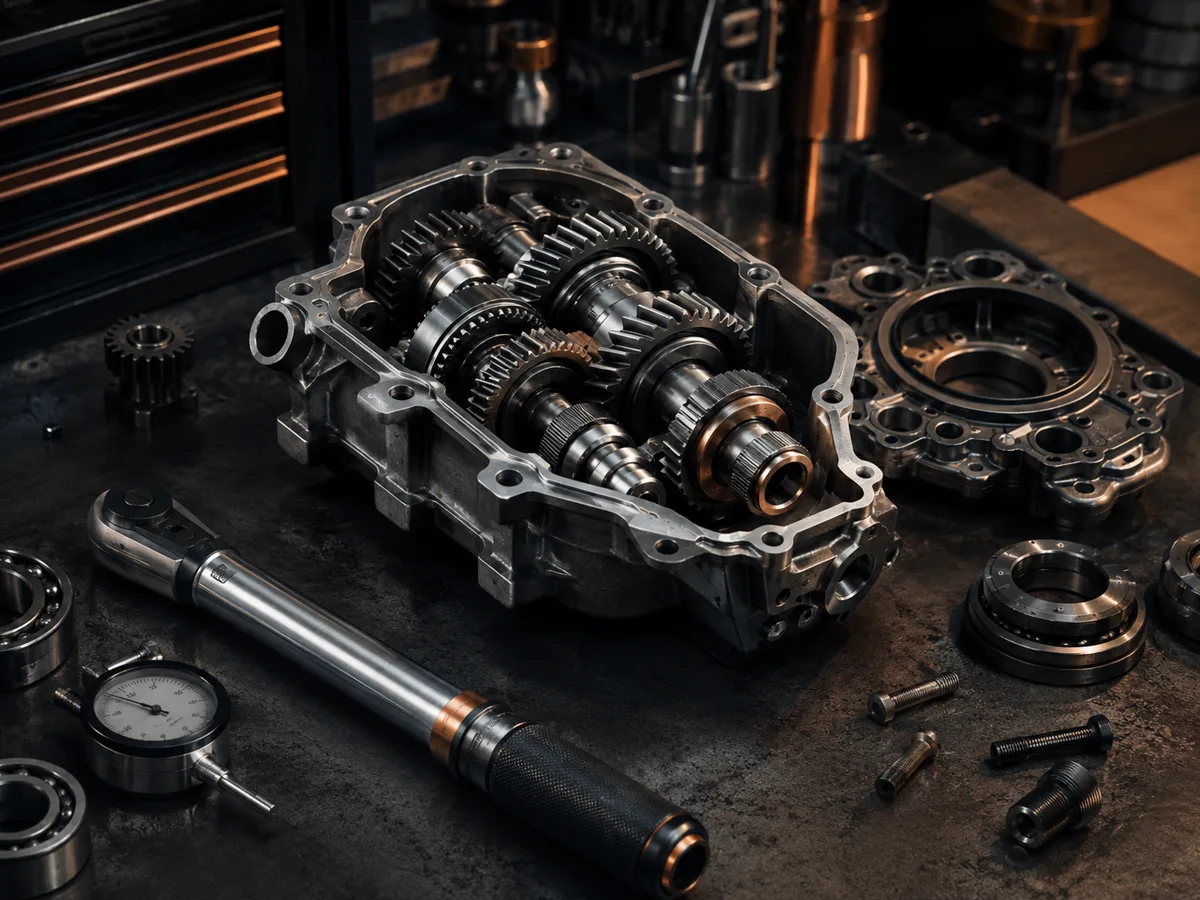
How to generate a gear drawing
Gear drawing prompts
Use a prompt for a spur gear, pulley, bevel pair, or worm wheel, then replace the tooth and shaft details.
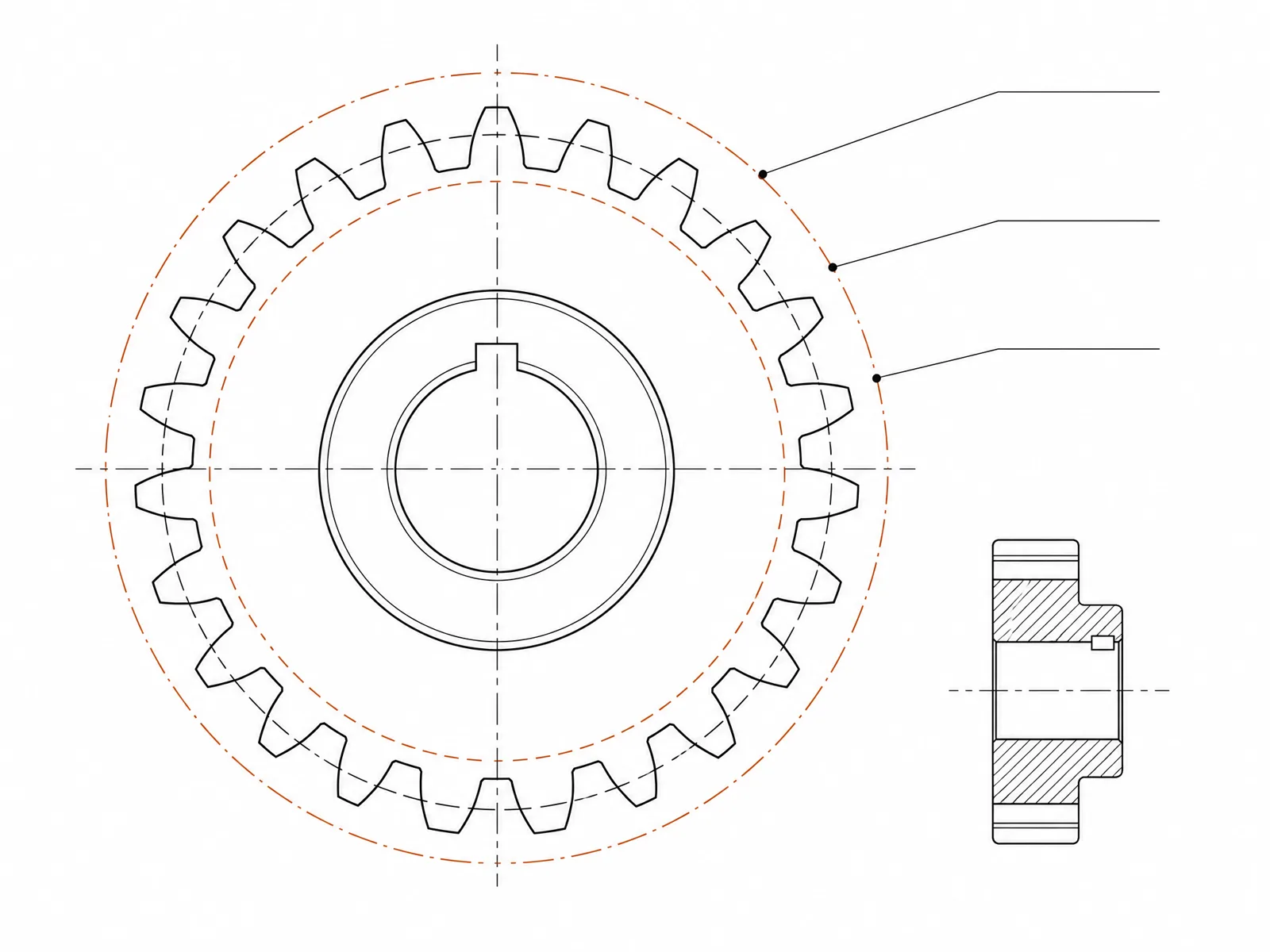 Gear type: spurTooth count: 24teethNormal module: 2.5mmFinished bore: 12mmFace width: 20mm
Concept dimensions guide the prompt and visual only; they are not manufacturable CAD geometry or production drawings.
Configure a gear drawing
More parameters
Oluşturulan ipucu
Create a dimensioned CAD-style technical drawing of a gear concept, showing the pitch circle, bore and hub geometry, tooth count callout, and coherent front, section, and isometric views. external involute spur gear with straight teeth. Tooth count: 24teeth. Normal module: 2.5mm. Finished bore: 12mm. Face width: 20mm. raised cylindrical hub with a standard parallel keyway and hub-length dimension.
Gear CAD-style examples
Sık Sorulan Sorular
Are the generated teeth mathematically accurate?
Not necessarily. Image generation can illustrate tooth form and proportions, but it does not replace involute calculations or a gear-design tool.
Can I visualize two gears in mesh?
Yes. State both tooth counts, the shaft relationship, center distance, and request an assembly or exploded view.
Can I export this gear as STEP or STL?
No. DrawCAD creates CAD-style images rather than editable or manufacturing-grade STEP/STL models. Build and verify the final gear in mechanical CAD software.
Daha fazla oluşturma denemesi mi gerekiyor?
Yükseltme yaptıktan sonra daha fazla puan, daha yüksek çözünürlük ve filigran içermeyen dışa aktarma imkanına sahip olacaksınız.