
AI 3D Printing CAD Generator
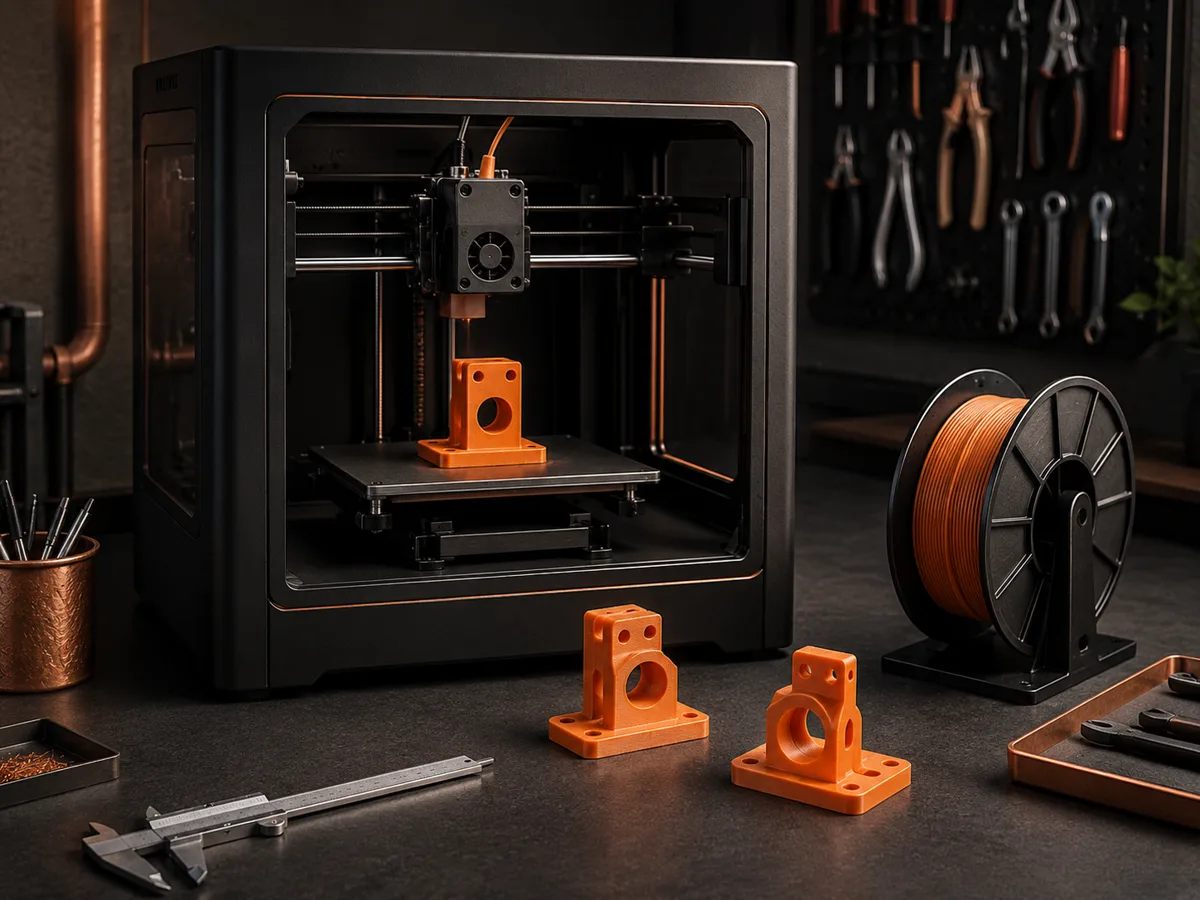
Plan printable parts with clear CAD-style visuals before you model them. Describe dimensions, wall thickness, holes, clearances, and print-aware features for brackets, fixtures, enclosures, and workshop prototypes.
輸出: CAD -style PNG · 並非可編輯的 CAD 檔案
Useful for maker workflows
Start a 3D printing concept
Adapt these prompts with the dimensions, clearances, materials, and printer limits that matter to your project.
Describe the part, critical dimensions, mating components, and intended load.
Adapt these prompts with the dimensions, clearances, materials, and printer limits that matter to your project.
Plan a 3D-printing concept visual
Describe part type, material intent, wall thickness, clearance, and print orientation for a planning image. The result is a concept visual, not an STL or validated printable model.
More parameters
生成的提示語
Create a dimension-aware CAD-style concept visual for planning a 3D-printed part. This must be presented as a concept image only, not an STL, mesh file, slicer-ready model, or manufacturing-validated geometry. a load-bearing mounting bracket concept. planned for PETG with practical toughness and layer adhesion. Nominal wall thickness: 3mm. Nominal mating clearance: 0.3mm. shown with the broad base on the print bed and layers rising vertically.
CAD concepts for 3D printing
常見問題
Does DrawCAD export STL or 3MF files?
No. DrawCAD creates CAD-style concept images. Build the final part in CAD, check dimensions and tolerances, and export the printable file from that software.
Can it guarantee that a design is printable?
No. Printability depends on geometry, material, printer, orientation, supports, and slicer settings. Treat each result as planning input, not validation.
What details should a 3D printing prompt include?
Include overall dimensions, wall thickness, hole diameters, mating clearances, fasteners, load direction, and features that should avoid supports.
需要更多代數嗎?
升級即可賺取更多點數、享受更高解析度,並匯出無浮水印的檔案。