
DrawCAD 2.0
DrawCAD 2.0 is the higher-detail model for text prompts, rough sketches, and reference-guided CAD visuals. It supports up to 16 reference images and resolution controls up to 4K where the selected aspect ratio allows it.
出力: CAD スタイル PNG · 編集不可 CAD ファイル
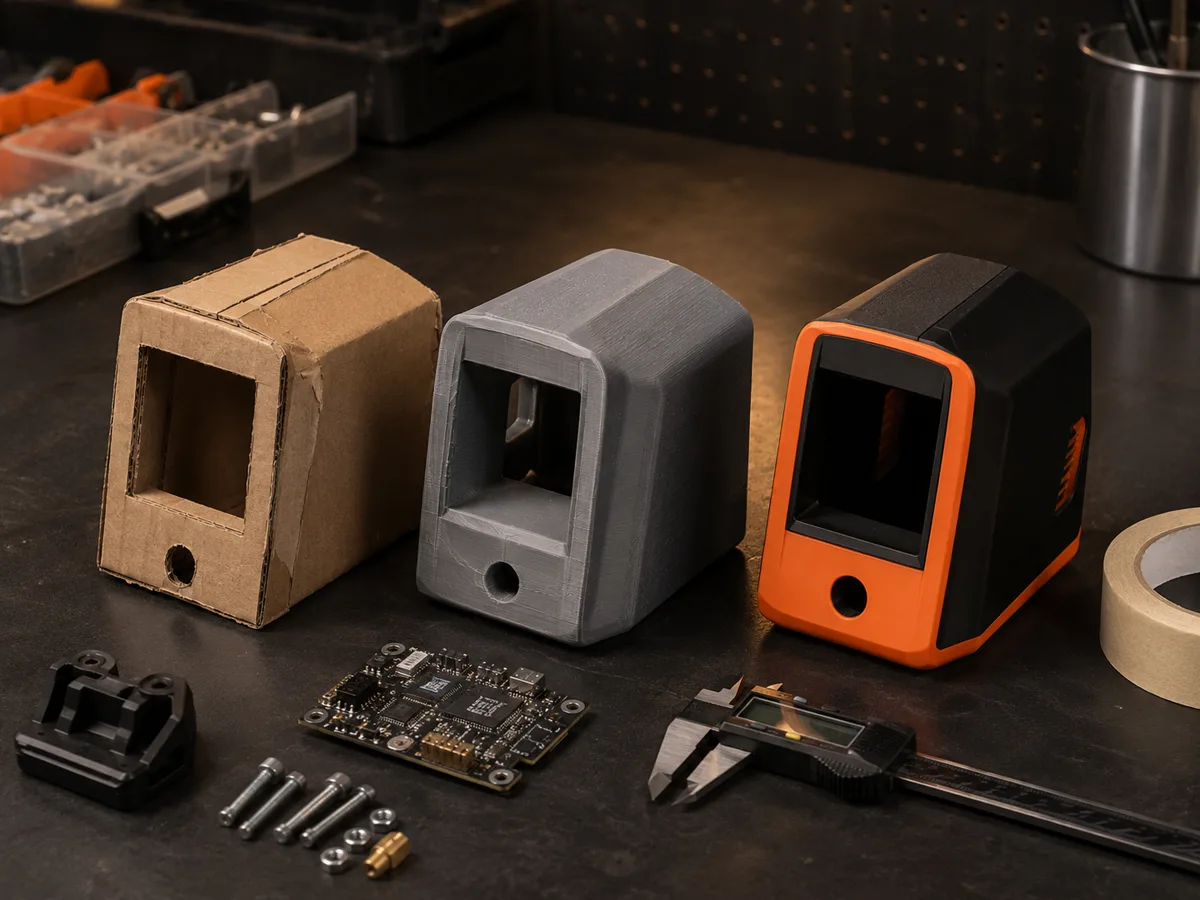
Best uses
Detailed DrawCAD 2.0 workflows
Use a prompt alone or upload a sketch, drawing, or product reference to preserve important geometry while improving the presentation.
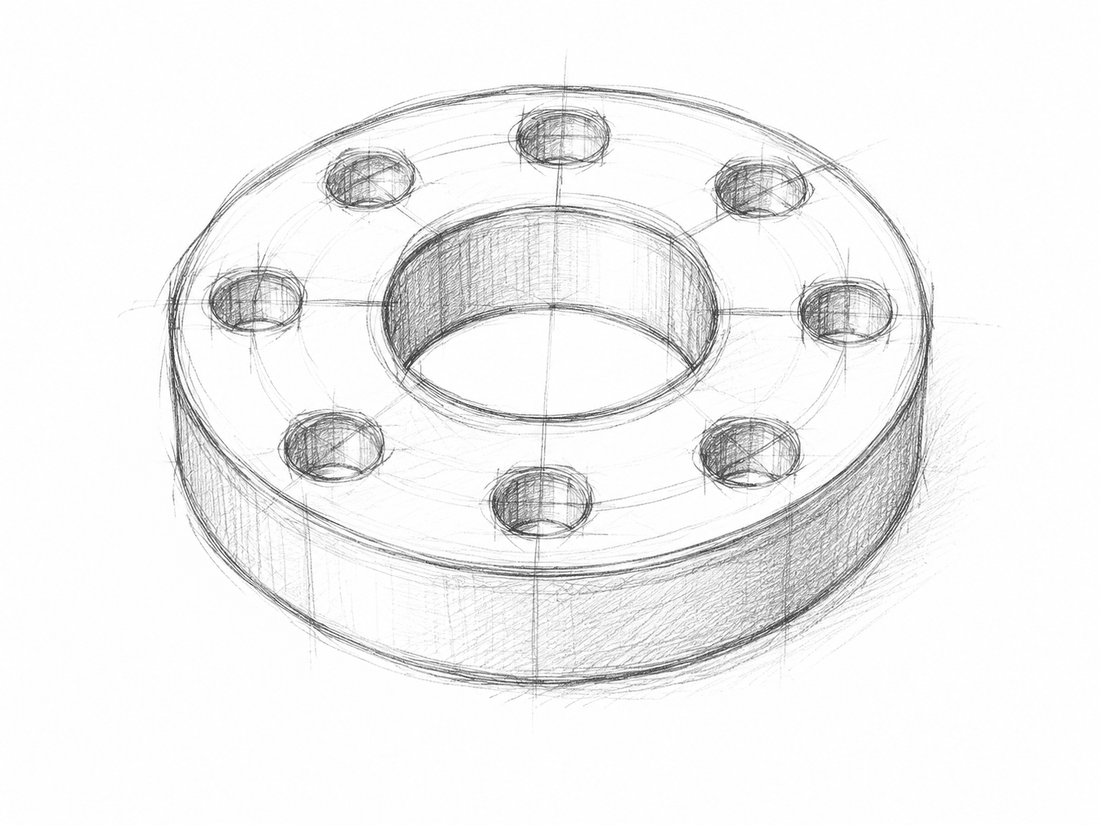
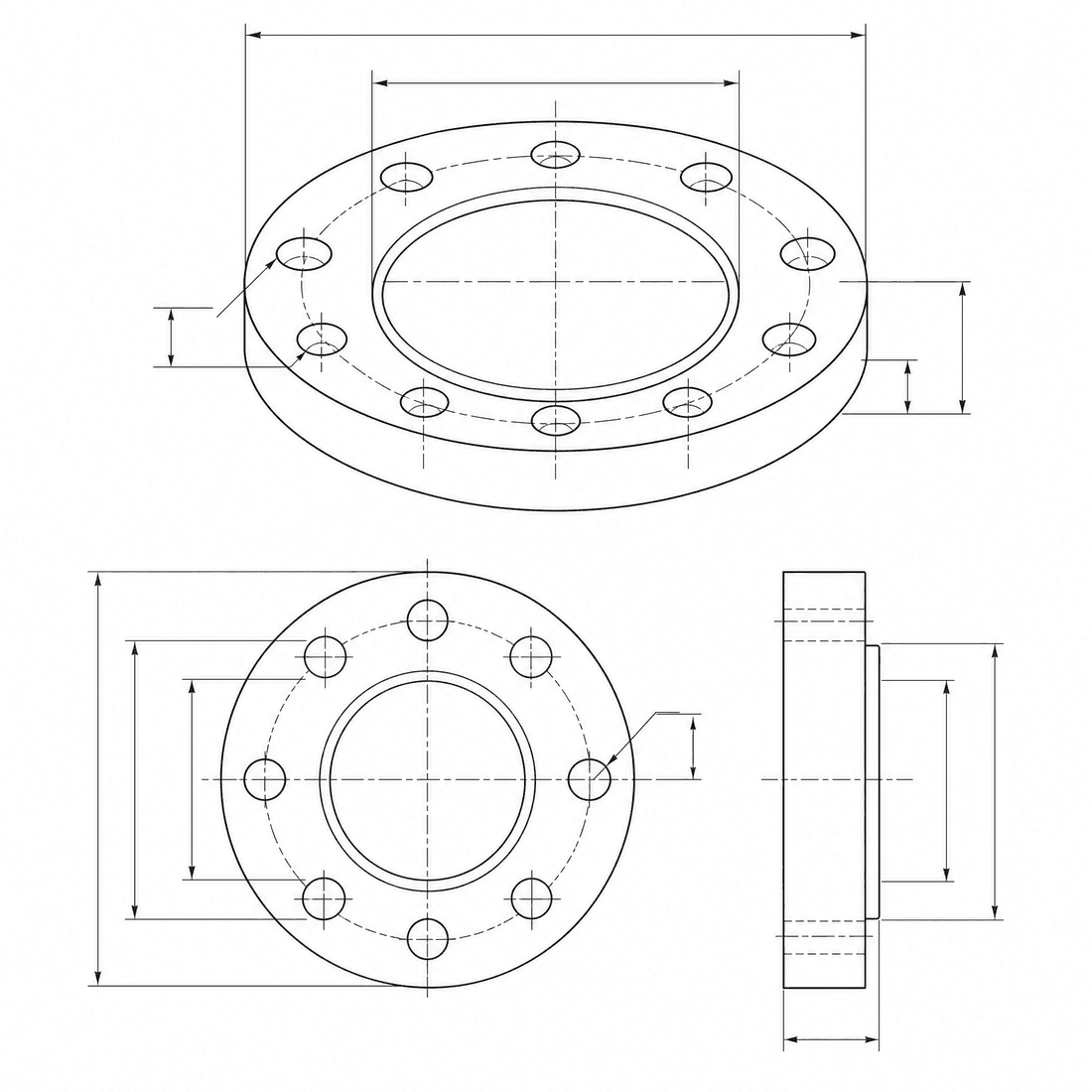
Dimensioned pipe flange
Refine the flange concept into a precise engineering drawing with a six-hole bolt circle, center bore, dimension lines, and section detail
モデルの性能
以下の機能は、ジェネレータが現在使用しているモデル設定を直接読み取ります。

DrawCAD 2.0
4K- 各画像のポイント
- 6
- 所要時間の見込み
- 15-90s
- 入力モード
- テキスト変換 CAD + スケッチを CAD に変換
- 参考図の数
- 16
- プロンプトの最大文字数
- 20,000
DrawCAD 2.0 sketch refinement kit
Turn a written brief or rough sketch into a detailed CAD presentation with reference guidance and compatible output up to 4K.
More parameters
生成されたプロンプト
Create a detailed CAD presentation that preserves the specified geometry. Object: six-hole pipe flange. Preserve: center bore, six-hole bolt circle, stepped rim, and symmetric proportions. orthographic views with concise dimension lines. clean technical drawing with precise linework. landscape 4:3 composition. 2K detailed output.
High-detail DrawCAD 2.0 examples
よくある質問
Does DrawCAD 2.0 support Sketch to CAD?
Yes. DrawCAD 2.0 supports text and sketch modes, including up to 16 reference images for image-guided generation.
Can every DrawCAD 2.0 image be generated at 4K?
No. 4K depends on the selected workflow and aspect ratio. Square 1:1 cannot output 4K, Auto is limited to 1K, and some wide or tall ratios have additional limits.
How many credits and how much time does it use?
DrawCAD 2.0 uses 6 credits per generation and typically takes 15-90 seconds depending on mode and output settings.
さらに生成回数を増やしたいですか?
アップグレードすると、より多くのポイント、より高い解像度、そして透かしのないエクスポートが可能になります。