
AI Technical Drawing Generator
Create presentation-ready technical drawings for parts, products, and mechanisms without opening CAD software.
出力: CAD スタイル PNG · 編集不可 CAD ファイル
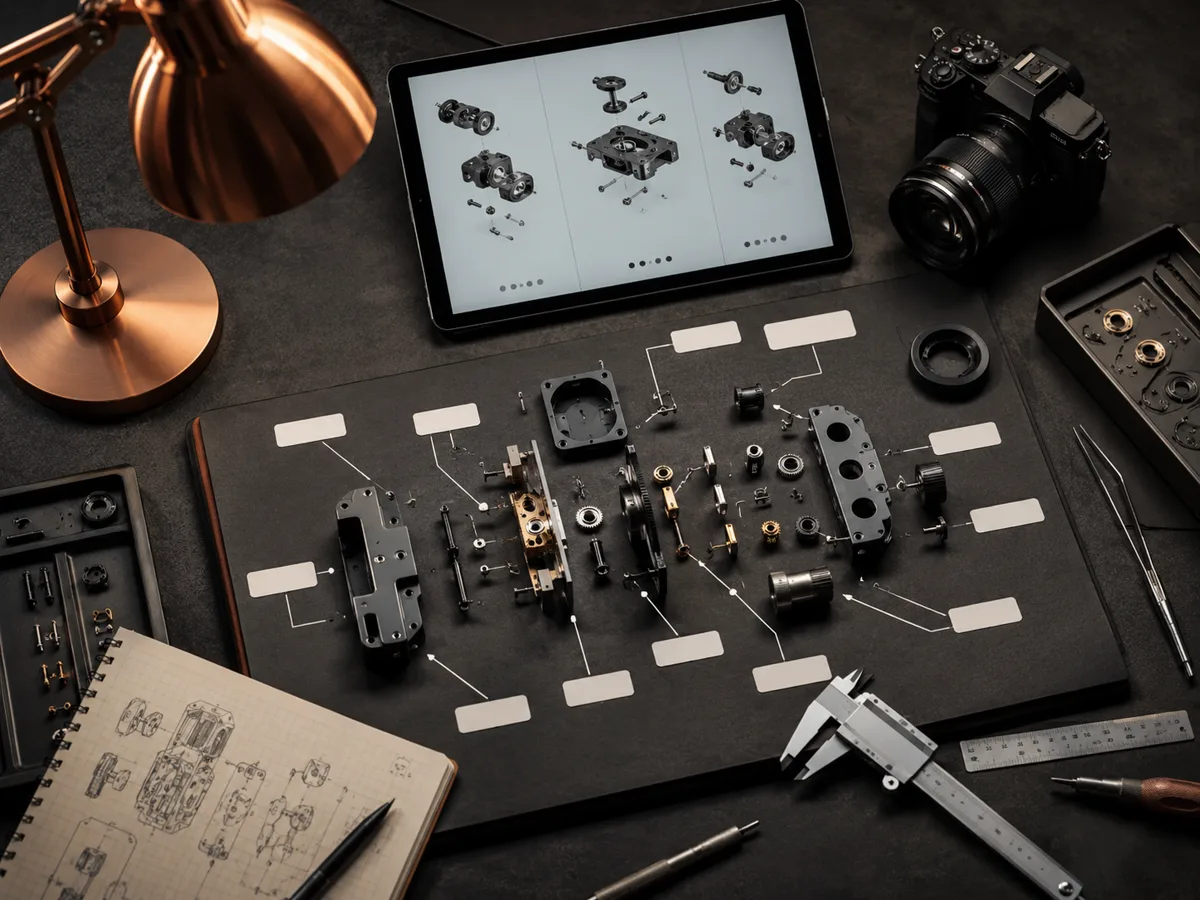
Technical drawing tips
Technical drawing prompts
These prompts emphasize dimensions, callouts, and clean technical linework.
Select a view study, then send its prompt to the generator above.
Technical drawing examples
Configure a technical drawing
Select the drawing type, view set, dimensions, annotations, units, and title-block treatment before generating.
More parameters
生成されたプロンプト
Create a formal engineering-style technical drawing from this structured drawing specification. produce aligned front, top, and right-side orthographic views without perspective. use front, top, and right-side views. Critical dimensions: overall 120 x 80 x 35 mm; four M6 holes on 90 mm PCD. add dimensions, diameter symbols, hole callouts, centerlines, and section markers. use millimetres throughout. include a compact blank title block with drawing number, scale, material, and revision fields.
よくある質問
Is this a replacement for CAD drafting?
No. It creates fast CAD-style visuals for communication and documentation, not manufacturing-ready drawings.
Can I control units?
Yes. Use the units control and also mention dimensions directly in the prompt.
Can it add dimensions automatically?
Auto-detail can infer sensible missing dimensions and hole patterns, but you should provide exact values when accuracy matters.
さらに生成回数を増やしたいですか?
アップグレードすると、より多くのポイント、より高い解像度、そして透かしのないエクスポートが可能になります。