
GPT Image 2 CAD Generator
Use GPT Image 2 inside DrawCAD for long, structured prompts, multi-reference composition, and detailed CAD-style presentation. DrawCAD is an independent product and is not an official OpenAI product or endorsed by OpenAI.
출력: CAD 스타일 PNG · 편집 불가능한 CAD 파일
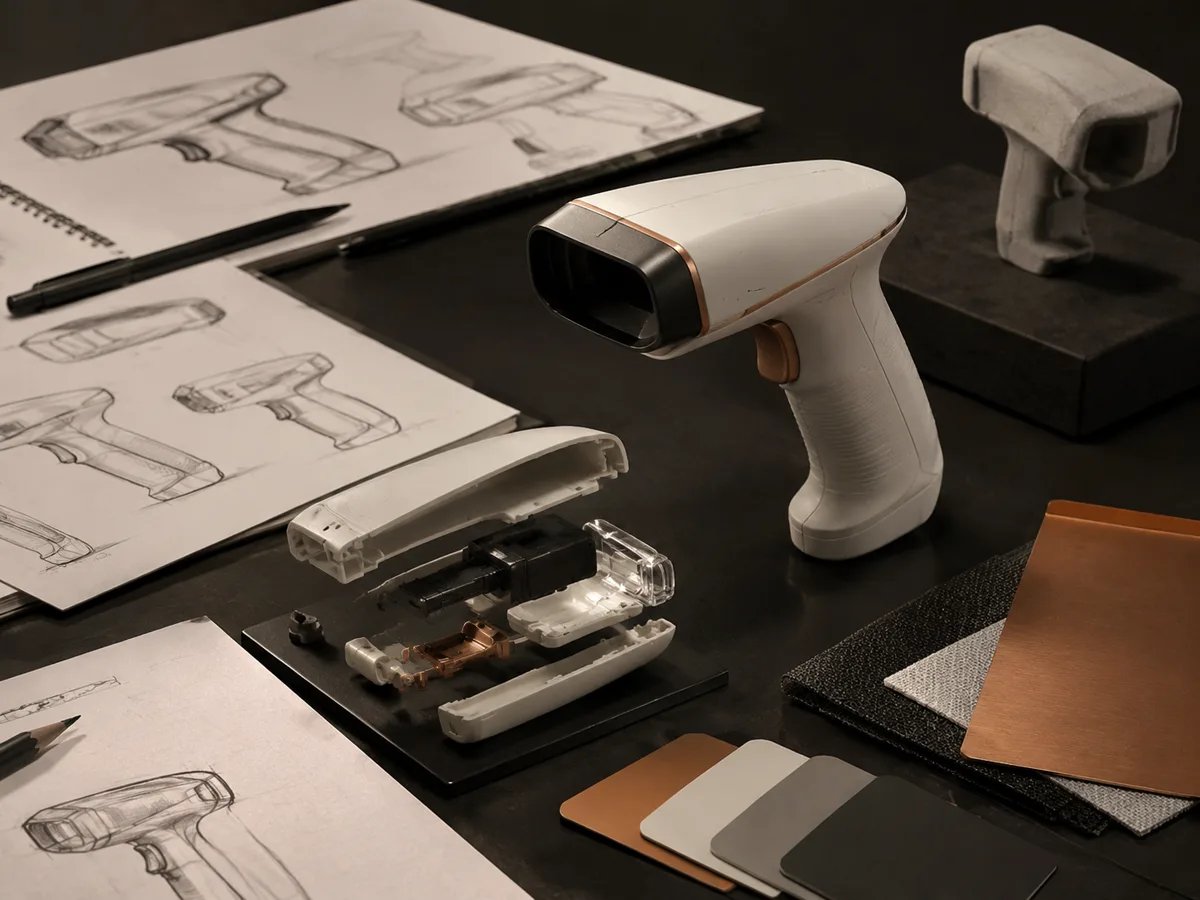
Best uses
Complex prompts for GPT Image 2
Build structured prompts that define the object, views, annotations, materials, and layout, or add references to guide the composition.
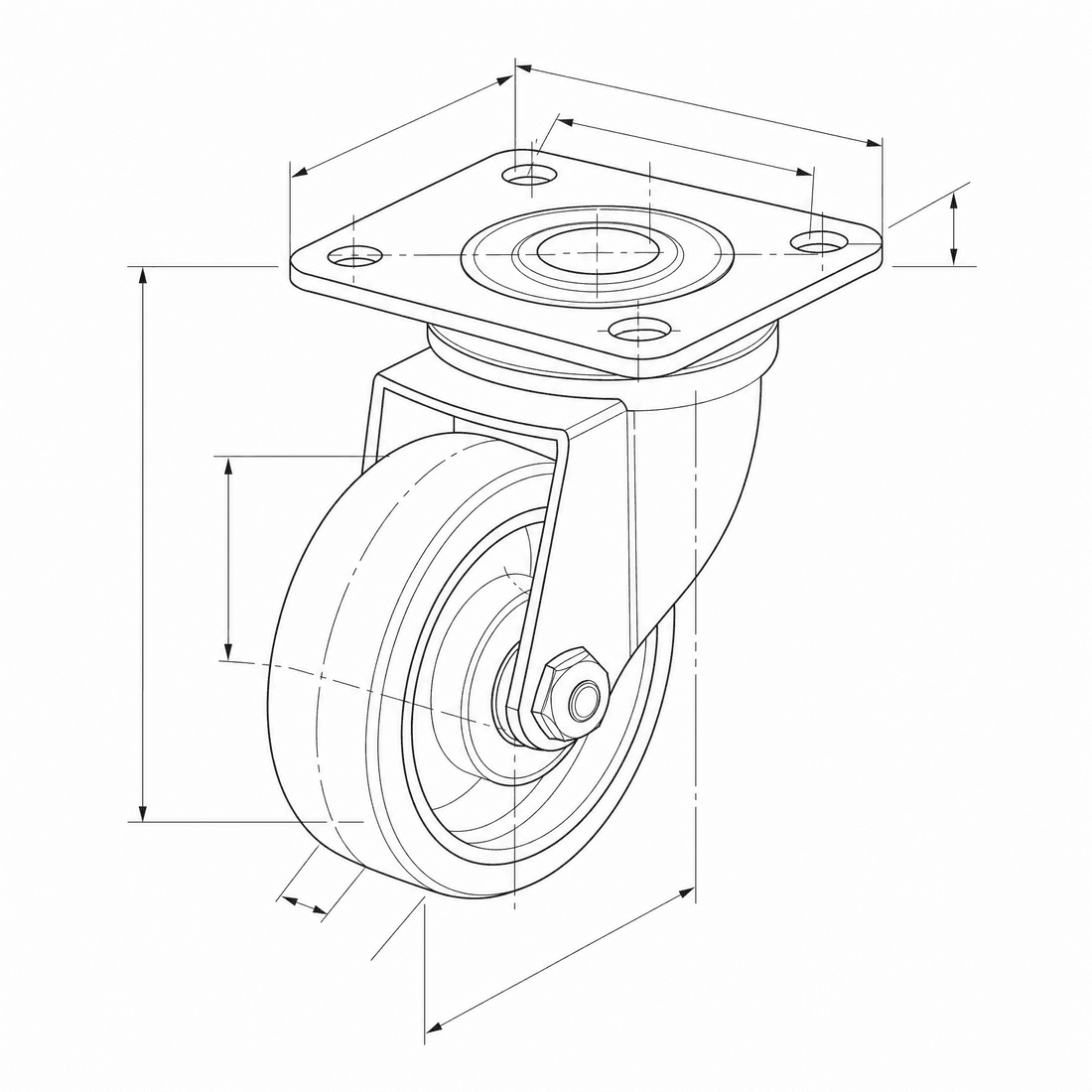
Create an exploded CAD-style assembly drawing of a swivel caster showing the mounting plate, bearing race, fork, axle, wheel, fasteners, and aligned assembly guides
모델 성능
다음 메서드는 생성기가 현재 사용하고 있는 모델 구성을 직접 읽어옵니다.

GPT Image 2
4K- 각 그림당 점수
- 6
- 예상 소요 시간
- 15-90s
- 입력 모드
- 텍스트 변환 CAD + 스케치 원본: CAD
- 참조 그림 수
- 16
- 프롬프트의 최대 문자 수
- 20,000
GPT Image 1.5
1K- 각 그림당 점수
- 7
- 예상 소요 시간
- 15-60s
- 입력 모드
- 텍스트 변환 CAD + 스케치 원본: CAD
- 참조 그림 수
- 16
- 프롬프트의 최대 문자 수
- 지정되지 않음
GPT Image 2 structured CAD brief in DrawCAD
Compose a long, structured design brief for complex assemblies, multi-view layouts, reference-guided revisions, and compatible output up to 4K. DrawCAD is independent and is not affiliated with or endorsed by OpenAI.
More parameters
생성된 프롬프트
Create a presentation-ready CAD design sheet from this structured brief. Object and component hierarchy: swivel caster assembly with mounting plate, bearing race, fork, axle, wheel, and fasteners. one large exploded isometric view plus two mechanism detail insets. Annotations: part labels, assembly guide lines, critical dimensions, and material callouts. clean isometric CAD presentation. wide 16:9 composition. 2K detailed output.
GPT Image 2 CAD-style examples
자주 묻는 질문
Is DrawCAD an official OpenAI product?
No. DrawCAD is an independent product that provides access to supported image models in a CAD-focused workflow. It is not affiliated with or endorsed by OpenAI.
Does this page support reference images?
Yes. GPT Image 2 supports text and sketch modes in DrawCAD, with up to 16 reference images and prompts up to 20,000 characters.
How is GPT Image 2 different from GPT Image 1.5 in DrawCAD?
GPT Image 2 adds resolution controls up to 4K and uses 6 credits. GPT Image 1.5 is a separate 1K option that uses 7 credits.
더 많은 생성 횟수가 필요하신가요?
업그레이드하면 더 많은 포인트, 더 높은 해상도, 워터마크 없는 파일 내보내기 기능을 이용할 수 있습니다.