
AI Product Design CAD Generator
Translate a product brief into a polished CAD-style concept. Explore form, controls, seams, interfaces, and enclosure architecture before investing in detailed industrial design or engineering work.
출력: CAD 스타일 PNG · 편집 불가능한 CAD 파일
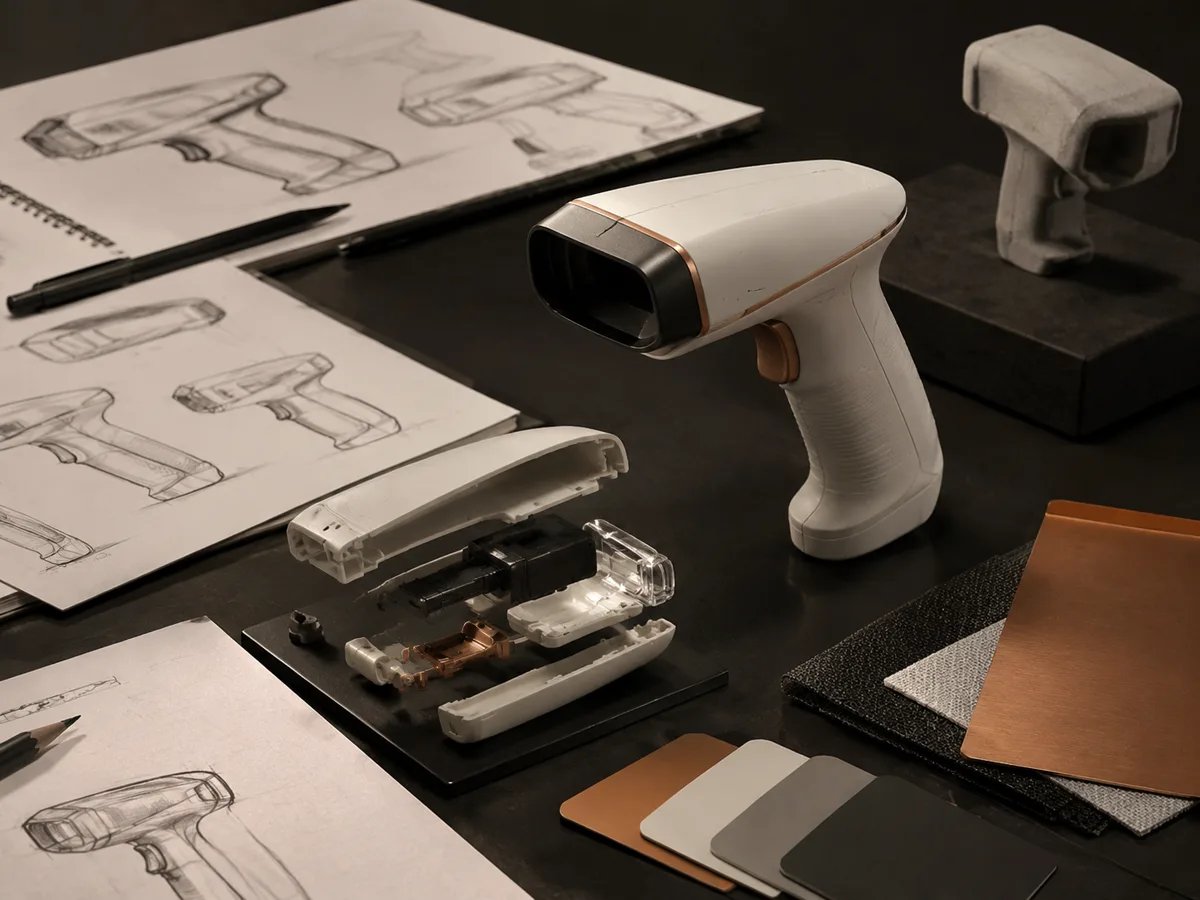
Built for early product work
Turn a product brief into a CAD concept
Choose a product category, then customize ergonomics, controls, materials, interfaces, and enclosure construction.
Describe the user, product category, core function, and physical constraints.
Choose a product category, then customize ergonomics, controls, materials, interfaces, and enclosure construction.
Shape a product design CAD concept
Define product type, color-material-finish direction, presentation view, and use context for a focused industrial-design concept.
생성된 프롬프트
Create a polished product-design CAD concept image with coherent proportions, manufacturable-looking part breaks, purposeful controls, and clear material differentiation. a compact ergonomic handheld electronic device. matte graphite polymer, satin aluminum accents, and restrained neutral colors. clean three-quarter hero view showing front controls and side profile. isolated on a neutral product-design studio background.
Product design CAD examples
자주 묻는 질문
Can DrawCAD replace industrial design CAD software?
No. It accelerates visual exploration and communication. Detailed surfacing, mechanisms, tolerances, and production geometry still belong in professional CAD tools.
Can I use a sketch as the starting point?
Yes. Open Sketch to CAD, upload the concept sketch, and describe the product details that should be cleaned up or developed.
How do I generate consistent product variations?
Keep the product architecture and viewing direction fixed, then change one variable at a time such as grip shape, control layout, or enclosure split.
더 많은 생성 횟수가 필요하신가요?
업그레이드하면 더 많은 포인트, 더 높은 해상도, 워터마크 없는 파일 내보내기 기능을 이용할 수 있습니다.