
DrawCAD 1.0
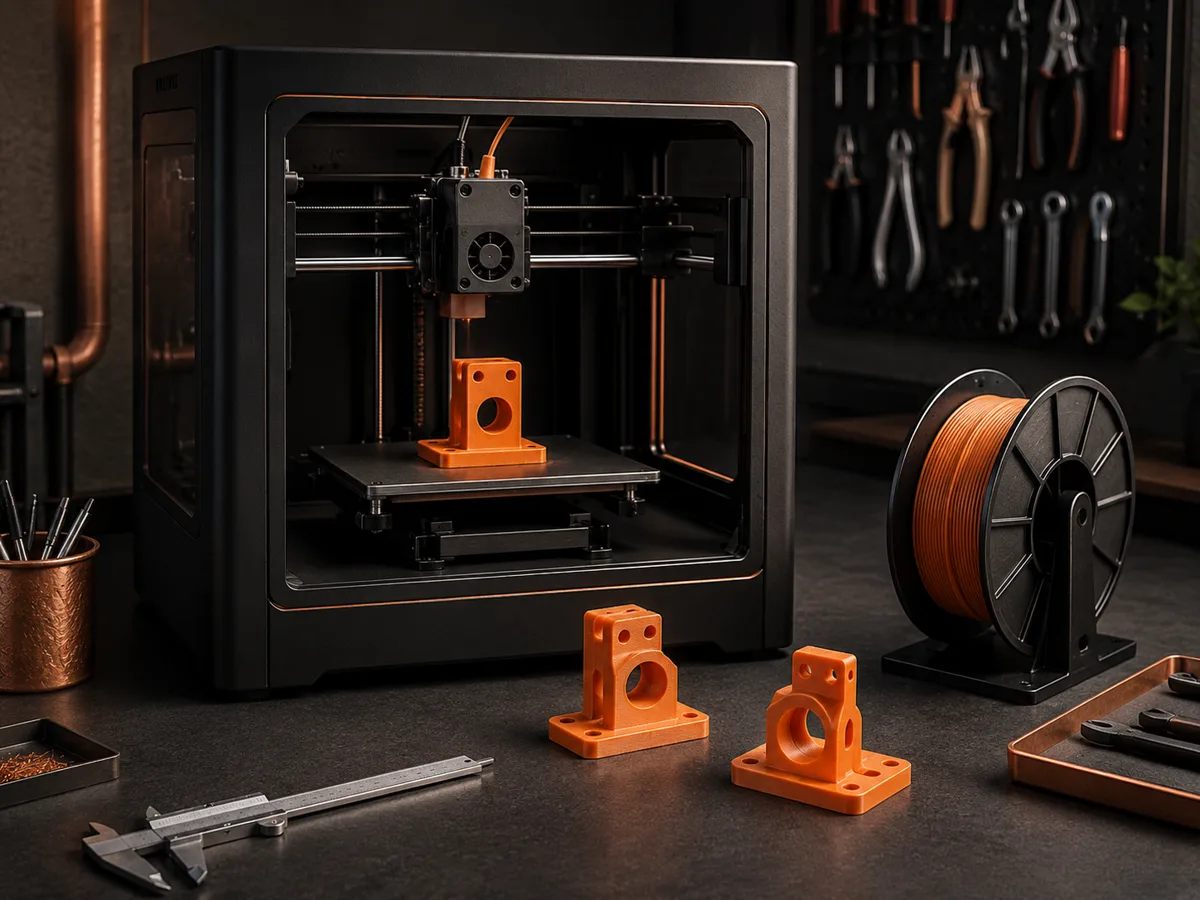
DrawCAD 1.0 is the focused, economical model for turning a written part description into a clear CAD-style image. It accepts text prompts only, typically finishes in 10-20 seconds, and costs 4 credits per generation.
Saída: CAD Estilo PNG · Não é um arquivo editável CAD
Best uses
Quick prompts for DrawCAD 1.0
Start with a direct part description. DrawCAD 1.0 works best when the geometry, holes, dimensions, and requested view are stated plainly.

- figcad-1
- 4 credits
- 10-20s
- 1K
Capacidade do modelo
As seguintes funções leem diretamente a configuração do modelo atualmente utilizada pelo gerador.

DrawCAD 1.0
1K- Pontuação por imagem
- 4
- Tempo estimado
- 10-20s
- Modo de entrada
- Conversão de texto para CAD
- Número de figuras de referência
- Não é compatível
- Número máximo de caracteres na palavra-chave
- 1,000
DrawCAD 1.0 quick part brief
Build a concise text-only brief for a single part, then send a fast, economical concept directly to DrawCAD 1.0.
More parameters
Palavras-chave geradas
Create one clear CAD-style image of a single mechanical part. an L-shaped mounting bracket. Key features: four countersunk holes, 3 mm walls, and rounded outside corners. one uncluttered isometric view. clean technical drawing with precise linework. landscape 4:3 composition.
DrawCAD 1.0 output ideas
Perguntas frequentes
How many credits does DrawCAD 1.0 use?
Each DrawCAD 1.0 generation uses 4 credits. It is the lowest-cost DrawCAD model for rapid text-prompt iteration.
Can DrawCAD 1.0 use a sketch or reference image?
No. DrawCAD 1.0 supports text-to-CAD generation only. Use DrawCAD 2.0 for sketch-to-CAD and reference-image workflows.
What does DrawCAD 1.0 produce?
It produces CAD-style image renders for concepts, presentations, and documentation, not editable STEP, STL, or native CAD files.
Precisa de mais tentativas?
Após a atualização, você terá acesso a mais pontos, maior resolução e exportação sem marca d’água.