
AI Text to CAD Generator
Describe a mechanical part, fixture, enclosure, or product concept and DrawCAD turns it into a clean technical drawing you can use in documentation, pitches, and early design reviews.
Saída: CAD Estilo PNG · Não é um arquivo editável CAD
Best for
Start with a proven CAD prompt
Use one of these prompts as a baseline, then adjust dimensions, materials, holes, and annotations.
Build a complete CAD prompt
Turn a short idea into a structured brief with dimensions, functional features, presentation style, and output framing.
More parameters
Palavras-chave geradas
Create a clear CAD-style concept drawing from the following structured part brief. Part or product: L-shaped mounting bracket. Main dimensions: 80 x 50 x 5 mm. Functional features: four M6 holes, 8 mm fillets, one slotted adjustment hole. show a clean isometric view with visible interfaces. use precise black technical linework on white. compose on a 4:3 drawing sheet.
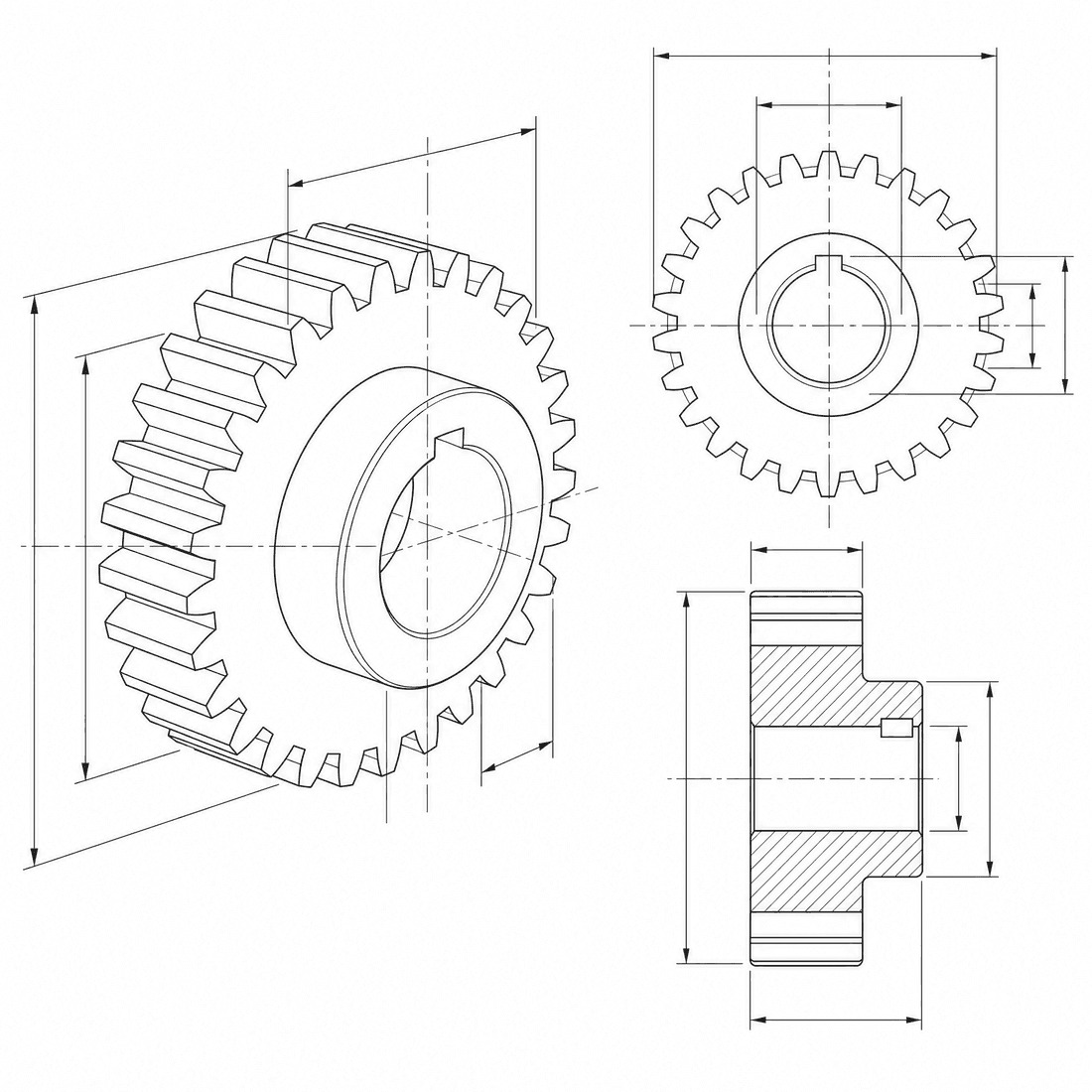
Text-generated CAD drawing examples
Perguntas frequentes
Does Text to CAD create editable CAD files?
DrawCAD creates CAD-style image renders today, not editable STEP or STL files. It is best for concept visuals, technical illustrations, and documentation.
What should I write in the prompt?
Include the part type, main dimensions, holes, materials, fillets, and the visual style you want. Specific prompts produce better technical drawings.
Can I use generated drawings commercially?
Paid plans are designed for commercial workflows and no-watermark exports. Check your current plan for included credits and usage rights.
Precisa de mais tentativas?
Após a atualização, você terá acesso a mais pontos, maior resolução e exportação sem marca d’água.