
Nano Banana CAD Generator
Use Nano Banana models inside DrawCAD for fast style changes, reference-guided revisions, and CAD presentation images. This page defaults to Nano Banana 2. DrawCAD is independent and is not an official Google product or endorsed by Google.
ผลลัพธ์: CAD -style PNG · ไม่ใช่ไฟล์ CAD ที่สามารถแก้ไขได้
Best uses
CAD transformations with Nano Banana
Try prompts that preserve product geometry while changing the drawing treatment, presentation style, or supporting reference direction.
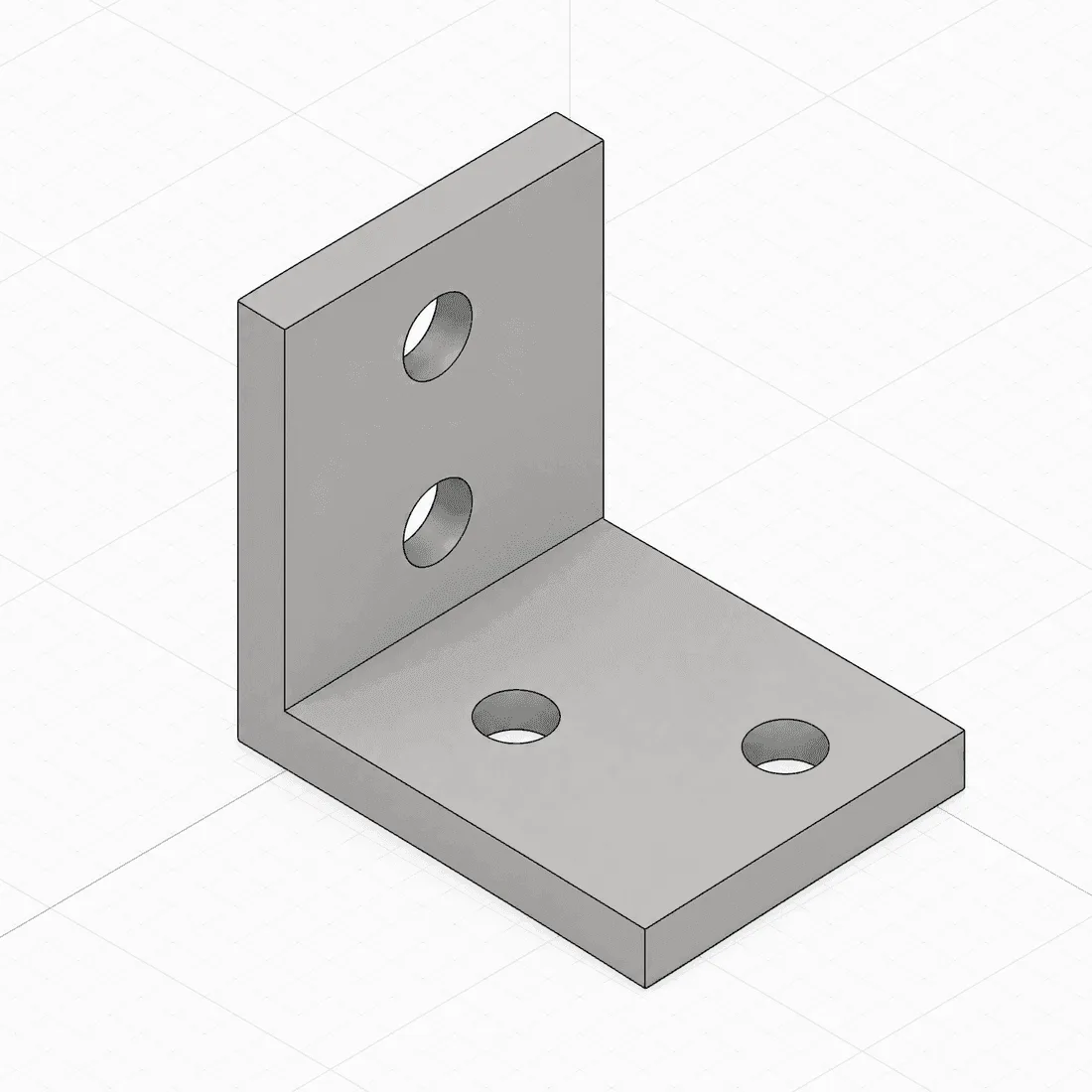
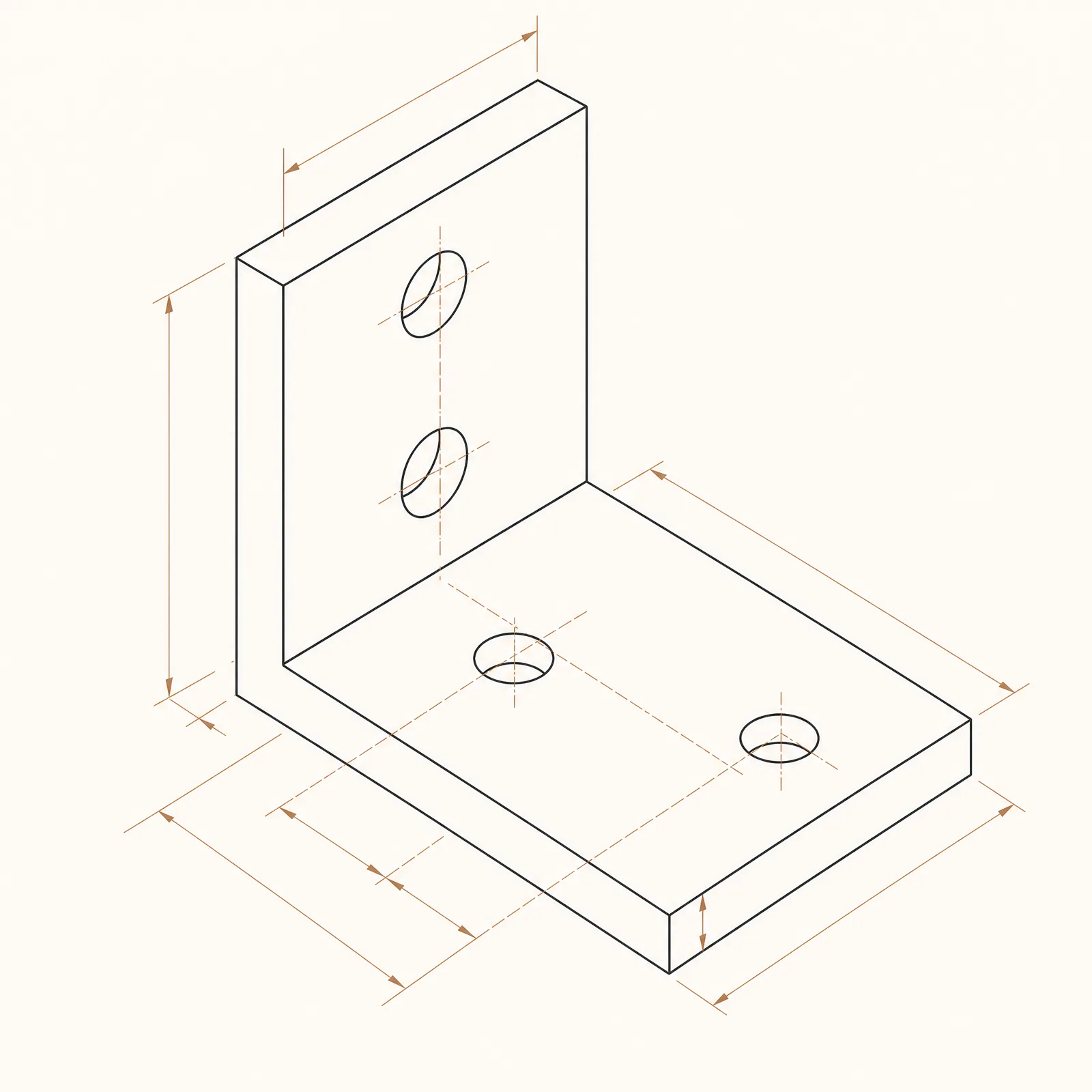
A balanced reference-guided conversion with detailed blueprint treatment.
ความสามารถของโมเดล
ฟังก์ชันต่อไปนี้สามารถอ่านการตั้งค่าโมเดลที่เครื่องสร้างกำลังใช้งานอยู่โดยตรง

Nano Banana 2
4K- คะแนนต่อภาพ
- 15
- เวลาที่คาดการณ์ว่าจะใช้
- 15-30s
- โหมดการป้อนข้อมูล
- ส่งข้อความไปยัง CAD + ภาพสเก็ตช์ที่ถูกแปลงเป็นไฟล์ CAD
- จำนวนภาพอ้างอิง
- 14
- จำนวนตัวอักษรสูงสุดในข้อความคำสั่ง
- 20,000
Nano Banana Pro
4K- คะแนนต่อภาพ
- 45
- เวลาที่คาดการณ์ว่าจะใช้
- 15-30s
- โหมดการป้อนข้อมูล
- ส่งข้อความไปยัง CAD + ภาพสเก็ตช์ที่ถูกแปลงเป็นไฟล์ CAD
- จำนวนภาพอ้างอิง
- 8
- จำนวนตัวอักษรสูงสุดในข้อความคำสั่ง
- 10,000
Nano Banana
1K- คะแนนต่อภาพ
- 9
- เวลาที่คาดการณ์ว่าจะใช้
- 15-30s
- โหมดการป้อนข้อมูล
- ส่งข้อความไปยัง CAD
- จำนวนภาพอ้างอิง
- ไม่รองรับ
- จำนวนตัวอักษรสูงสุดในข้อความคำสั่ง
- 5,000
Nano Banana model workflow kit in DrawCAD
Prepare CAD-style transformations and route each template to Nano Banana 2, Nano Banana Pro, or the text-only Nano Banana option. DrawCAD is independent and is not affiliated with or endorsed by Google.
More parameters
ข้อความที่สร้างขึ้น
Create a CAD-style visual transformation while preserving the requested product geometry. Subject: compact finned aluminum heatsink. create a consistent CAD presentation style study. Preserve exactly: fin count, base thickness, mounting holes, and overall proportions. three consistent views with matching scale. softly shaded CAD product render. landscape 4:3 composition.
Nano Banana CAD-style examples
คำถามที่มักถูกถาม
Is DrawCAD an official Google product?
No. DrawCAD is an independent product that makes supported image models available in a CAD-focused workflow. It is not affiliated with or endorsed by Google.
Which Nano Banana model is selected by default?
Nano Banana 2 is the default because it supports both text and sketch modes, up to 14 reference images, and resolution controls up to 4K.
What are the three Nano Banana options?
Nano Banana is a 9-credit text-only option; Nano Banana 2 is a 15-credit balanced text-and-sketch option; Nano Banana Pro is a 45-credit premium text-and-sketch option.
ต้องการเพิ่มรุ่นอีกหรือไม่?
การอัปเกรดจะช่วยให้คุณได้รับคะแนนมากขึ้น ความละเอียดสูงขึ้น และสามารถส่งออกไฟล์ได้โดยไม่มีลายน้ำ