
Flux 2 Pro CAD Generator
Flux 2 Pro is the model to reach for when edge quality matters. It holds chamfers, fillet radii, and counterbore steps cleanly instead of smoothing them away, accepts reference images, and outputs up to 2K for 6 credits per generation.
輸出: CAD -style PNG · 並非可編輯的 CAD 檔案
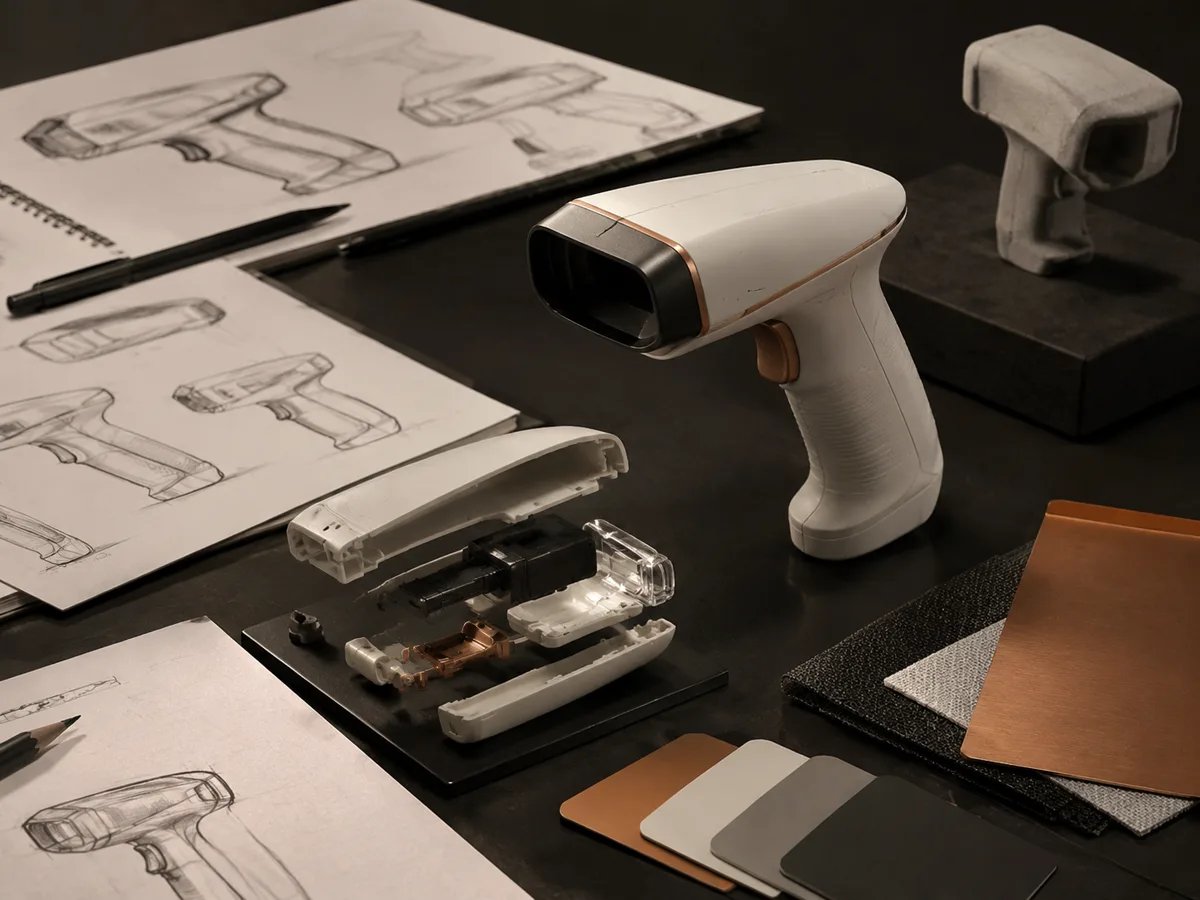
Best uses
Prompts that play to Flux 2 Pro
Name the edge treatments explicitly. Flux 2 Pro rewards prompts that call out chamfers, fillet radii, counterbores, and where a section should be cut.
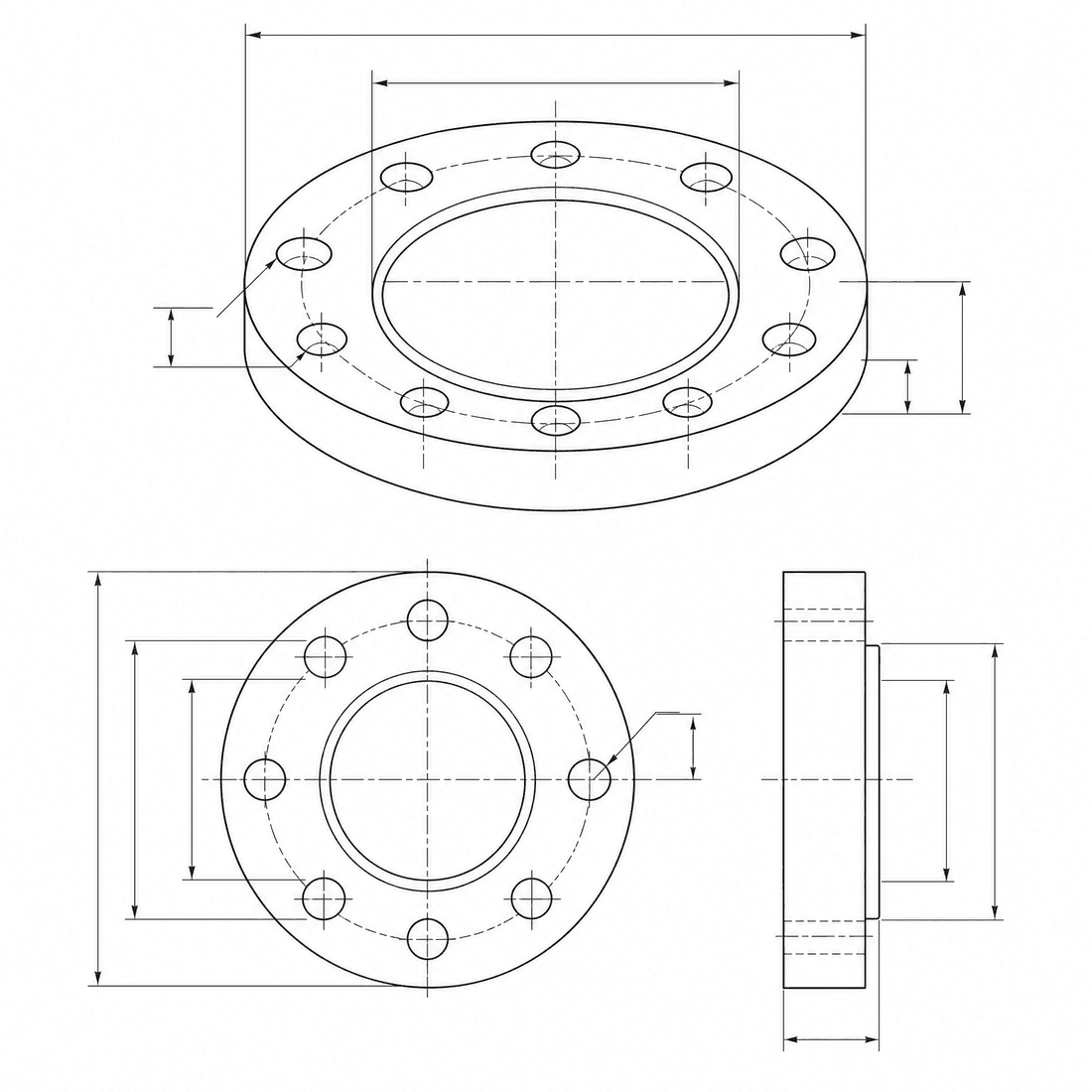
Chamfered valve body
A machined valve body with sharp chamfers, resolved fillet radii, counterbored mounting holes, and a threaded side port, clean isometric CAD drawing with two enlarged edge details
模型功能
以下功能可直接讀取產生器目前正在使用的模型設定。

Flux 2 Pro
2K- 每張圖片的積分
- 6
- 預估時間
- 15-40s
- 輸入模式
- 請將訊息傳送至 CAD + 將草圖發送至 CAD
- 參考圖的數量
- 8
- 提示字串的最大字元數
- 未指定
Flux 2 Pro edge-quality brief
Spell out the chamfers, fillets, and counterbores you want held, then send the brief to Flux 2 Pro.
More parameters
生成的提示語
Create a clean CAD-style drawing with precisely resolved edge treatments. a machined valve body. 1 mm outside chamfers combined with 3 mm internal fillets. Key features: counterbored mounting holes and a threaded side port. two enlarged detail circles showing the edge treatments. clean technical drawing with precise linework. landscape 4:3 composition.
Flux 2 Pro output ideas
常見問題
How many credits does Flux 2 Pro use?
Each Flux 2 Pro generation uses 6 credits, the same as GPT Image 2 inside DrawCAD.
What resolution can Flux 2 Pro produce?
Flux 2 Pro supports 1K and 2K output. It does not offer a 4K tier; use Wan 2.7 Image or DrawCAD 2.0 for larger renders.
Can Flux 2 Pro use reference images?
Yes. It accepts up to 8 reference images, so you can guide the result with a sketch, a photo of an existing part, or a previous generation.
Does Flux 2 Pro output editable CAD files?
No. Like every DrawCAD model it produces CAD-style images for concepts, documentation, and presentations, not STEP, STL, or DWG files.
需要更多代數嗎?
升級即可賺取更多點數、享受更高解析度,並匯出無浮水印的檔案。