
Wan 2.7 Image CAD Generator
Wan 2.7 Image is the value option when output size matters. It renders up to 4K so fine linework survives large prints and projected slides, accepts up to 9 reference images, and still costs 6 credits per generation.
輸出: CAD -style PNG · 並非可編輯的 CAD 檔案
Best uses
Prompts that play to Wan 2.7 Image
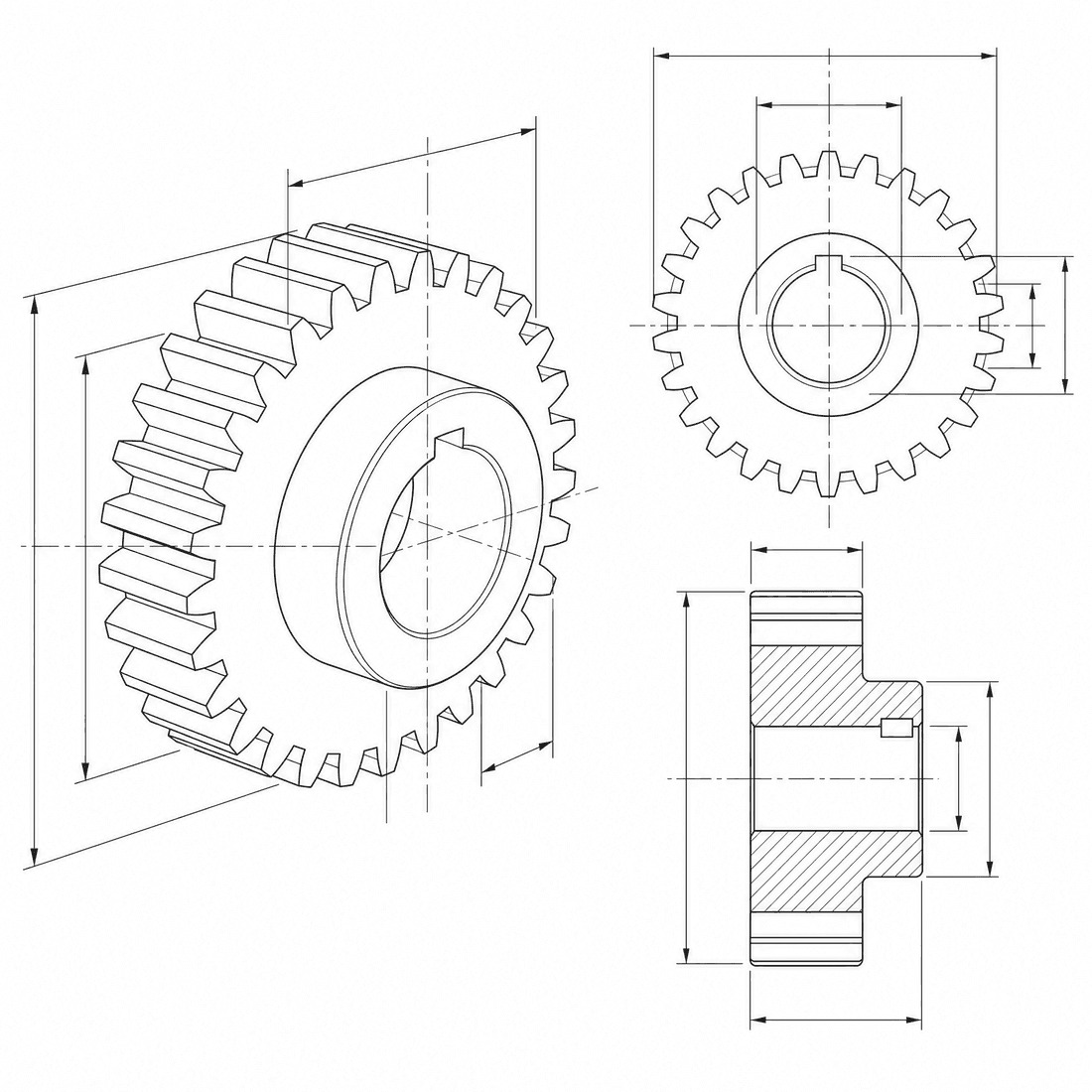
Ask for detail that needs room. Wan 2.7 Image suits cutaways, fine gear teeth, and drawings destined for a large sheet or a projector.
- wan-2-7
- 6 credits
- 20-60s
- 4K
模型功能
以下功能可直接讀取產生器目前正在使用的模型設定。

Wan 2.7 Image
4K- 每張圖片的積分
- 6
- 預估時間
- 20-60s
- 輸入模式
- 請將訊息傳送至 CAD + 將草圖發送至 CAD
- 參考圖的數量
- 9
- 提示字串的最大字元數
- 未指定
Wan 2.7 large-format kit
Set up a drawing that has to stay crisp at print or projector size, then send it to Wan 2.7 Image at 4K.
More parameters
生成的提示語
Create a high-resolution CAD drawing that stays crisp when enlarged. a planetary gearbox. a large isometric cutaway revealing the internal geometry. Detail focus: the internal gear teeth and the bolt pattern. 4K output suited to large prints. clean technical drawing with precise linework. wide 16:9 composition.
Wan 2.7 Image output ideas
常見問題
How many credits does Wan 2.7 Image use?
Each Wan 2.7 Image generation uses 6 credits regardless of the resolution you pick, which makes it the cheapest route to 4K in DrawCAD.
Which aspect ratios does Wan 2.7 Image support?
1:1, 4:3, 3:4, 16:9, and 9:16. It does not support 3:2 or 2:3; pick GPT Image 2 or Flux 2 Pro if you need those.
Can Wan 2.7 Image work from a sketch?
Yes. It accepts up to 9 reference images, so a hand sketch or an existing drawing can guide the geometry.
Does Wan 2.7 Image output editable CAD files?
No. It produces CAD-style images for concepts, documentation, and presentations, not STEP, STL, or DWG files.
需要更多代數嗎?
升級即可賺取更多點數、享受更高解析度,並匯出無浮水印的檔案。