
AI CAD-Style Drawing Generator - DrawCAD
Turn a text description or rough sketch into a clean CAD-style technical image for concepts, documentation, and presentations. Export a PNG up to 4K — no modeling software required.
Output: CAD-style PNG · Not an editable CAD file
Credit cost shown before generation · Failed generations are refunded


Or jump into a focused tool
Get inspired by CAD drawings
Real CAD drawings generated from a single line of text or a quick sketch — no modeling, no CAD seat. Every drawing below started as one text or sketch prompt in the generator.
Try every CAD drawing style
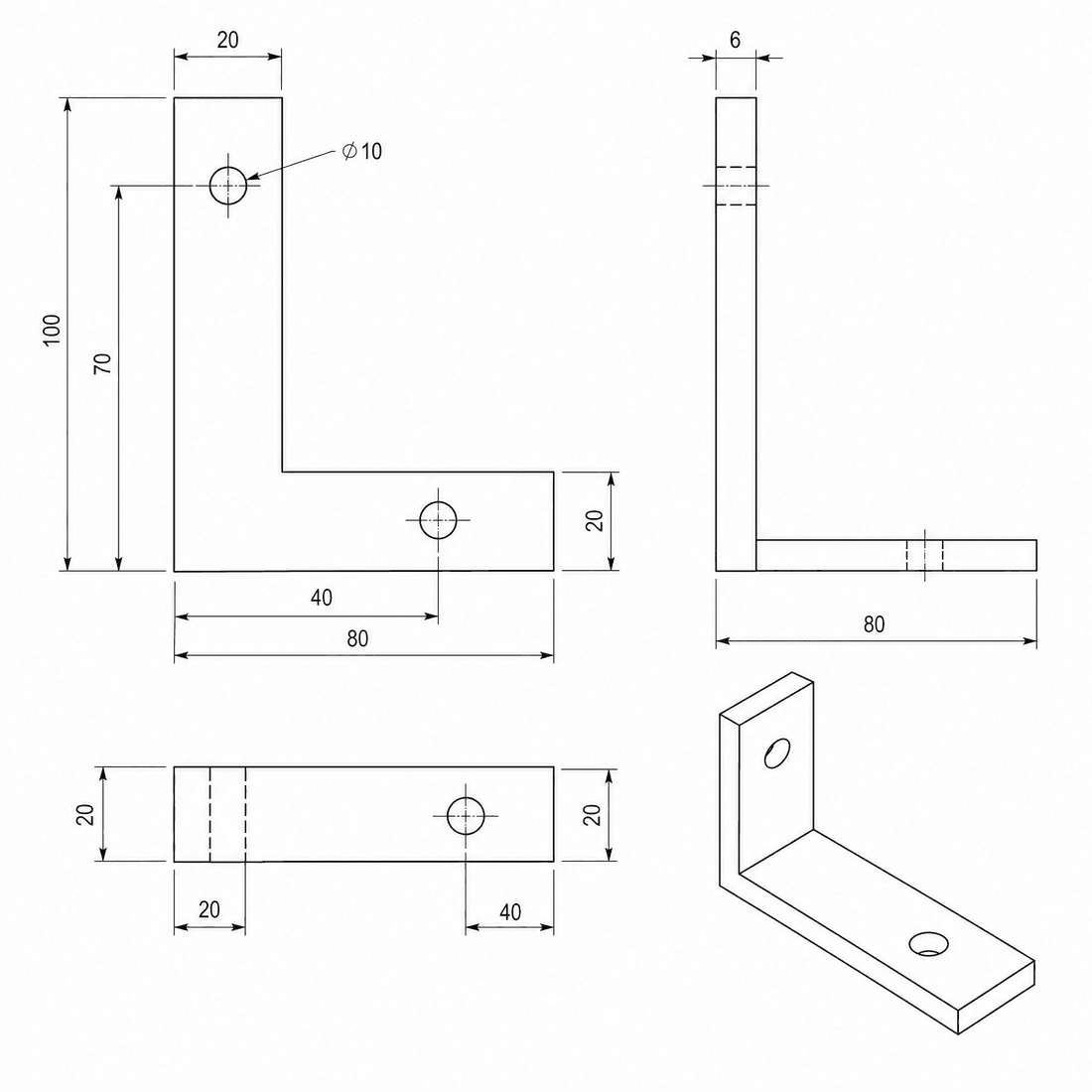
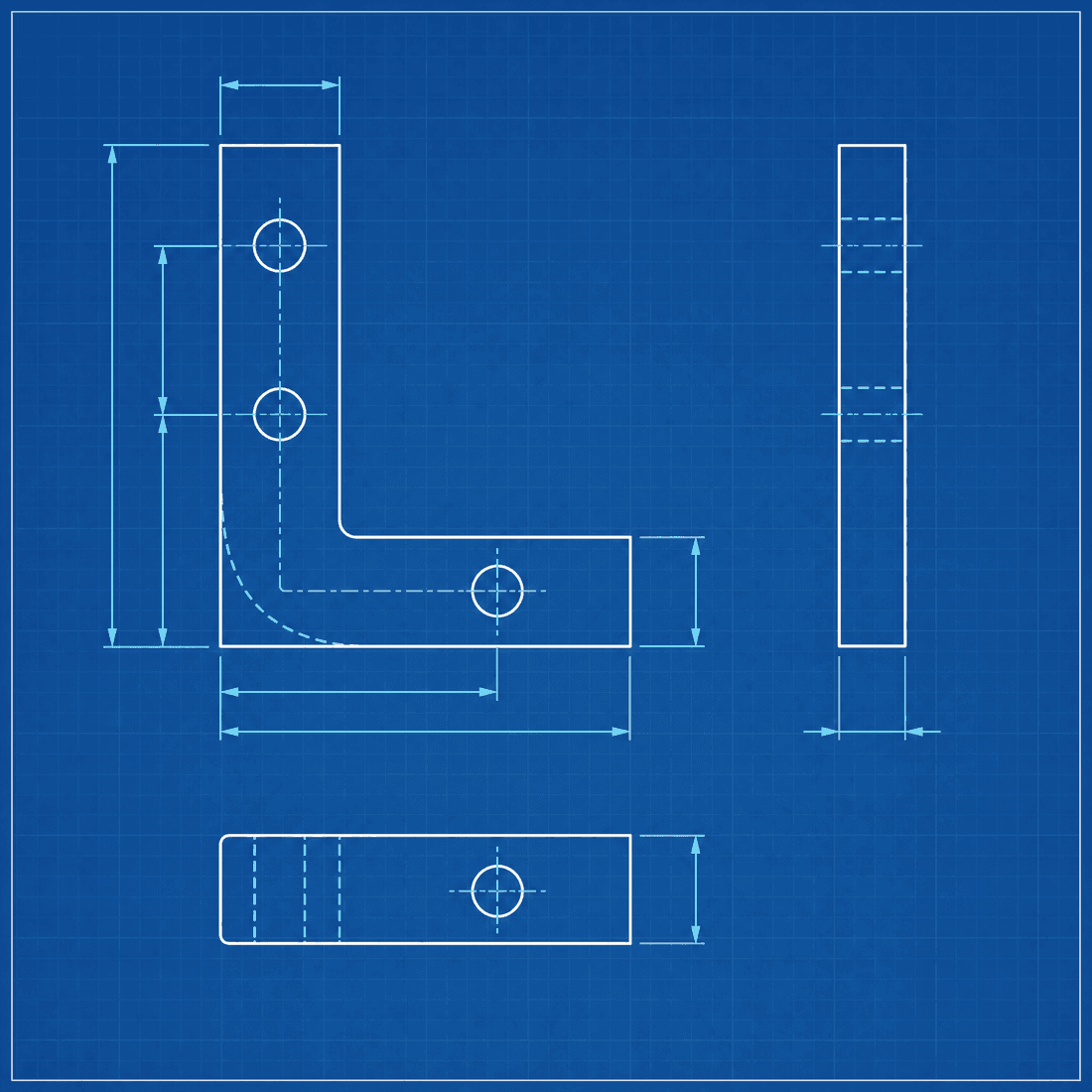
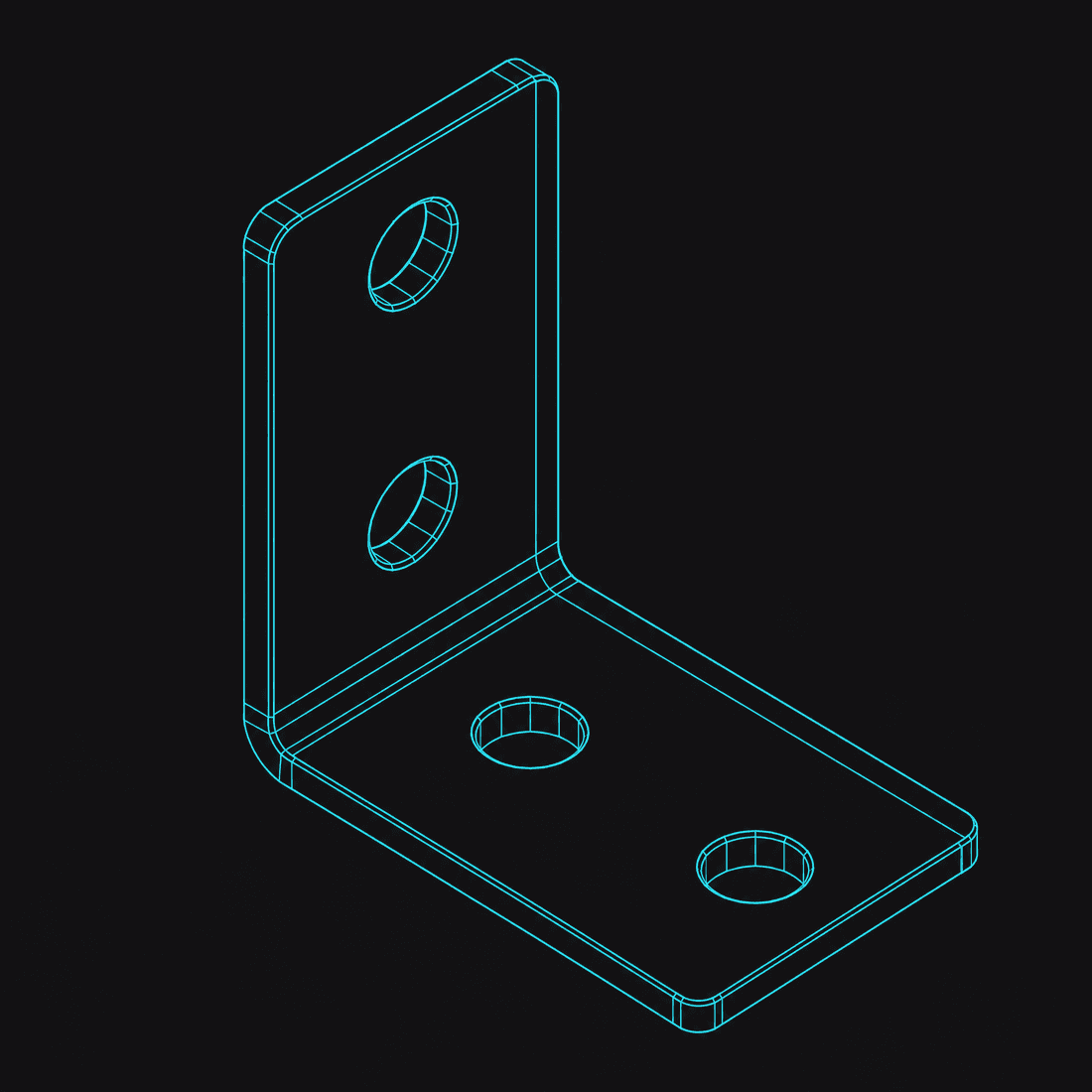
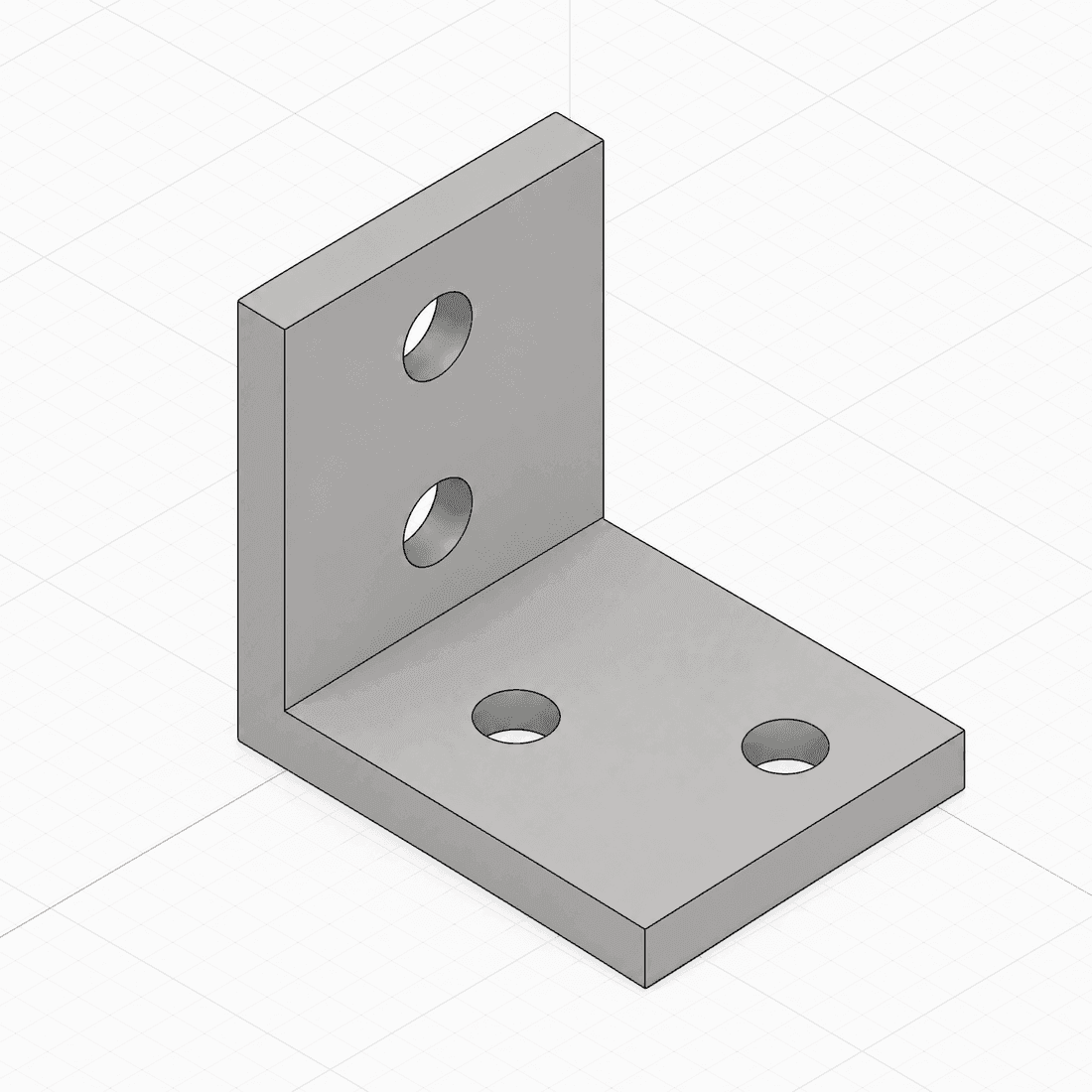
Use DrawCAD to render the same model as a technical drawing, an engineering blueprint, a clean wireframe, or a shaded view — and switch between them with one click. Pick the visual language your audience expects, from a shop-floor blueprint to a polished concept render.
Key features of DrawCAD
From a one-line prompt or a rough sketch to a polished technical drawing, DrawCAD handles the text-to-drawing flow — interpreting geometry, applying a style, and exporting a print-ready image in your browser.
Text to CAD drawing
Describe a part in plain language — "an 80×40×5 mm bracket with four M4 holes" — and this CAD drawing generator interprets the geometry to produce a clean isometric CAD render. Holes, fillets, chamfers, and proportions are inferred automatically, so you get an accurate-looking technical drawing without touching modeling software.
Sketch to CAD drawing
Upload a photo or scan of a hand-drawn sketch and the generator follows your outline, cleaning up the lines into a crisp, presentable CAD-style drawing. It is the fastest way to turn a whiteboard idea or a napkin doodle into a CAD drawing you can drop straight into a deck or a spec sheet.
Multiple styles
Generate the same part as an isometric technical drawing, a classic engineering blueprint, a clean wireframe, or a shaded view — and switch between them with a single click. One prompt gives you every visual style you need for concepts, documentation, and presentations.
High-res PNG
Download CAD-style technical images as PNG files at up to 4K resolution for pitch decks, datasheets, manuals, and product pages. The output is an image, not editable CAD geometry.
Seconds, not hours
Skip the CAD software and the hours of modeling. The generator renders most parts in under 30 seconds, right in your browser — so you can iterate on a shape, tweak the prompt, and regenerate until it is right, all in the time it would take to open a traditional CAD program.
Pay as you go
Simple, credit-based pricing means you only pay for the renders you actually use. DrawCAD lets you top up whenever you need a burst, and never locks you into a subscription you will forget to cancel. Credits work across every style and resolution.
How the CAD drawing generator works
Two ways in, one clean CAD drawing out. Start from a text prompt or a sketch, choose your output style, and download a high-resolution technical drawing — no CAD experience required at any step.
Describe or upload
Type a plain-language description of your part — dimensions, holes, and features — or drag in a photo of a hand-drawn sketch.
Pick a style
Choose an output style — isometric technical drawing, engineering blueprint, wireframe, or shaded view — and adjust the resolution.
Download PNG
DrawCAD renders your CAD drawing in seconds; download a print-ready PNG up to 4K and drop it straight into your docs.
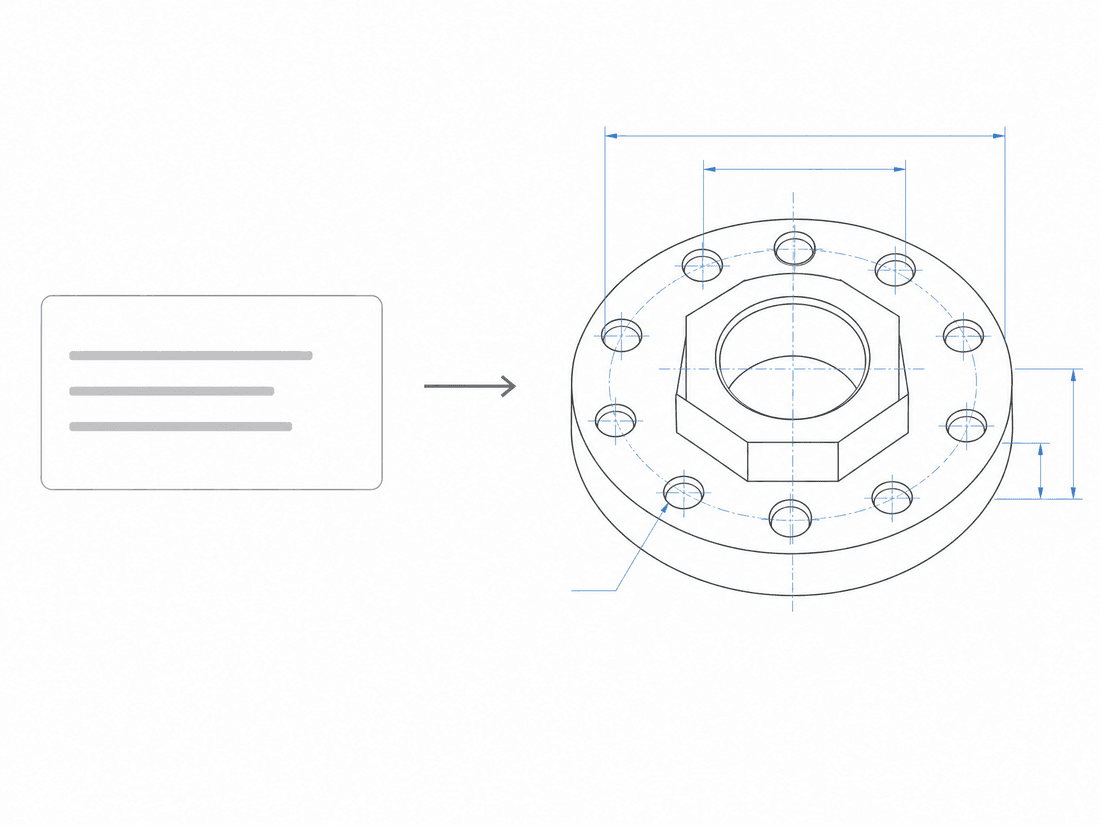
Describe a CAD drawing in words
Type a prompt like "an 80×40×5 mm bracket with four M4 holes" and this CAD drawing generator interprets the geometry, then renders an isometric CAD view with realistic materials and lighting. The more specific your dimensions and features, the closer the technical drawing matches what you had in mind.
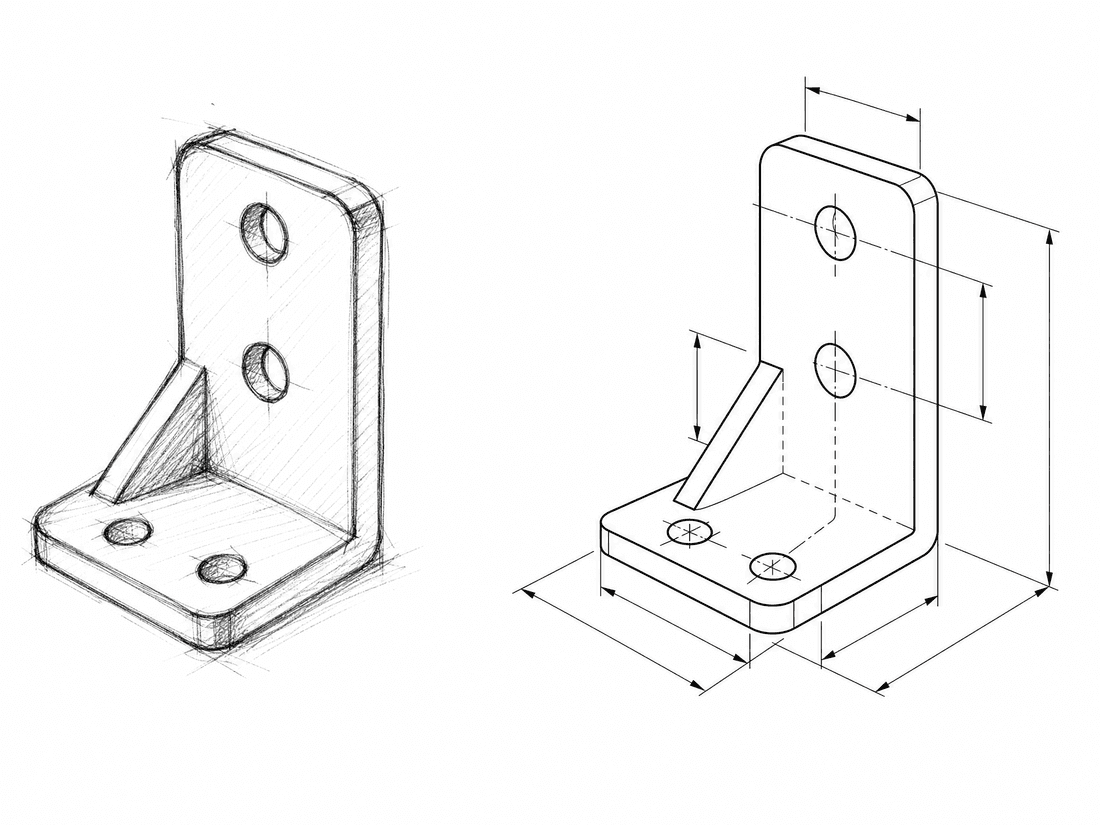
Or start from a sketch
Have a rough drawing? Upload a photo or scan and the generator follows your outline, turning the scribble into a clean, shareable CAD-style render. It is perfect for capturing a whiteboard concept or a paper sketch the moment inspiration strikes — no redrawing required.
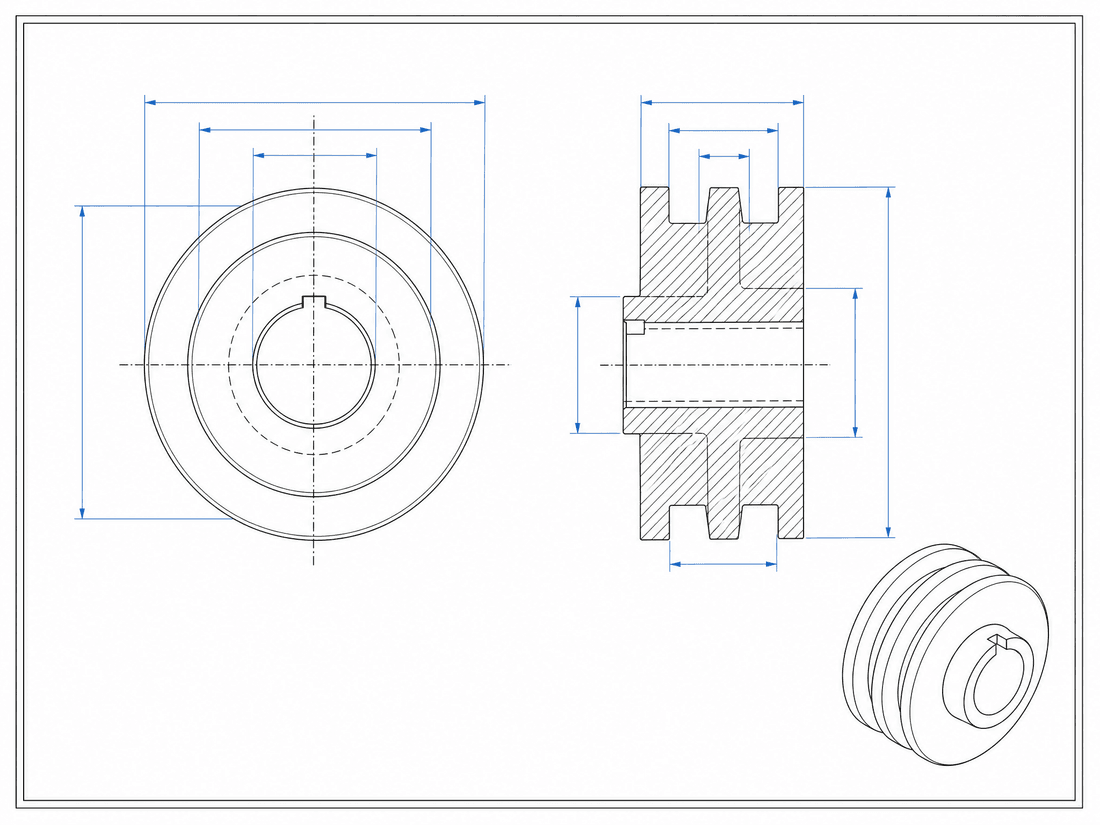
One clean drawing out
Whichever way you start, you end with a polished, presentation-ready CAD drawing. Pick the output style your audience expects, then export a high-resolution, print-ready PNG — up to 4K — and drop it straight into your docs, decks, or product pages. No cleanup, no CAD license, no redraw.
A CAD drawing generator for makers across every field
Engineers, product designers, students, and hobbyists use DrawCAD every day to turn text and sketches into CAD drawings — across 3D printing, robotics, product design, education, hardware startups, and mechanical engineering.
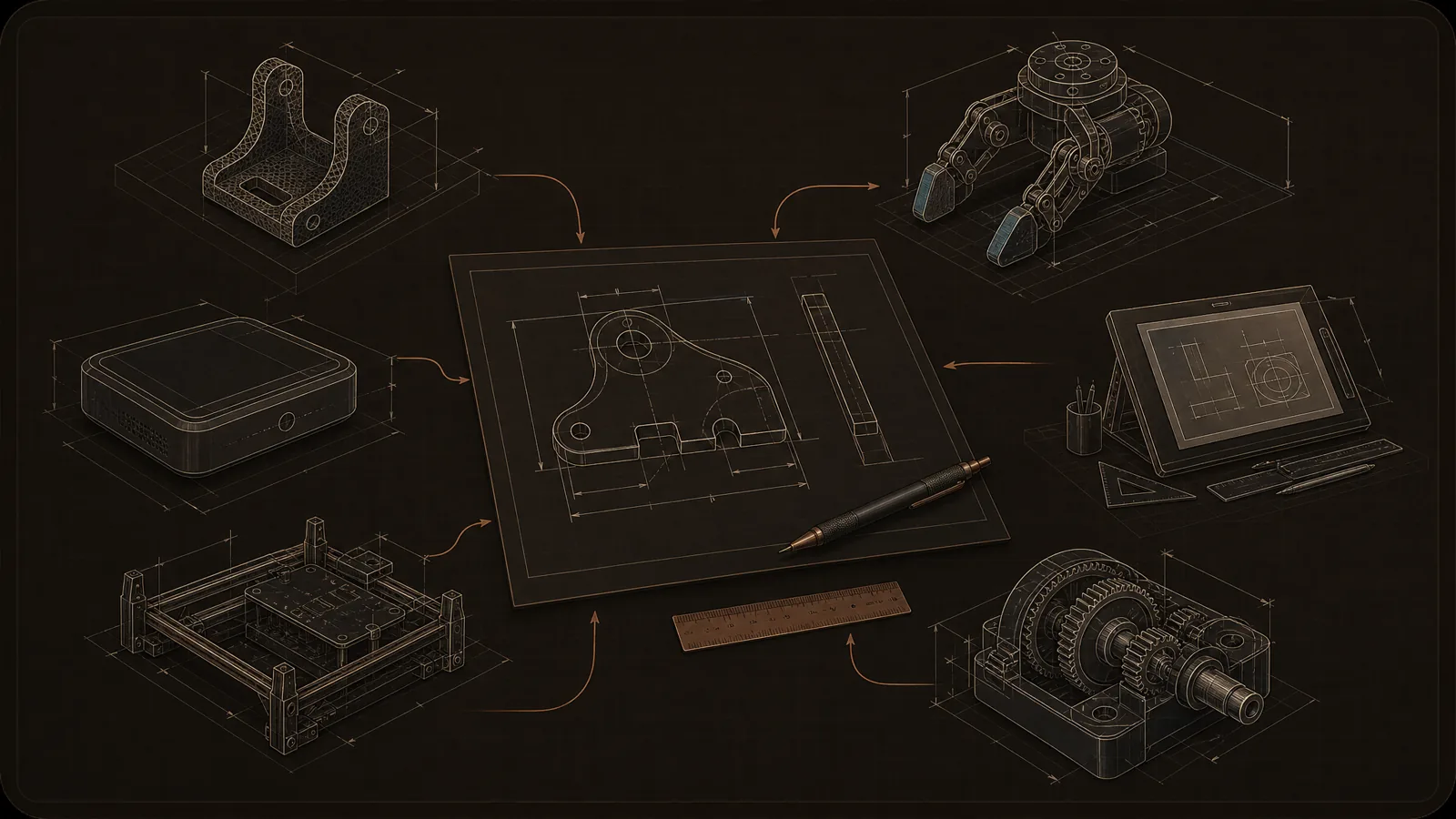
Prompts, sketches, and CAD-style drawings stay visually consistent across teams, classes, and prototypes.
DrawCAD pricing
Choose a credit allowance that matches how often you generate. Prices and credits below come directly from the checkout catalog.
Starter
$100 billed yearly
2,400 credits / year
Annual credits are granted upfront for the annual term.
For occasional CAD-style image generation.
- Use credits with the models available in the generator
- Text and sketch generation workflows
- Download generated CAD-style PNG images
Pro
Most popular$288 billed yearly
9,600 credits / year
Annual credits are granted upfront for the annual term.
For regular CAD-style image generation with a larger credit allowance.
- Use credits with the models available in the generator
- Text and sketch generation workflows
- Download generated CAD-style PNG images
Ultimate
Best value$360 billed yearly
24,000 credits / year
Annual credits are granted upfront for the annual term.
For the highest available credit allowance in the current catalog.
- Use credits with the models available in the generator
- Text and sketch generation workflows
- Download generated CAD-style PNG images
Models use different numbers of credits per image. The generator shows the exact credit cost before you generate.
The checkout uses the exact plan price and credit allowance shown above.
Frequently asked questions — DrawCAD
Have another question? Contact support.
Does this CAD drawing generator produce real CAD files?
DrawCAD creates high-quality, CAD-style PNG images from your text description or sketch for concepts, documentation, pitch decks, and product pages. They are visual renders, not editable solid models or manufacturing-ready CAD geometry.
What should I type into the CAD drawing generator?
Describe the part in plain language — its overall shape, key dimensions, holes, fillets, and any notable features. The more specific you are, the closer the generated technical drawing matches your intent: "80×40 mm steel plate, four M4 holes on a 60 mm pattern" produces a far more accurate render than "a metal plate". You can refine the prompt and regenerate as many times as you like.
Can the CAD drawing generator use a hand-drawn sketch?
Yes. Switch to Sketch-to-CAD, then drop in a photo or scan of your hand-drawn sketch and DrawCAD follows the outline to produce a clean, CAD-style image. It works with whiteboard photos, napkin doodles, and pencil drawings alike, so you do not have to redraw anything by hand.
What image styles are available?
DrawCAD creates four output styles from the same part: an isometric 3D technical drawing, a classic engineering blueprint, a clean wireframe, and a shaded view. You can switch styles with a single click before or after generating, so one prompt covers concepts, documentation, and presentations without re-describing the part.
How do credits work?
Every generation uses credits, and pricing is simple pay-as-you-go. Paid plans include a monthly allowance, and you can top up with extra credits anytime you need a burst of renders. Credits apply across all styles and resolutions, so you are never charged more for a blueprint than for an isometric drawing.
Can I use the images commercially?
Yes. The Pro and Ultimate plans include a commercial license for every CAD drawing you generate, so you can use them in client work, product pages, manuals, and paid presentations. Starter-plan renders are for personal and evaluation use and carry a small watermark; upgrade any time to unlock unwatermarked, commercially licensed output.
What file formats can I download?
Generated drawings download as high-resolution PNG images at up to 4K for concepts, documentation, and presentations. The download is not an editable CAD file.
How accurate are the dimensions?
DrawCAD renders are visual and proportional — they capture shape, features, and overall scale convincingly, but they are not measured CAD geometry. That makes them ideal for concepts, design reviews, documentation, and presentations; for manufacturing, treat a generated drawing as a reference and confirm critical dimensions in a true CAD package before you cut metal.
Does it work in other languages?
Yes. You can write prompts in English or Chinese, and DrawCAD's entire interface is fully bilingual, so makers and engineers on international teams can describe parts in whichever language is fastest for them. Plain-language descriptions work the same way in both languages, and you can switch the interface locale at any time.
How do DrawCAD plans work?
DrawCAD uses credit-based plans. Choose the monthly or annual allowance that matches your workload; each model's exact credit cost is shown before generation.
Does DrawCAD include a team workspace?
DrawCAD currently uses individual accounts and does not include a shared team workspace.
Who owns the images I generate?
Your prompts and generated images remain associated with your account and generation history. Review the current terms for usage rights and data handling details.
Create a CAD drawing in seconds
Use DrawCAD to turn your first text prompt or sketch into a polished CAD drawing in the next 30 seconds — no CAD software, no learning curve.