
GPT Image 2 CAD Generator
Use GPT Image 2 inside DrawCAD for long, structured prompts, multi-reference composition, and detailed CAD-style presentation. DrawCAD is an independent product and is not an official OpenAI product or endorsed by OpenAI.
Output: CAD-style PNG · Not an editable CAD file
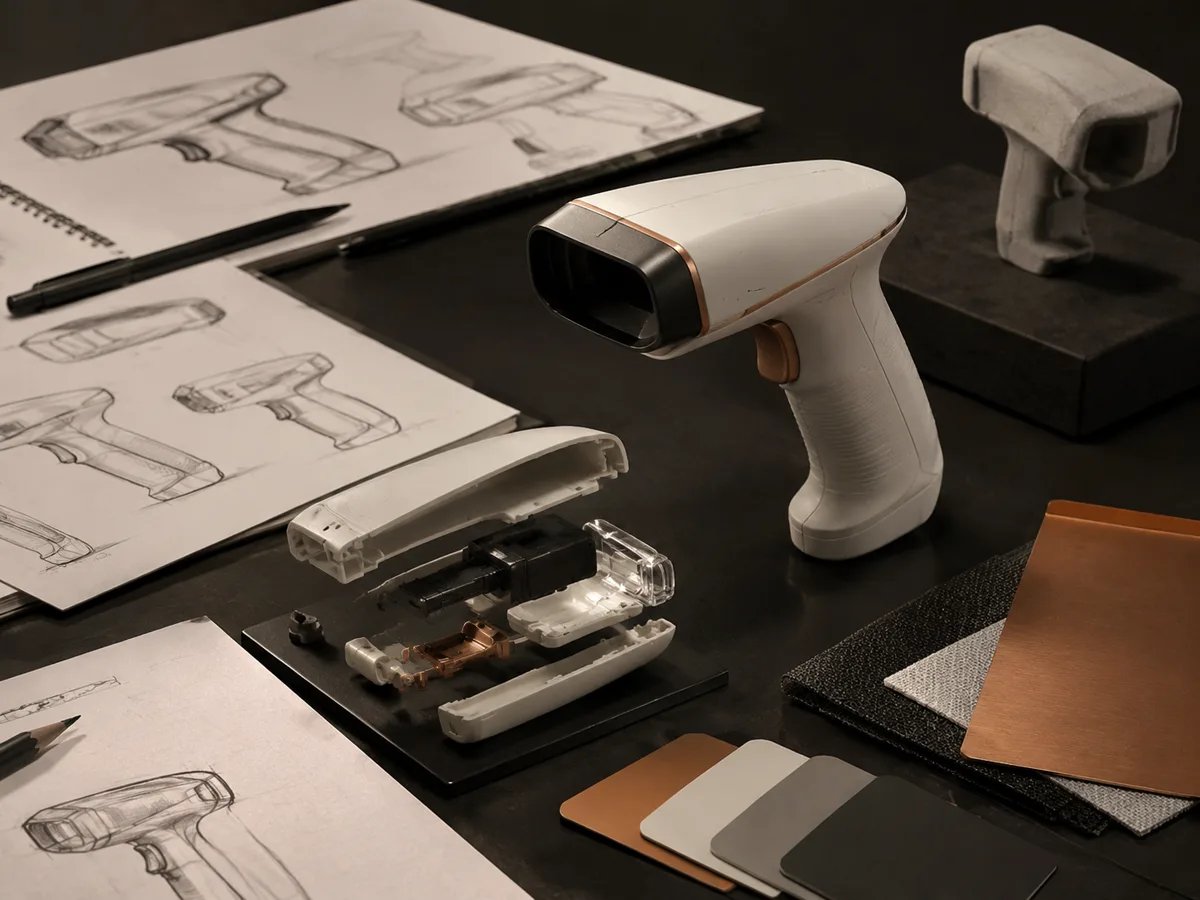
Best uses
Complex prompts for GPT Image 2
Build structured prompts that define the object, views, annotations, materials, and layout, or add references to guide the composition.
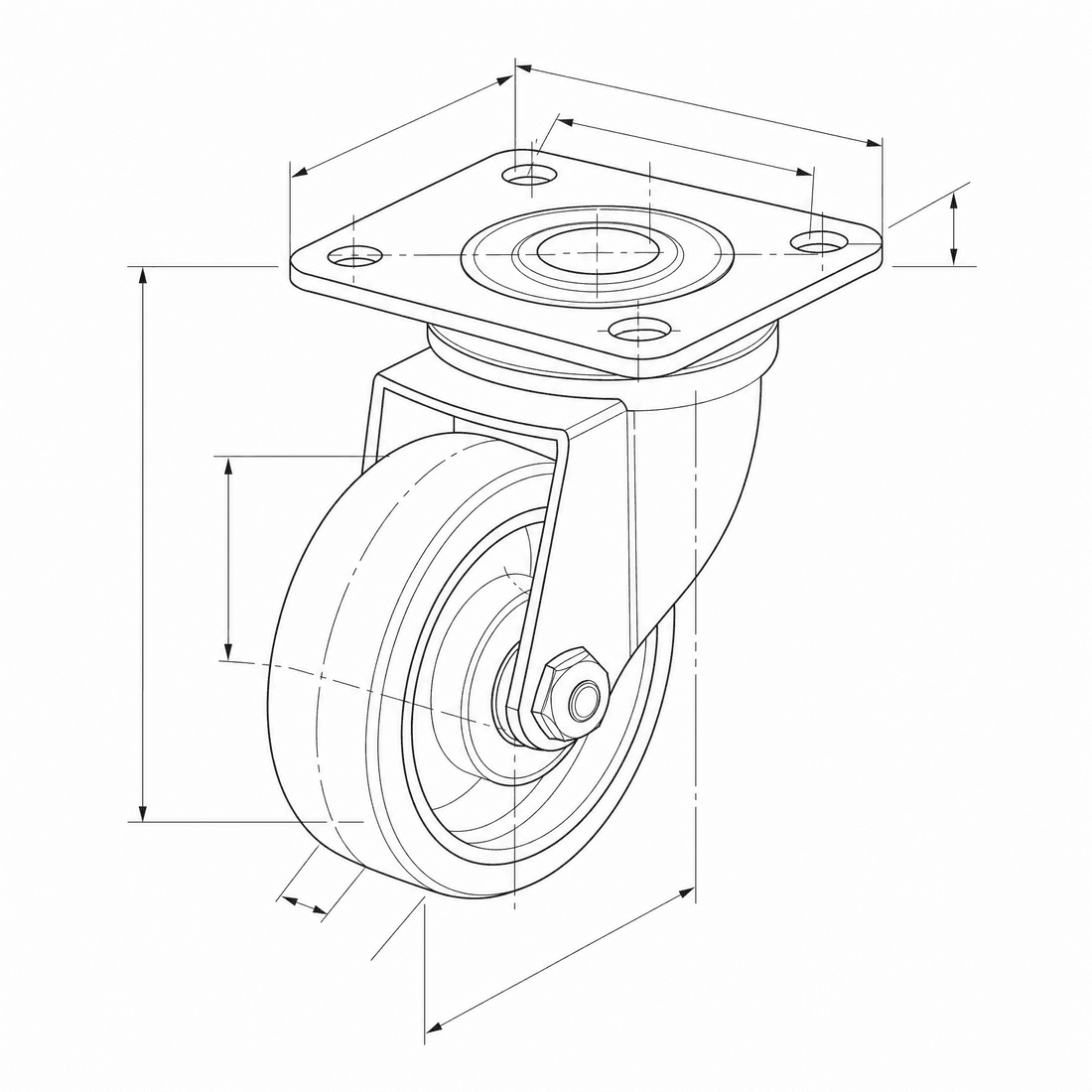
Create an exploded CAD-style assembly drawing of a swivel caster showing the mounting plate, bearing race, fork, axle, wheel, fasteners, and aligned assembly guides
Model capabilities
Live capabilities from the same model configuration used by the generator.

GPT Image 2
4K- Credits per image
- 6
- Estimated time
- 15-90s
- Input modes
- Text to CAD + Sketch to CAD
- Reference images
- 16
- Max prompt characters
- 20,000
GPT Image 1.5
1K- Credits per image
- 7
- Estimated time
- 15-60s
- Input modes
- Text to CAD + Sketch to CAD
- Reference images
- 16
- Max prompt characters
- Not specified
GPT Image 2 structured CAD brief in DrawCAD
Compose a long, structured design brief for complex assemblies, multi-view layouts, reference-guided revisions, and compatible output up to 4K. DrawCAD is independent and is not affiliated with or endorsed by OpenAI.
More parameters
Generated prompt
Create a presentation-ready CAD design sheet from this structured brief. Object and component hierarchy: swivel caster assembly with mounting plate, bearing race, fork, axle, wheel, and fasteners. one large exploded isometric view plus two mechanism detail insets. Annotations: part labels, assembly guide lines, critical dimensions, and material callouts. clean isometric CAD presentation. wide 16:9 composition. 2K detailed output.
GPT Image 2 CAD-style examples
FAQ
Is DrawCAD an official OpenAI product?
No. DrawCAD is an independent product that provides access to supported image models in a CAD-focused workflow. It is not affiliated with or endorsed by OpenAI.
Does this page support reference images?
Yes. GPT Image 2 supports text and sketch modes in DrawCAD, with up to 16 reference images and prompts up to 20,000 characters.
How is GPT Image 2 different from GPT Image 1.5 in DrawCAD?
GPT Image 2 adds resolution controls up to 4K and uses 6 credits. GPT Image 1.5 is a separate 1K option that uses 7 credits.
Need more renders?
Upgrade for more credits, higher resolution, and watermark-free exports.