
DrawCAD 2.0
DrawCAD 2.0 面向需要更高细节的文字提示词、粗略草图和参考图工作流。它最多支持 16 张参考图,并可在画面比例允许时选择最高 4K 分辨率。
输出:CAD 风格 PNG · 不是可编辑 CAD 文件
适合场景
DrawCAD 2.0 高细节工作流
可以只写提示词,也可以上传草图、图纸或产品参考图,在保留关键几何结构的同时改善图纸呈现。
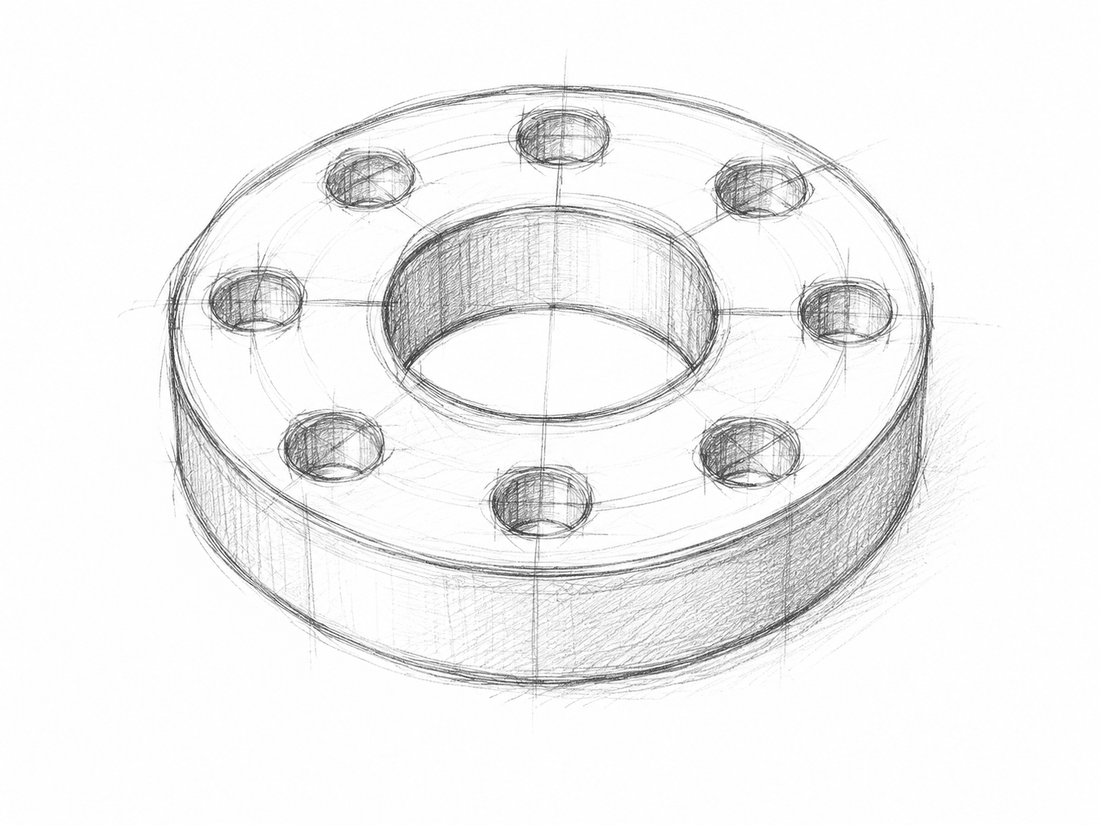
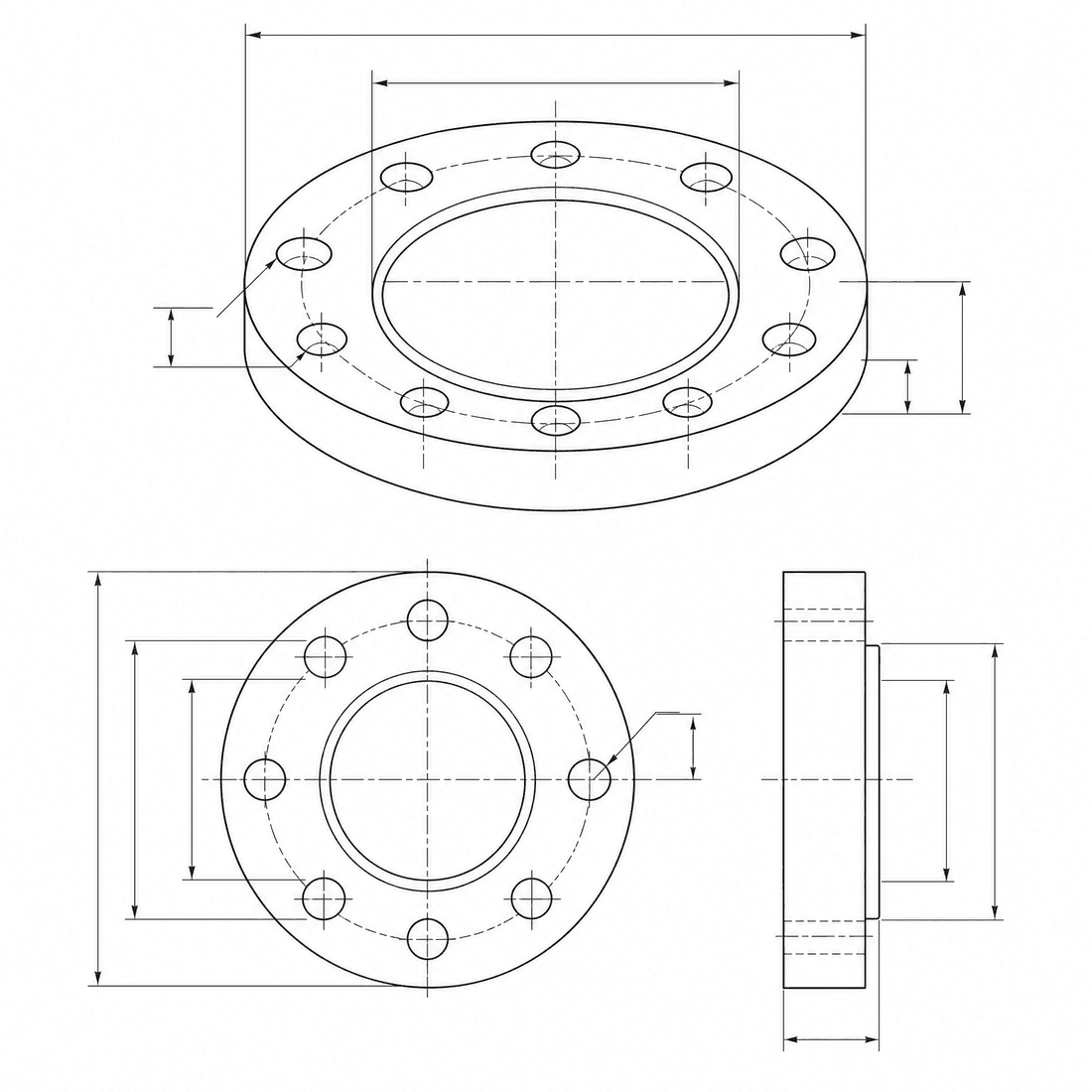
Dimensioned pipe flange
Refine the flange concept into a precise engineering drawing with a six-hole bolt circle, center bore, dimension lines, and section detail
模型能力
以下能力直接读取生成器当前使用的模型配置。

DrawCAD 2.0
4K- 每张图积分
- 6
- 预计耗时
- 15-90s
- 输入模式
- 文本转 CAD + 草图转 CAD
- 参考图数量
- 16
- 提示词最大字符数
- 20,000
DrawCAD 2.0 草图精修任务包
将文字需求或粗略草图转为细节丰富的 CAD 演示图,可使用参考图引导并输出兼容的最高 4K 图像。
更多参数
生成的提示词
Create a detailed CAD presentation that preserves the specified geometry. Object: six-hole pipe flange. Preserve: center bore, six-hole bolt circle, stepped rim, and symmetric proportions. orthographic views with concise dimension lines. clean technical drawing with precise linework. landscape 4:3 composition. 2K detailed output.
DrawCAD 2.0 高细节示例
常见问题
DrawCAD 2.0 支持草图转 CAD 吗?
支持。DrawCAD 2.0 同时支持文字和草图模式,图像引导生成最多可使用 16 张参考图。
DrawCAD 2.0 的所有图片都能生成 4K 吗?
不能。4K 取决于工作流和画面比例;1:1 不支持 4K,Auto 仅支持 1K,部分超宽或超高比例也有限制。
每次需要多少积分和时间?
DrawCAD 2.0 每次生成消耗 6 积分,通常需要 15-90 秒,具体取决于模式和输出设置。
需要更多生成次数?
升级后可获得更多积分、更高分辨率和无水印导出。