
GPT Image 2 CAD 生成器
在 DrawCAD 中使用 GPT Image 2,处理长篇结构化提示词、多参考图构图和高细节 CAD 风格呈现。DrawCAD 是独立产品,并非 OpenAI 官方产品,也未获得 OpenAI 官方背书。
输出:CAD 风格 PNG · 不是可编辑 CAD 文件
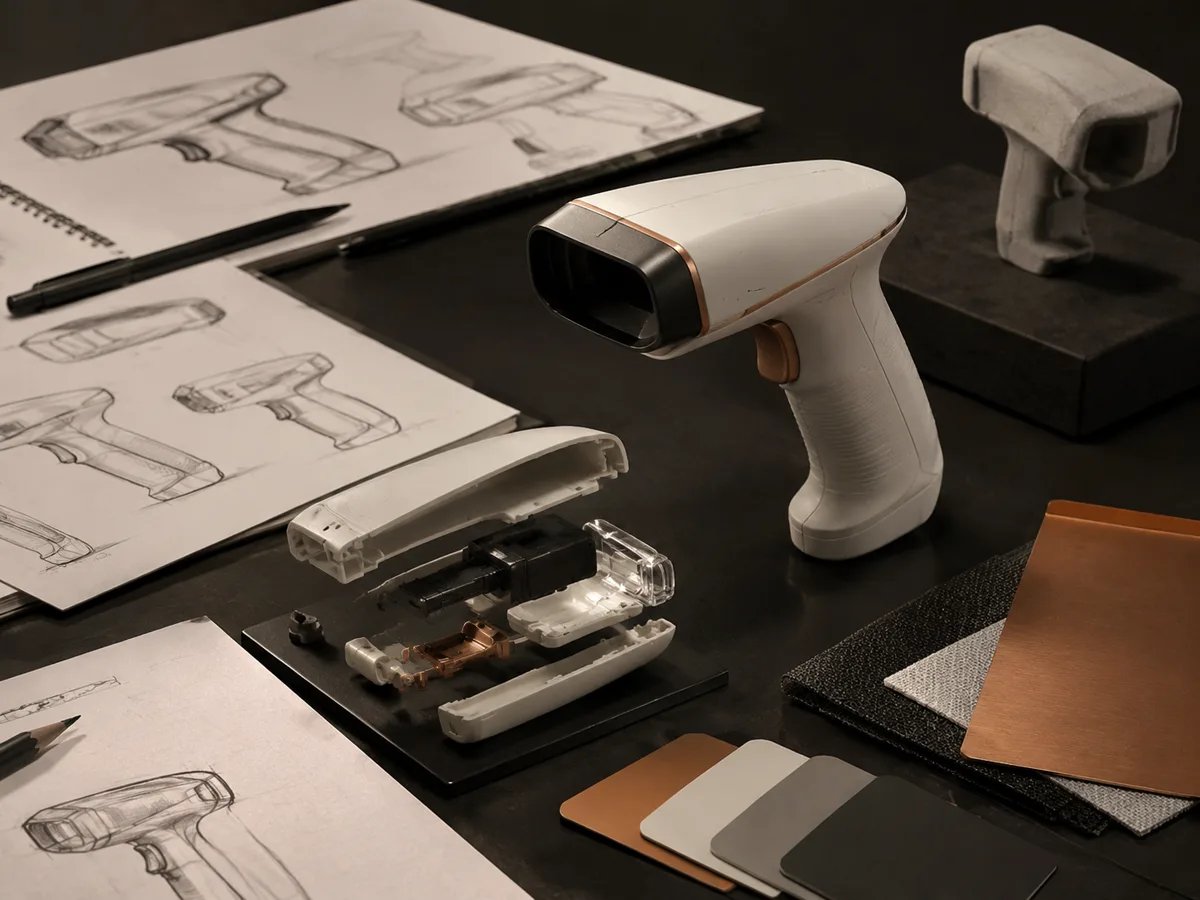
适合场景
适合 GPT Image 2 的复杂提示词
使用结构化提示词定义对象、视图、标注、材质和版式,也可以添加参考图引导构图。
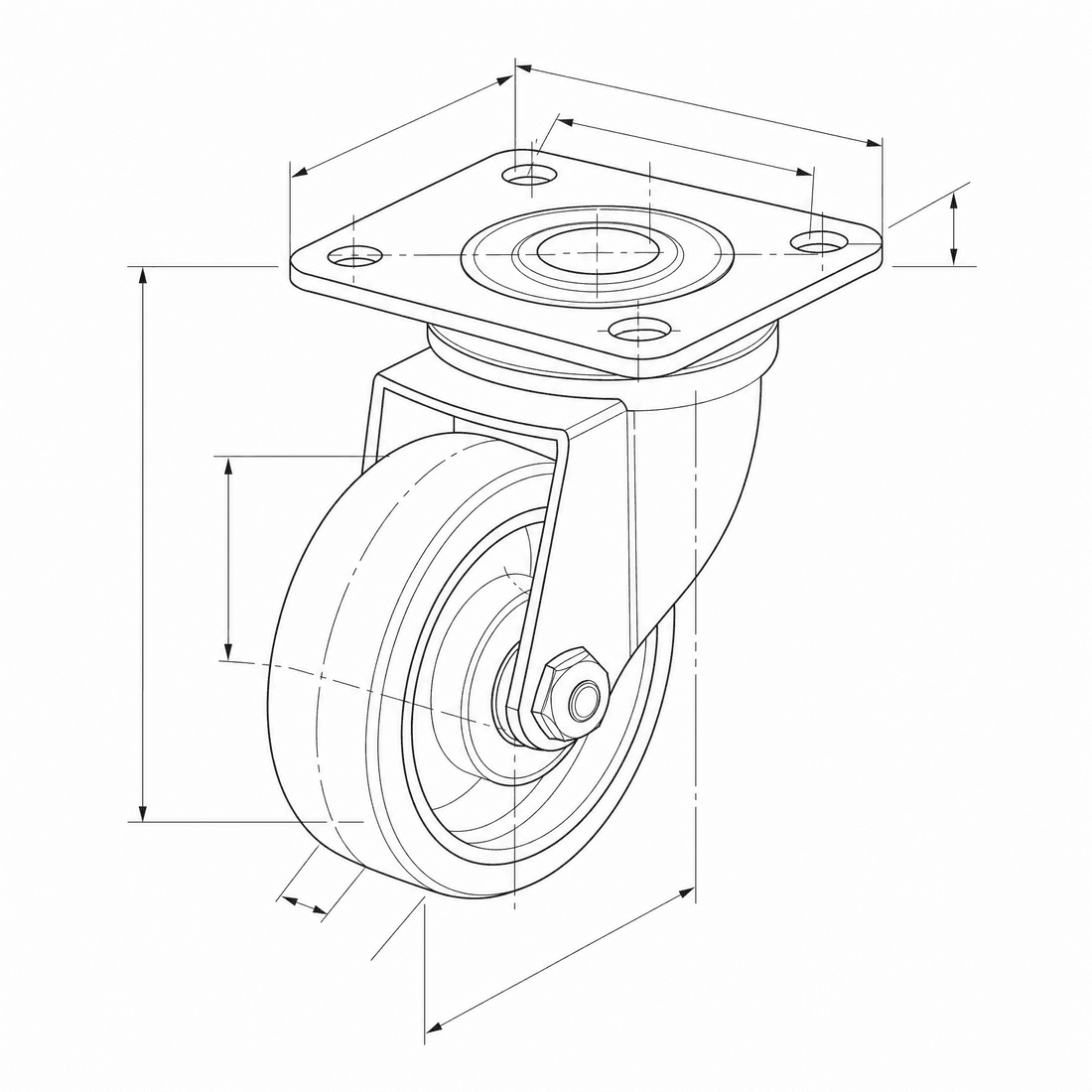
Create an exploded CAD-style assembly drawing of a swivel caster showing the mounting plate, bearing race, fork, axle, wheel, fasteners, and aligned assembly guides
模型能力
以下能力直接读取生成器当前使用的模型配置。

GPT Image 2
4K- 每张图积分
- 6
- 预计耗时
- 15-90s
- 输入模式
- 文本转 CAD + 草图转 CAD
- 参考图数量
- 16
- 提示词最大字符数
- 20,000
GPT Image 1.5
1K- 每张图积分
- 7
- 预计耗时
- 15-60s
- 输入模式
- 文本转 CAD + 草图转 CAD
- 参考图数量
- 16
- 提示词最大字符数
- 未指定
DrawCAD 中的 GPT Image 2 结构化 CAD 任务包
为复杂装配体、多视图版面、参考图引导修改和兼容的最高 4K 输出组织长篇结构化需求。DrawCAD 是独立产品,与 OpenAI 无隶属或官方背书关系。
更多参数
生成的提示词
Create a presentation-ready CAD design sheet from this structured brief. Object and component hierarchy: swivel caster assembly with mounting plate, bearing race, fork, axle, wheel, and fasteners. one large exploded isometric view plus two mechanism detail insets. Annotations: part labels, assembly guide lines, critical dimensions, and material callouts. clean isometric CAD presentation. wide 16:9 composition. 2K detailed output.
GPT Image 2 CAD 风格示例
常见问题
DrawCAD 是 OpenAI 官方产品吗?
不是。DrawCAD 是独立产品,在面向 CAD 的工作流中提供受支持的图像模型能力,与 OpenAI 无隶属或官方背书关系。
这个页面支持参考图吗?
支持。GPT Image 2 在 DrawCAD 中支持文字和草图模式,最多可使用 16 张参考图,提示词最长 20,000 字符。
GPT Image 2 与 DrawCAD 中的 GPT Image 1.5 有什么区别?
GPT Image 2 支持最高 4K 的分辨率控制,每次消耗 6 积分;GPT Image 1.5 是独立的 1K 选项,每次消耗 7 积分。
需要更多生成次数?
升级后可获得更多积分、更高分辨率和无水印导出。