
AI 技术图生成器
无需打开 CAD 软件,也能为零件、产品和机构生成适合展示的技术图。
输出:CAD 风格 PNG · 不是可编辑 CAD 文件
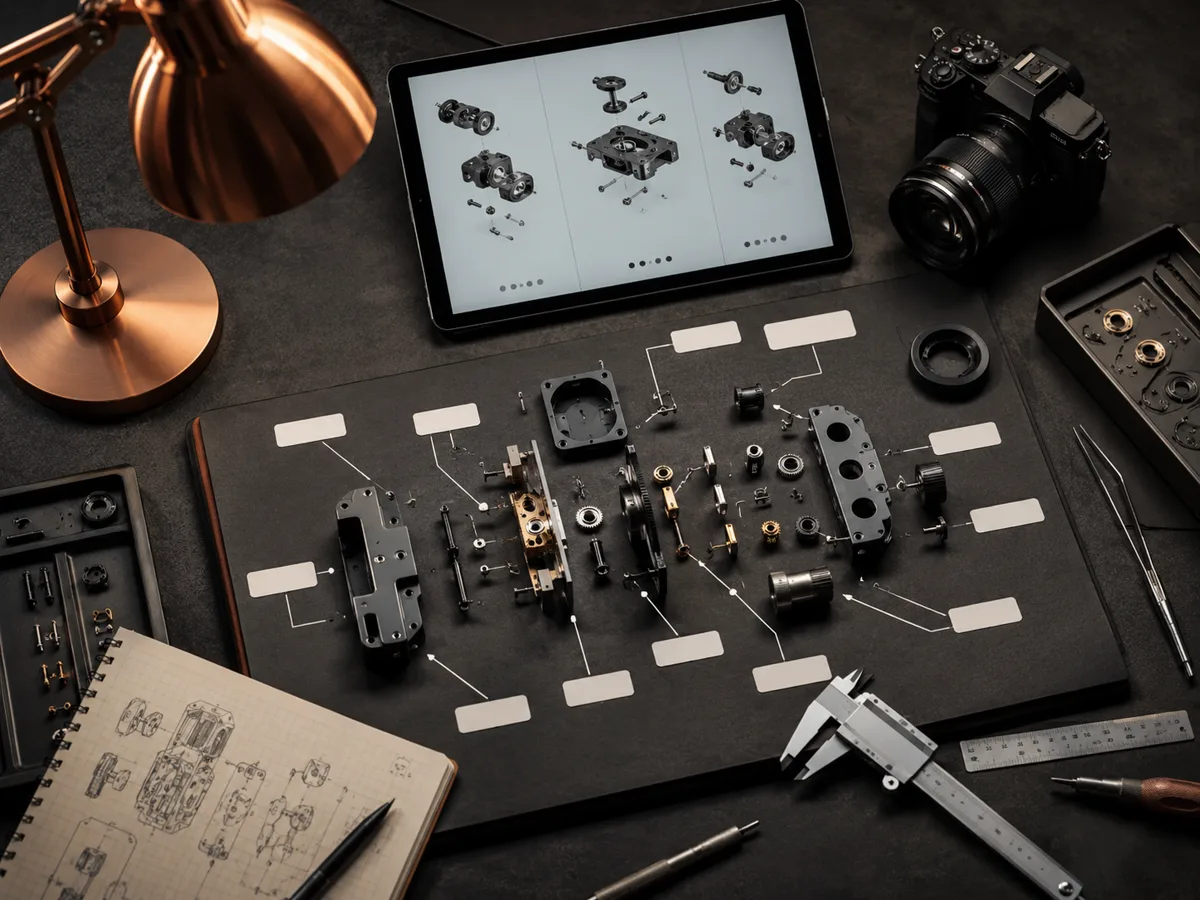
技术图建议
技术图提示词
这些提示词强调尺寸、标注和干净的技术线稿。
选择一个视图研究,再将对应提示词发送到上方生成器。
技术图示例
配置技术图
生成前选择图纸类型、视图组合、尺寸、标注、单位和标题栏处理。
更多参数
生成的提示词
Create a formal engineering-style technical drawing from this structured drawing specification. produce aligned front, top, and right-side orthographic views without perspective. use front, top, and right-side views. Critical dimensions: overall 120 x 80 x 35 mm; four M6 holes on 90 mm PCD. add dimensions, diameter symbols, hole callouts, centerlines, and section markers. use millimetres throughout. include a compact blank title block with drawing number, scale, material, and revision fields.
常见问题
它能替代 CAD 制图吗?
不能。它用于快速生成 CAD 风格视觉图,适合沟通和文档,不是制造级工程图。
可以控制单位吗?
可以。使用单位控制,同时在提示词中直接写清尺寸。
能自动添加尺寸吗?
自动细节可以推断合理尺寸和孔位,但重要尺寸仍建议明确写在提示词中。
需要更多生成次数?
升级后可获得更多积分、更高分辨率和无水印导出。