
DrawCAD 2.0
DrawCAD 2.0 is the higher-detail model for text prompts, rough sketches, and reference-guided CAD visuals. It supports up to 16 reference images and resolution controls up to 4K where the selected aspect ratio allows it.
Kết quả: CAD Kiểu PNG · Không phải là tệp có thể chỉnh sửa CAD
Best uses
Detailed DrawCAD 2.0 workflows
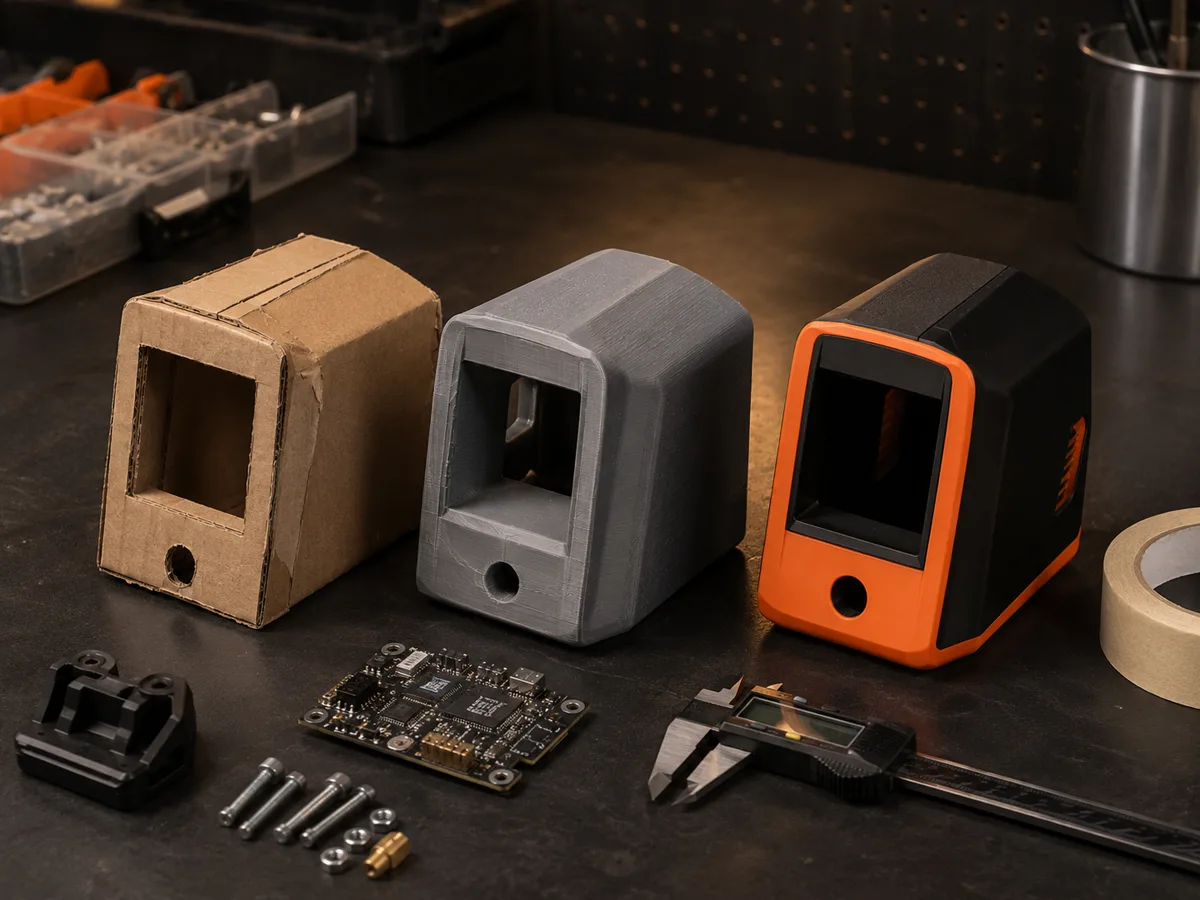
Use a prompt alone or upload a sketch, drawing, or product reference to preserve important geometry while improving the presentation.
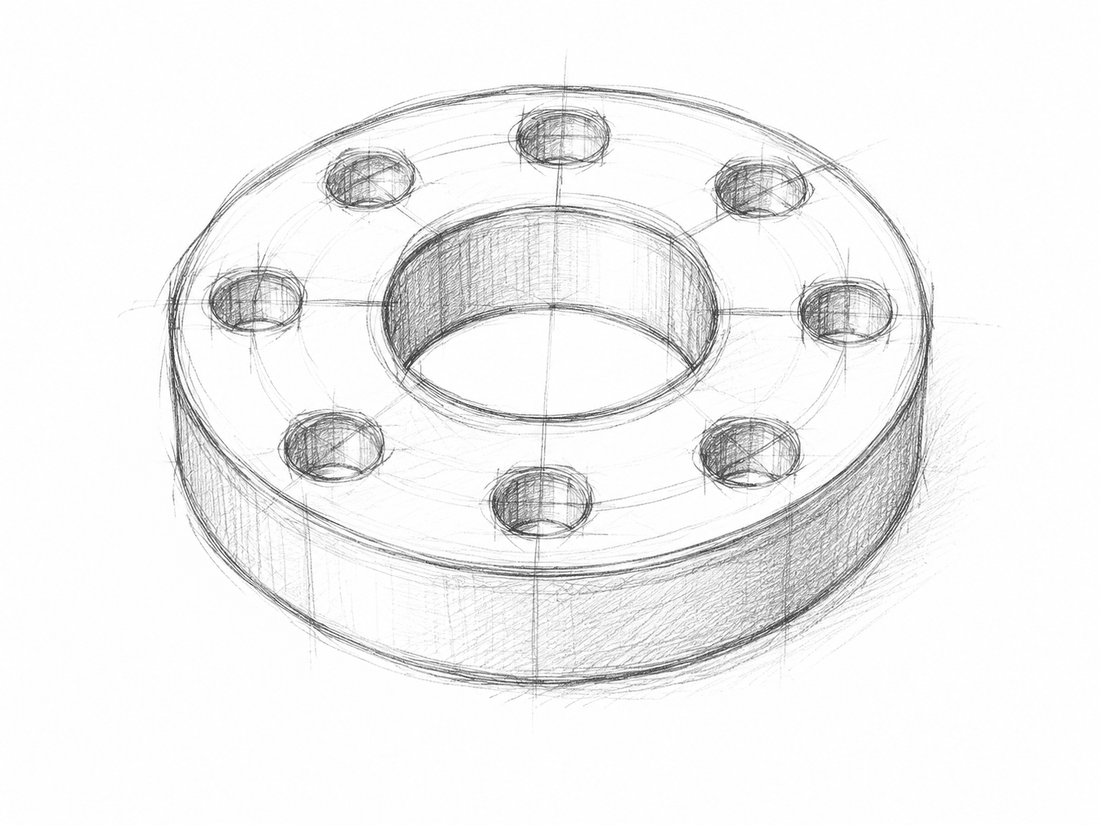
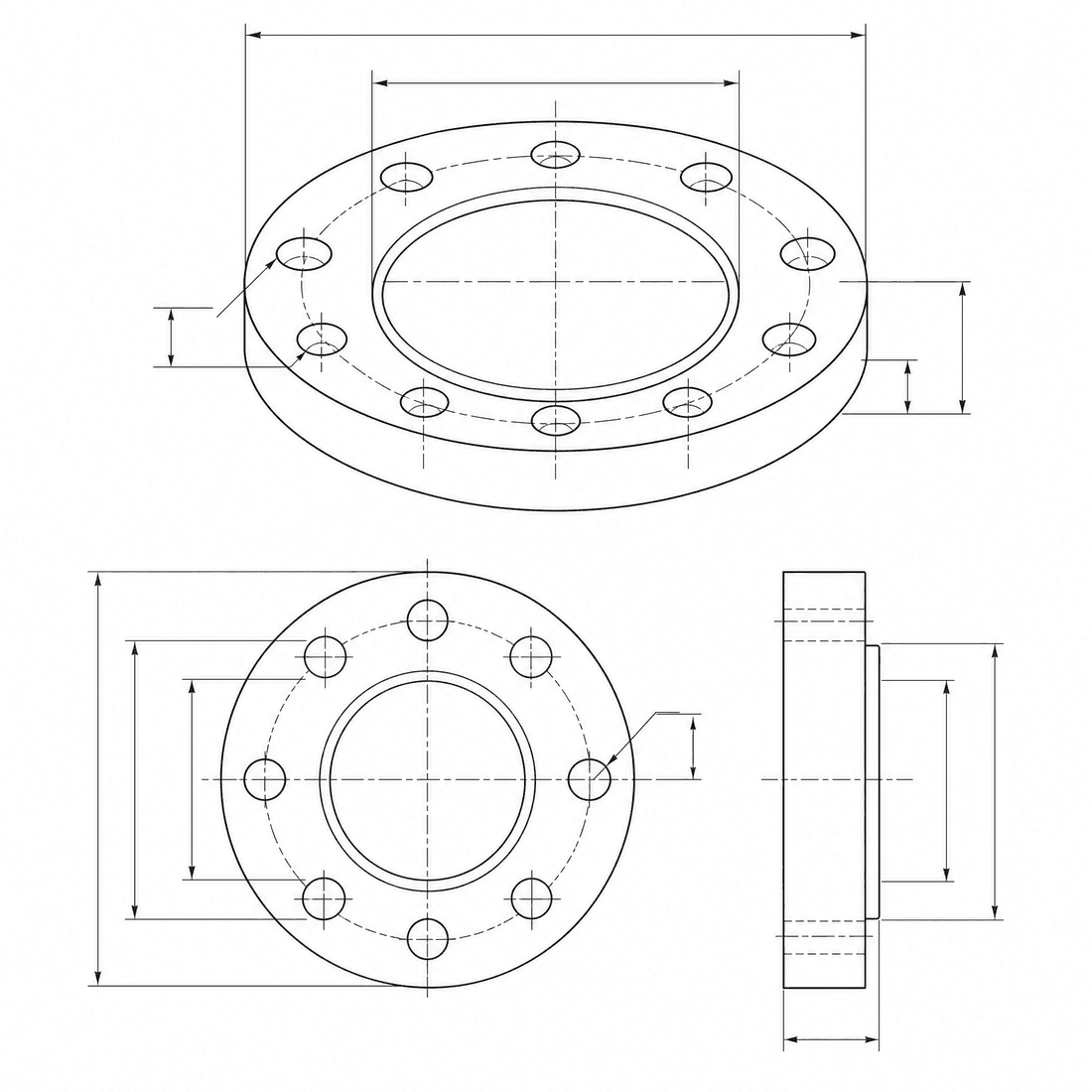
Dimensioned pipe flange
Refine the flange concept into a precise engineering drawing with a six-hole bolt circle, center bore, dimension lines, and section detail
Khả năng của mô hình
Các hàm sau đây cho phép truy xuất trực tiếp cấu hình mô hình mà trình tạo đang sử dụng.

DrawCAD 2.0
4K- Điểm cho mỗi hình ảnh
- 6
- Thời gian dự kiến
- 15-90s
- Chế độ nhập liệu
- Chuyển văn bản sang CAD + Chuyển từ bản phác thảo sang CAD
- Số lượng hình minh họa tham khảo
- 16
- Số ký tự tối đa của từ gợi ý
- 20,000
DrawCAD 2.0 sketch refinement kit
Turn a written brief or rough sketch into a detailed CAD presentation with reference guidance and compatible output up to 4K.
More parameters
Cụm từ gợi ý được tạo ra
Create a detailed CAD presentation that preserves the specified geometry. Object: six-hole pipe flange. Preserve: center bore, six-hole bolt circle, stepped rim, and symmetric proportions. orthographic views with concise dimension lines. clean technical drawing with precise linework. landscape 4:3 composition. 2K detailed output.
High-detail DrawCAD 2.0 examples
Câu hỏi thường gặp
Does DrawCAD 2.0 support Sketch to CAD?
Yes. DrawCAD 2.0 supports text and sketch modes, including up to 16 reference images for image-guided generation.
Can every DrawCAD 2.0 image be generated at 4K?
No. 4K depends on the selected workflow and aspect ratio. Square 1:1 cannot output 4K, Auto is limited to 1K, and some wide or tall ratios have additional limits.
How many credits and how much time does it use?
DrawCAD 2.0 uses 6 credits per generation and typically takes 15-90 seconds depending on mode and output settings.
Cần thêm số lần tạo?
Sau khi nâng cấp, bạn sẽ nhận được nhiều điểm thưởng hơn, độ phân giải cao hơn và khả năng xuất file không có hình mờ.