
Nano Banana CAD Generator
Use Nano Banana models inside DrawCAD for fast style changes, reference-guided revisions, and CAD presentation images. This page defaults to Nano Banana 2. DrawCAD is independent and is not an official Google product or endorsed by Google.
Kết quả: CAD Kiểu PNG · Không phải là tệp có thể chỉnh sửa CAD
Best uses
CAD transformations with Nano Banana
Try prompts that preserve product geometry while changing the drawing treatment, presentation style, or supporting reference direction.
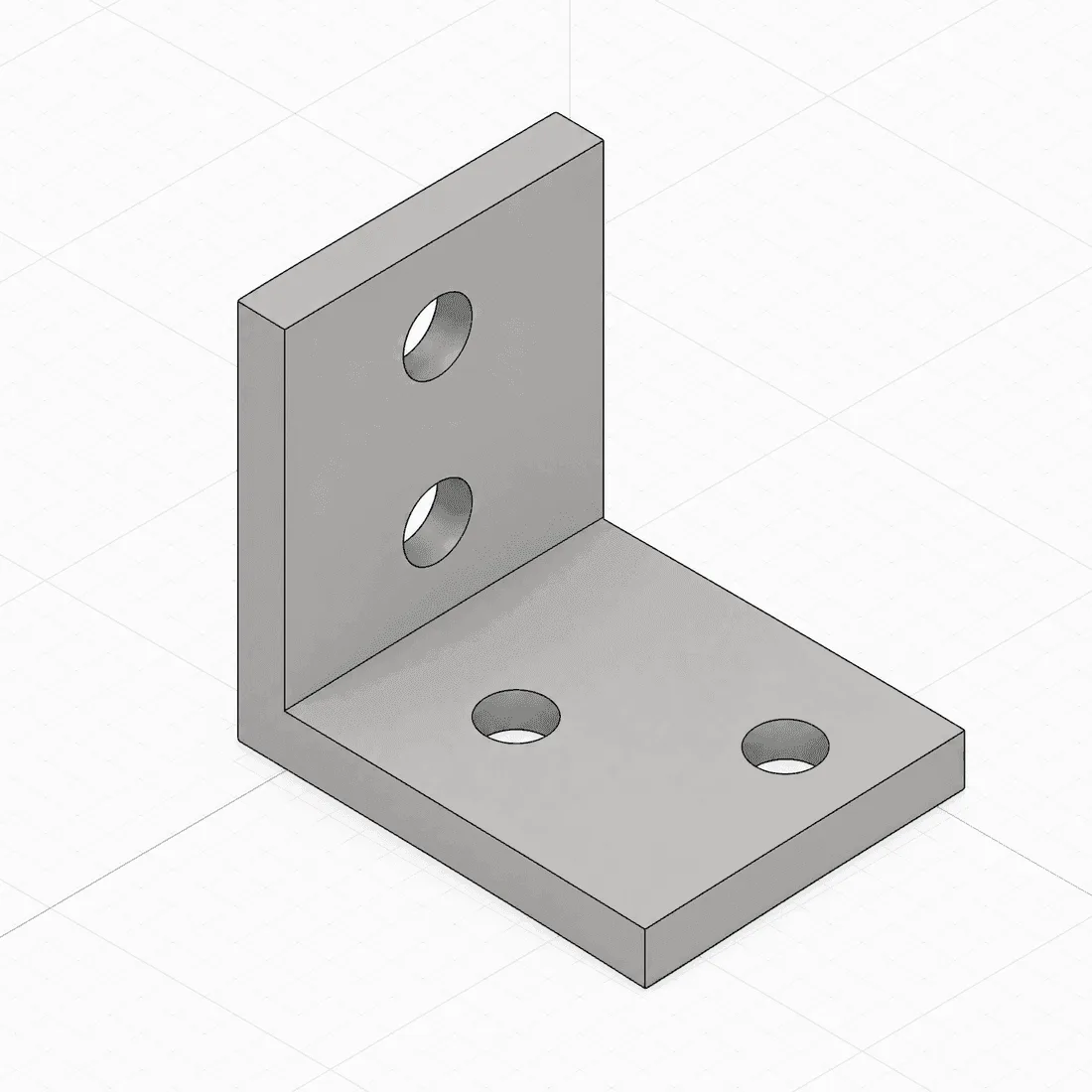
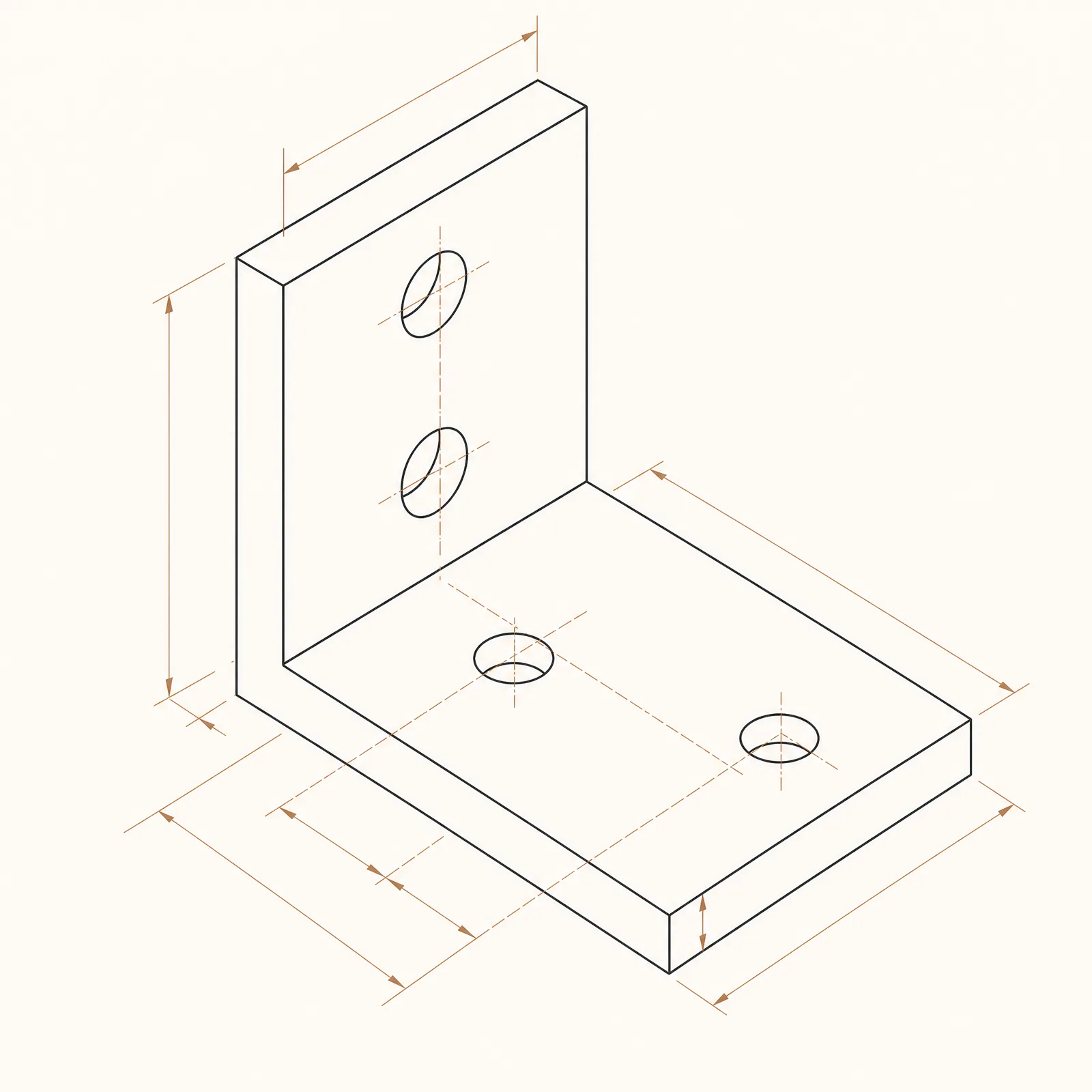
A balanced reference-guided conversion with detailed blueprint treatment.
Khả năng của mô hình
Các hàm sau đây cho phép truy xuất trực tiếp cấu hình mô hình mà trình tạo đang sử dụng.

Nano Banana 2
4K- Điểm cho mỗi hình ảnh
- 15
- Thời gian dự kiến
- 15-30s
- Chế độ nhập liệu
- Chuyển văn bản sang CAD + Chuyển từ bản phác thảo sang CAD
- Số lượng hình minh họa tham khảo
- 14
- Số ký tự tối đa của từ gợi ý
- 20,000
Nano Banana Pro
4K- Điểm cho mỗi hình ảnh
- 45
- Thời gian dự kiến
- 15-30s
- Chế độ nhập liệu
- Chuyển văn bản sang CAD + Chuyển từ bản phác thảo sang CAD
- Số lượng hình minh họa tham khảo
- 8
- Số ký tự tối đa của từ gợi ý
- 10,000
Nano Banana
1K- Điểm cho mỗi hình ảnh
- 9
- Thời gian dự kiến
- 15-30s
- Chế độ nhập liệu
- Chuyển văn bản sang CAD
- Số lượng hình minh họa tham khảo
- Không hỗ trợ
- Số ký tự tối đa của từ gợi ý
- 5,000
Nano Banana model workflow kit in DrawCAD
Prepare CAD-style transformations and route each template to Nano Banana 2, Nano Banana Pro, or the text-only Nano Banana option. DrawCAD is independent and is not affiliated with or endorsed by Google.
More parameters
Cụm từ gợi ý được tạo ra
Create a CAD-style visual transformation while preserving the requested product geometry. Subject: compact finned aluminum heatsink. create a consistent CAD presentation style study. Preserve exactly: fin count, base thickness, mounting holes, and overall proportions. three consistent views with matching scale. softly shaded CAD product render. landscape 4:3 composition.
Nano Banana CAD-style examples
Câu hỏi thường gặp
Is DrawCAD an official Google product?
No. DrawCAD is an independent product that makes supported image models available in a CAD-focused workflow. It is not affiliated with or endorsed by Google.
Which Nano Banana model is selected by default?
Nano Banana 2 is the default because it supports both text and sketch modes, up to 14 reference images, and resolution controls up to 4K.
What are the three Nano Banana options?
Nano Banana is a 9-credit text-only option; Nano Banana 2 is a 15-credit balanced text-and-sketch option; Nano Banana Pro is a 45-credit premium text-and-sketch option.
Cần thêm số lần tạo?
Sau khi nâng cấp, bạn sẽ nhận được nhiều điểm thưởng hơn, độ phân giải cao hơn và khả năng xuất file không có hình mờ.