
GPT Image 2 CAD Generator
Use GPT Image 2 inside DrawCAD for long, structured prompts, multi-reference composition, and detailed CAD-style presentation. DrawCAD is an independent product and is not an official OpenAI product or endorsed by OpenAI.
Kết quả: CAD Kiểu PNG · Không phải là tệp có thể chỉnh sửa CAD
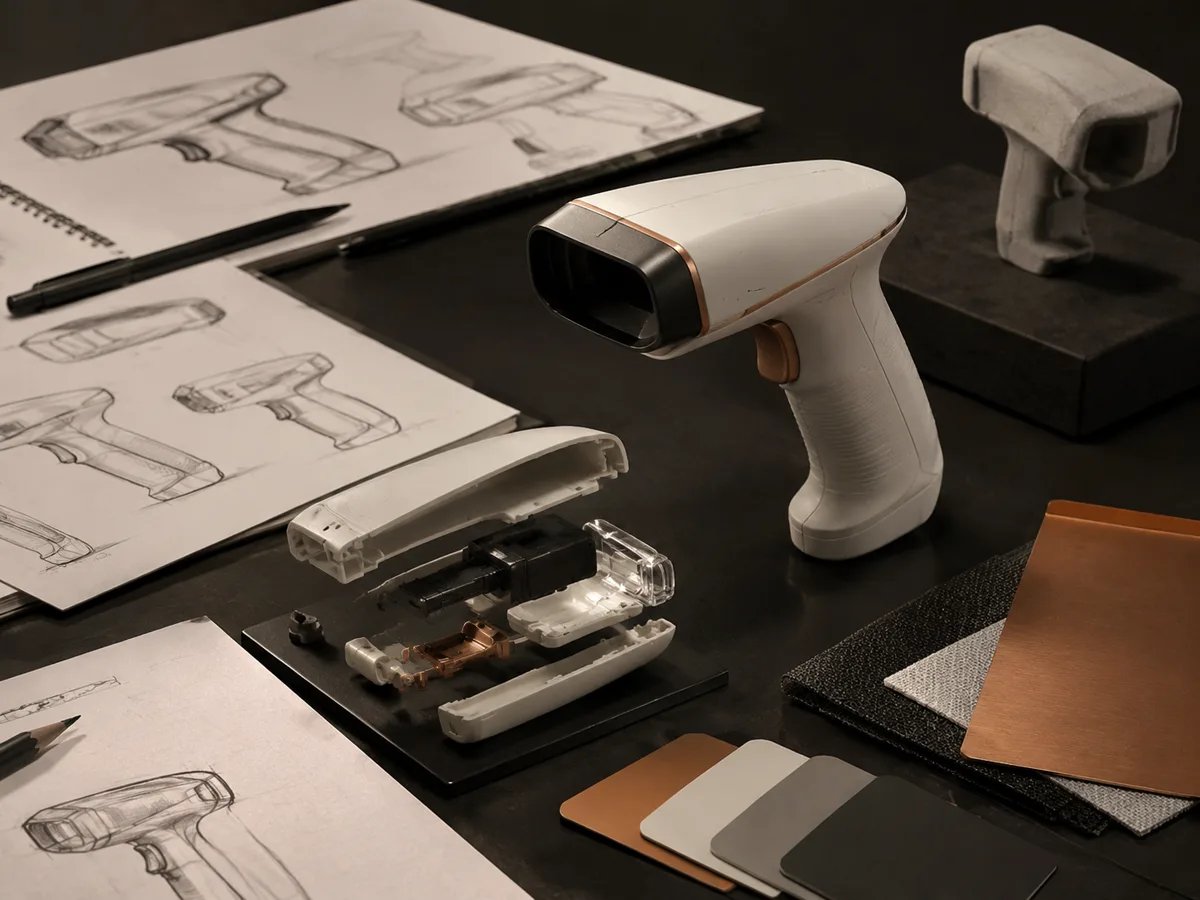
Best uses
Complex prompts for GPT Image 2
Build structured prompts that define the object, views, annotations, materials, and layout, or add references to guide the composition.
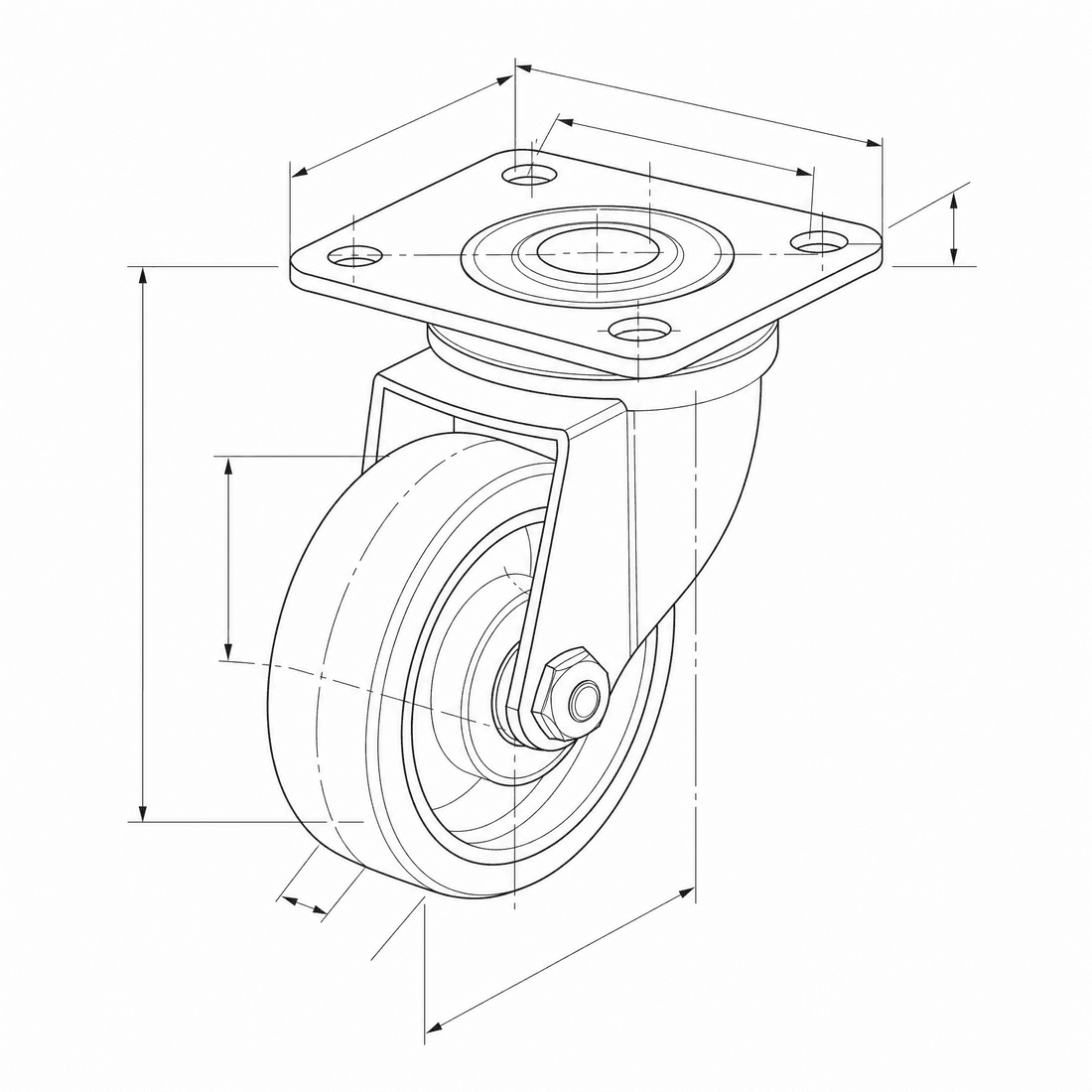
Create an exploded CAD-style assembly drawing of a swivel caster showing the mounting plate, bearing race, fork, axle, wheel, fasteners, and aligned assembly guides
Khả năng của mô hình
Các hàm sau đây cho phép truy xuất trực tiếp cấu hình mô hình mà trình tạo đang sử dụng.

GPT Image 2
4K- Điểm cho mỗi hình ảnh
- 6
- Thời gian dự kiến
- 15-90s
- Chế độ nhập liệu
- Chuyển văn bản sang CAD + Chuyển từ bản phác thảo sang CAD
- Số lượng hình minh họa tham khảo
- 16
- Số ký tự tối đa của từ gợi ý
- 20,000
GPT Image 1.5
1K- Điểm cho mỗi hình ảnh
- 7
- Thời gian dự kiến
- 15-60s
- Chế độ nhập liệu
- Chuyển văn bản sang CAD + Chuyển từ bản phác thảo sang CAD
- Số lượng hình minh họa tham khảo
- 16
- Số ký tự tối đa của từ gợi ý
- Chưa được chỉ định
GPT Image 2 structured CAD brief in DrawCAD
Compose a long, structured design brief for complex assemblies, multi-view layouts, reference-guided revisions, and compatible output up to 4K. DrawCAD is independent and is not affiliated with or endorsed by OpenAI.
More parameters
Cụm từ gợi ý được tạo ra
Create a presentation-ready CAD design sheet from this structured brief. Object and component hierarchy: swivel caster assembly with mounting plate, bearing race, fork, axle, wheel, and fasteners. one large exploded isometric view plus two mechanism detail insets. Annotations: part labels, assembly guide lines, critical dimensions, and material callouts. clean isometric CAD presentation. wide 16:9 composition. 2K detailed output.
GPT Image 2 CAD-style examples
Câu hỏi thường gặp
Is DrawCAD an official OpenAI product?
No. DrawCAD is an independent product that provides access to supported image models in a CAD-focused workflow. It is not affiliated with or endorsed by OpenAI.
Does this page support reference images?
Yes. GPT Image 2 supports text and sketch modes in DrawCAD, with up to 16 reference images and prompts up to 20,000 characters.
How is GPT Image 2 different from GPT Image 1.5 in DrawCAD?
GPT Image 2 adds resolution controls up to 4K and uses 6 credits. GPT Image 1.5 is a separate 1K option that uses 7 credits.
Cần thêm số lần tạo?
Sau khi nâng cấp, bạn sẽ nhận được nhiều điểm thưởng hơn, độ phân giải cao hơn và khả năng xuất file không có hình mờ.