
AI Text to CAD Generator
Describe a mechanical part, fixture, enclosure, or product concept and DrawCAD turns it into a clean technical drawing you can use in documentation, pitches, and early design reviews.
Kết quả: CAD Kiểu PNG · Không phải là tệp có thể chỉnh sửa CAD
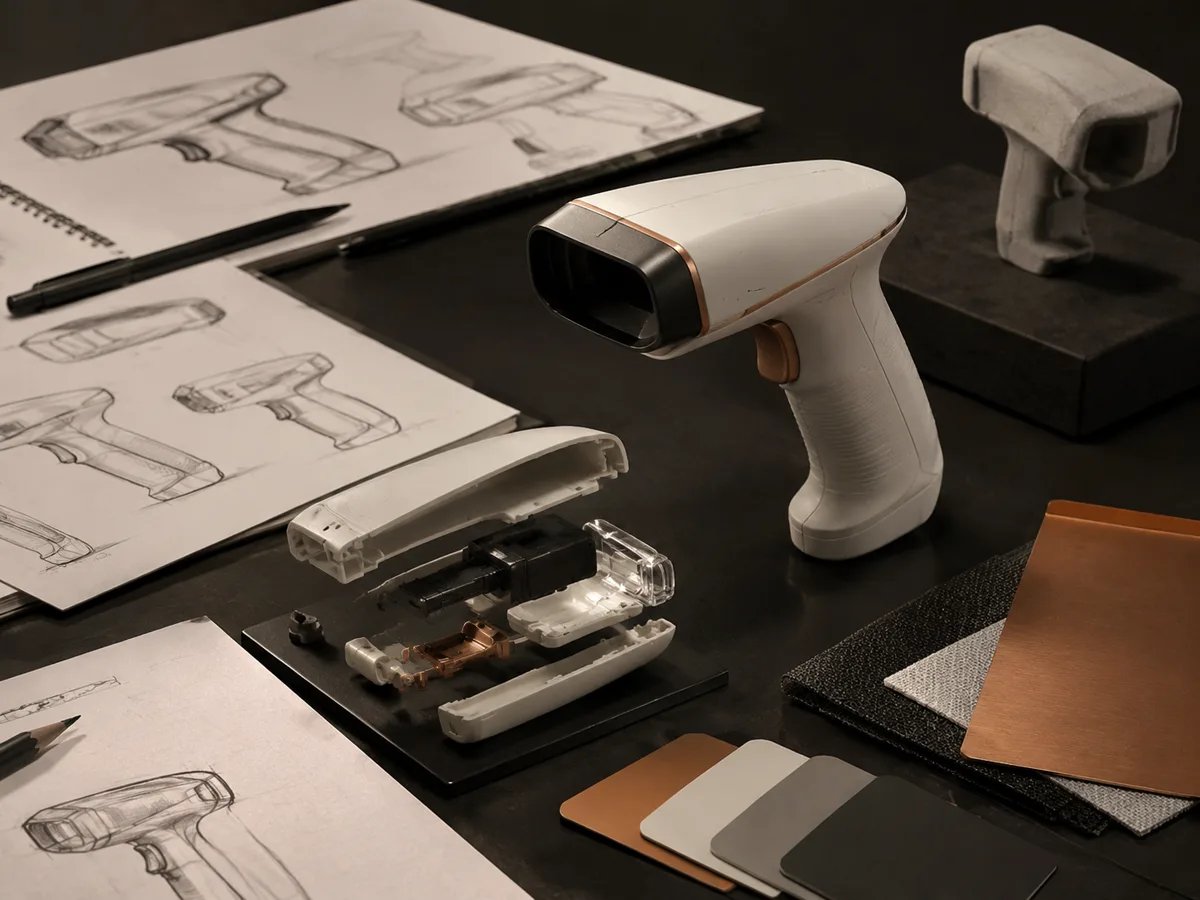
Best for
Start with a proven CAD prompt
Use one of these prompts as a baseline, then adjust dimensions, materials, holes, and annotations.
Build a complete CAD prompt
Turn a short idea into a structured brief with dimensions, functional features, presentation style, and output framing.
More parameters
Cụm từ gợi ý được tạo ra
Create a clear CAD-style concept drawing from the following structured part brief. Part or product: L-shaped mounting bracket. Main dimensions: 80 x 50 x 5 mm. Functional features: four M6 holes, 8 mm fillets, one slotted adjustment hole. show a clean isometric view with visible interfaces. use precise black technical linework on white. compose on a 4:3 drawing sheet.
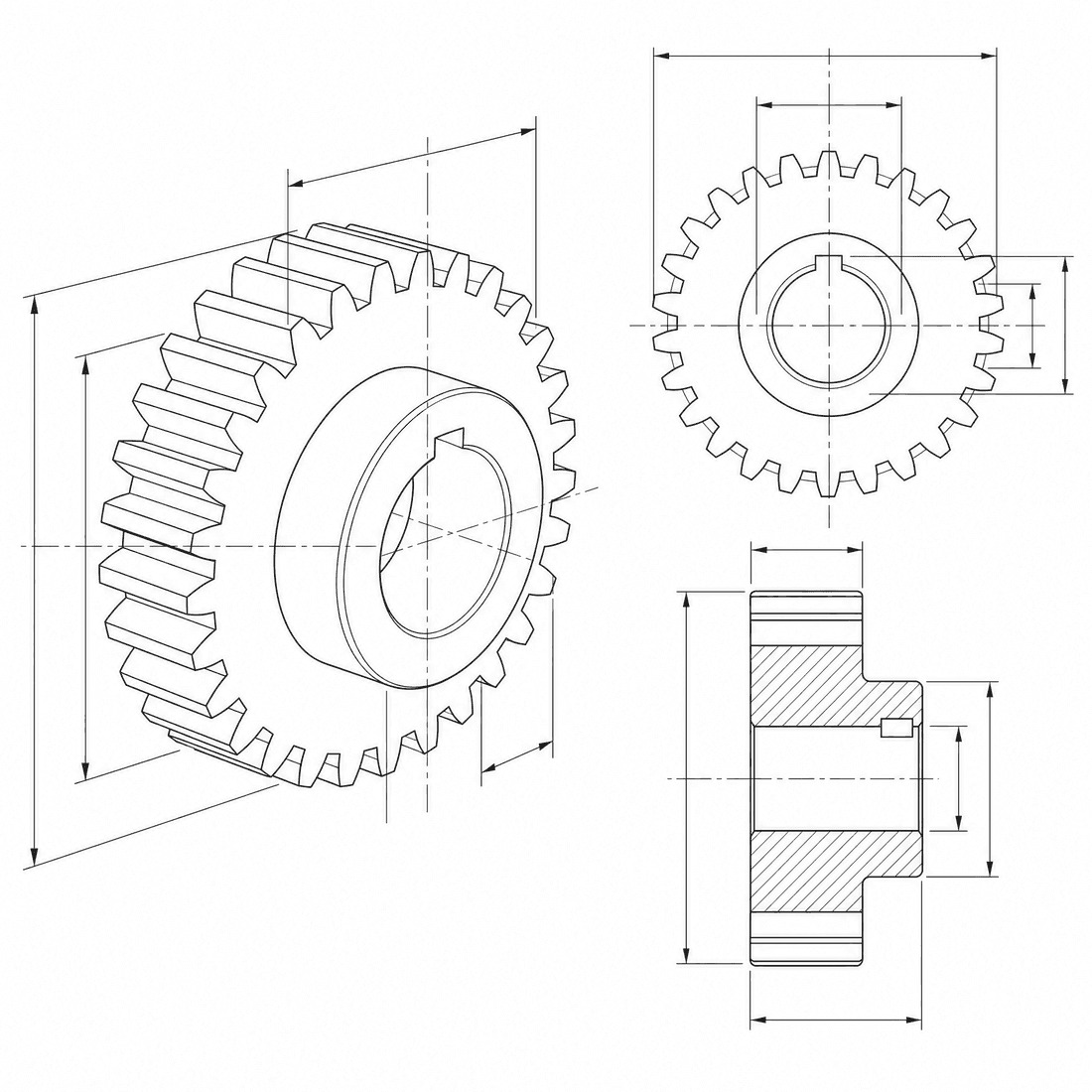
Text-generated CAD drawing examples
Câu hỏi thường gặp
Does Text to CAD create editable CAD files?
DrawCAD creates CAD-style image renders today, not editable STEP or STL files. It is best for concept visuals, technical illustrations, and documentation.
What should I write in the prompt?
Include the part type, main dimensions, holes, materials, fillets, and the visual style you want. Specific prompts produce better technical drawings.
Can I use generated drawings commercially?
Paid plans are designed for commercial workflows and no-watermark exports. Check your current plan for included credits and usage rights.
Cần thêm số lần tạo?
Sau khi nâng cấp, bạn sẽ nhận được nhiều điểm thưởng hơn, độ phân giải cao hơn và khả năng xuất file không có hình mờ.